



Markham’s AV & Smart Home Installation Specialists
Highway 7 condos with concrete walls, Cornell townhomes across three floors, and large Cachet detached homes all need a completely different installation plan. We figure out which one you have before we show up.
Licensed, Insured & Certified For Every Property Type
$2,000,000 Liability Insurance
Full commercial general liability on every job — Unionville, Cachet, Cornell, Berczy, and surrounding areas
WSIB Coverage
WSIB registered — protecting you and our team on every property, condo or detached
Certified Control4 Dealer
Certified Control4 dealer — smart home automation for larger Cachet and Unionville homes, planned from the network up
Sonos Gold Authorized Dealer
Sonos Gold Authorized Dealer — from a single Arc in a Cornell townhome to a 8-zone Unionville estate system
6× Houzz Best of Service Award
Six consecutive Houzz Best of Service Awards — consistent standard across every project in the area
Same-Day Service Available
Mon–Sun, 8:30 AM – 9 PM — same-day availability for TV mounting and Wi-Fi service calls across Markham
- Concrete walls in Highway 7 condos need a different mounting approach than drywall — we confirm wall material before booking, not on arrival
- Three-floor Cornell and Wismer townhomes get a wired access point on each floor, not a consumer mesh node that degrades with every hop
- Above-fireplace TV installs in Cachet and Unionville homes include a heat clearance check, tilt confirmation, and a clean cable route — not just a bracket on the wall
- Pre-wire visits for new Berczy and Angus Glen builds are coordinated around the framing schedule so infrastructure is in place before walls close
Services Tailored to Markham’s Housing Mix
SetupTeam covers all of Markham — Unionville, Cachet, Cornell, Wismer Commons, Berczy Village, Angus Glen, Box Grove, and the Highway 7 corridor. The range of property types here is wider than most GTA markets: condo concrete walls, three-floor townhomes, large detached homes, and new builds all in the same city, all needing a different approach.
Unionville · Cachet · Cornell · Wismer Commons · Berczy Village · Angus Glen · Box Grove · Highway 7 Corridor
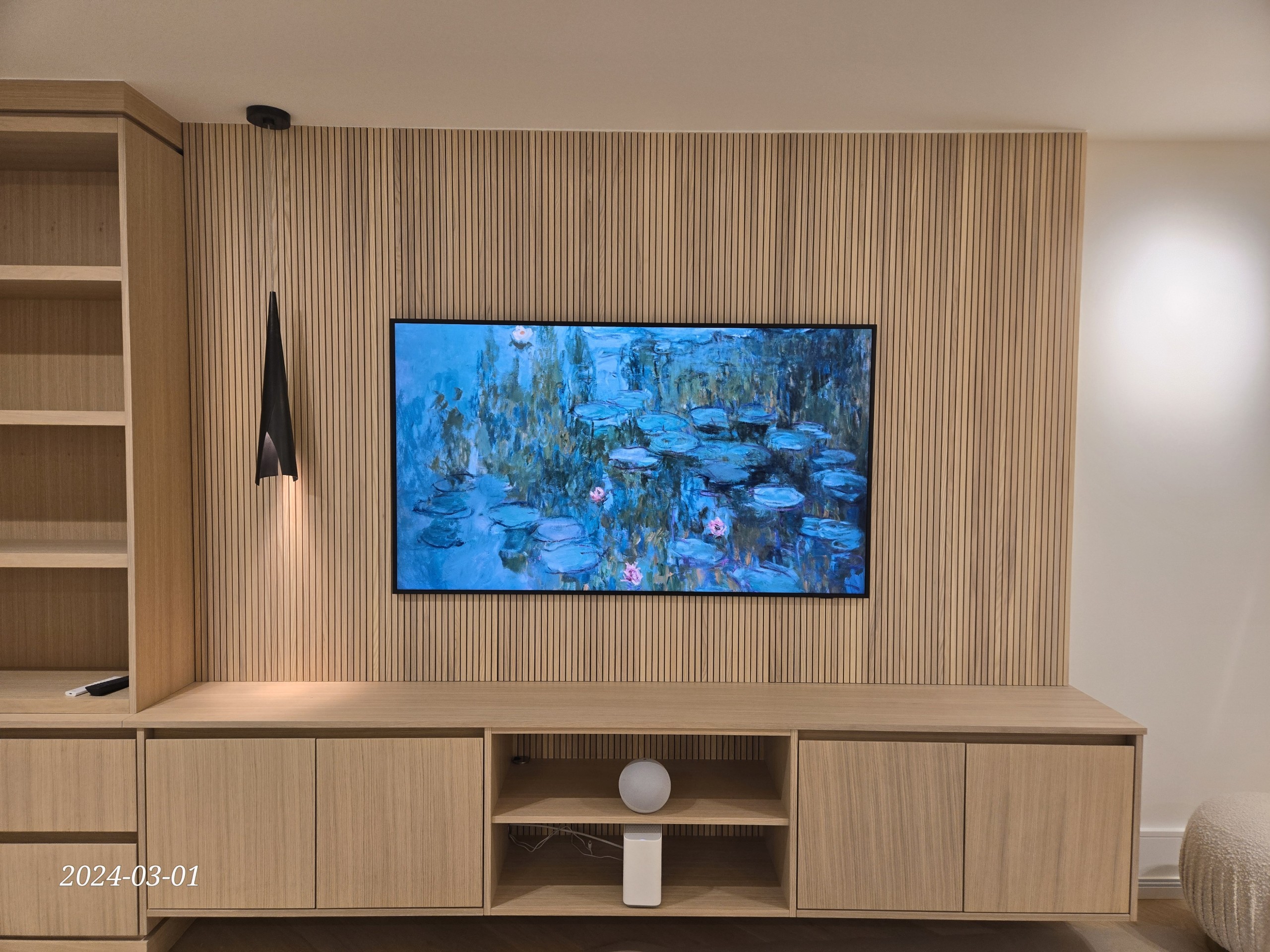
TV Wall Mounting
TV mounting for every Markham property type — concrete condo walls, drywall townhomes, and above-fireplace installs in Cachet detached homes. Cable concealment confirmed before arrival.
Learn more →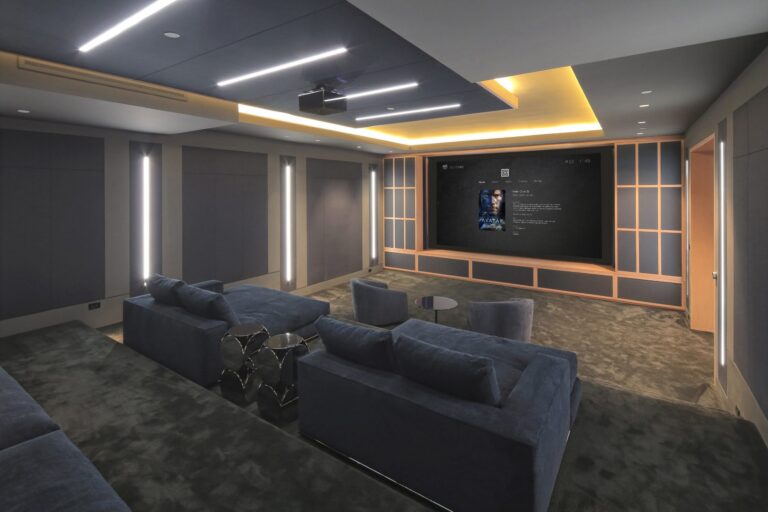
Home Theatre Installation
Basement cinema rooms for Unionville and Cachet detached homes — speaker geometry and in-wall wiring designed for the actual room before any hardware is purchased.
Learn more →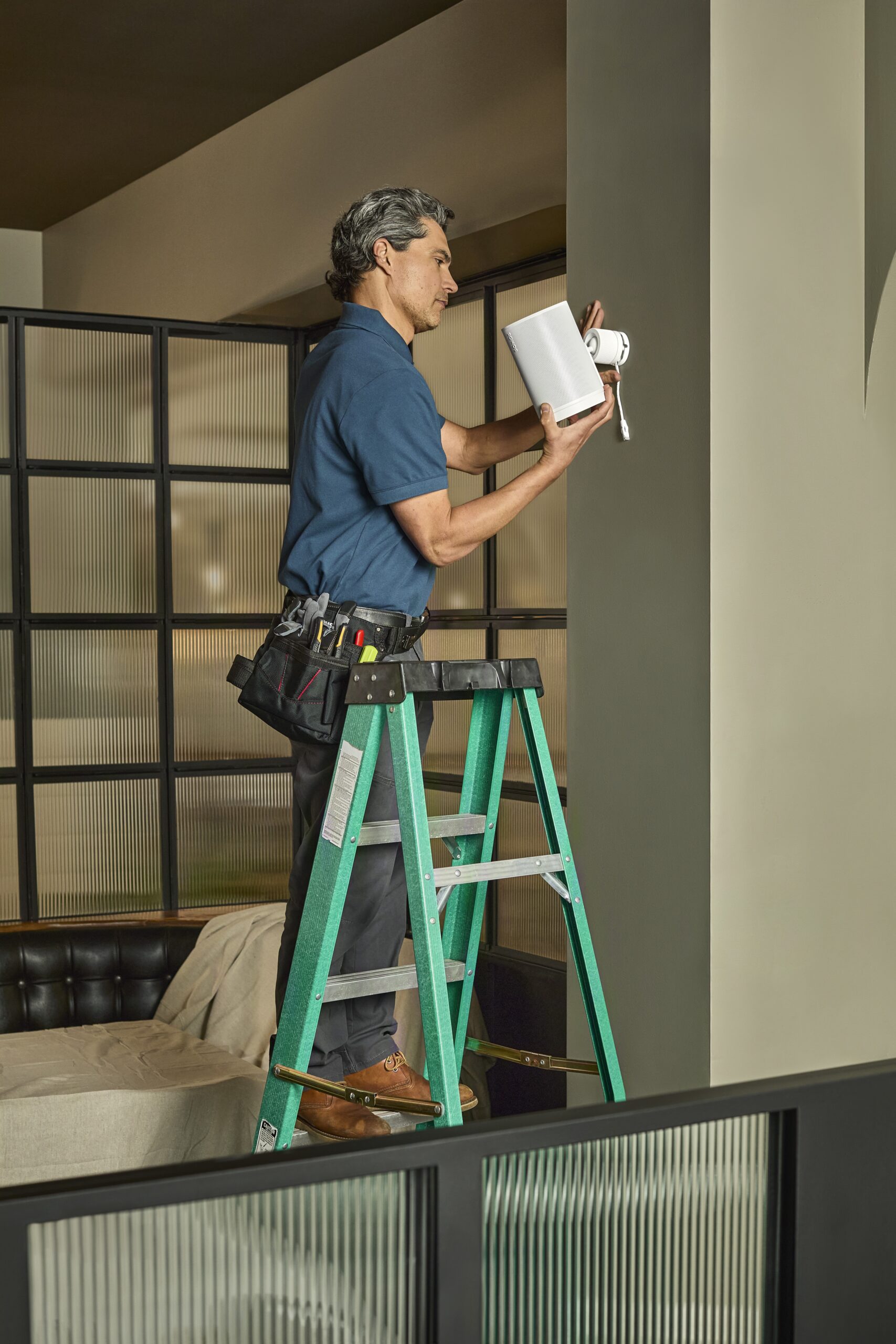
Sonos Installation
Sonos installation from a single Arc in a Cornell townhome to a full multi-zone system in a Unionville estate — configured correctly for the floor plan.
Learn more →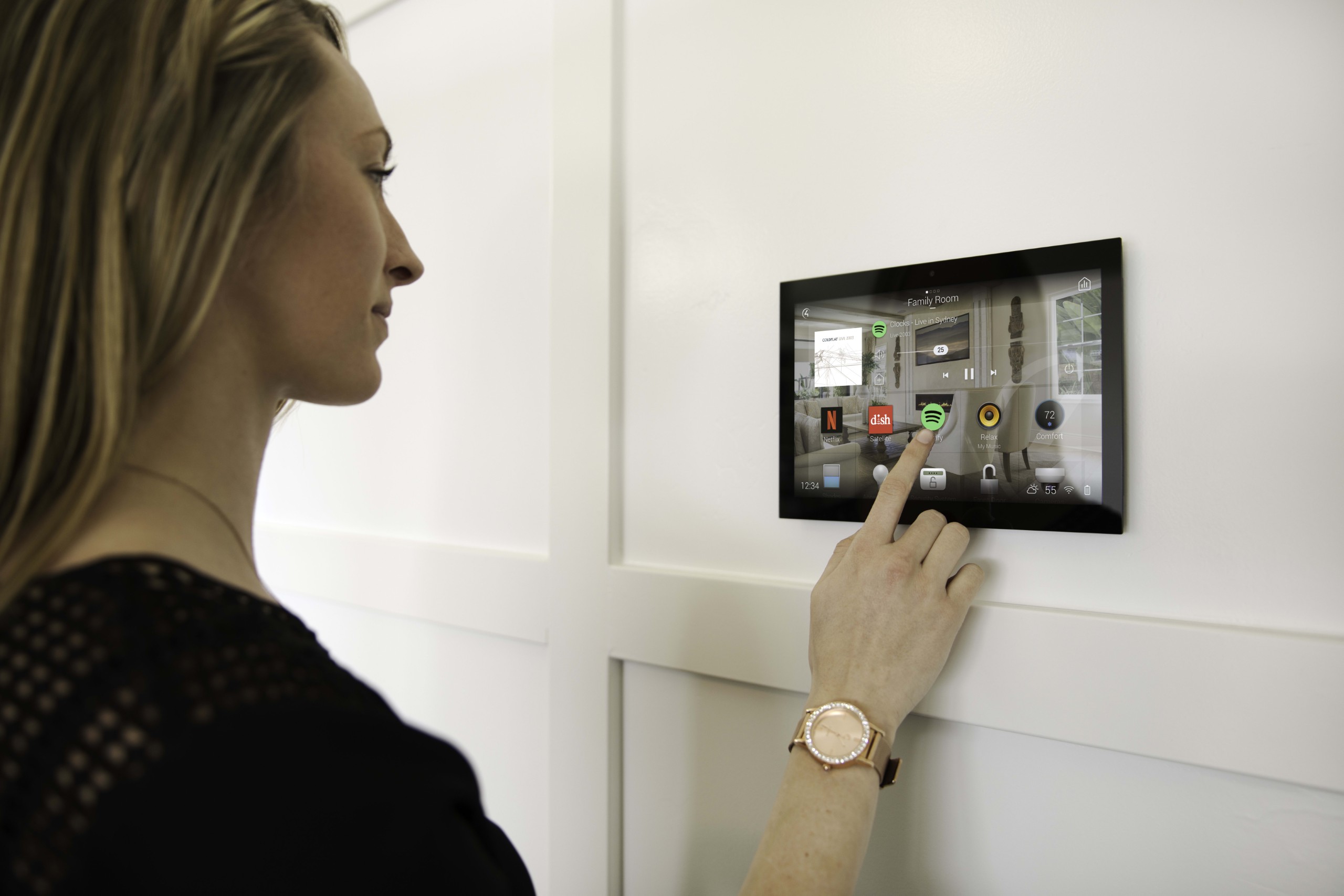
Control4 Smart Home
Control4 automation for larger Cachet and Unionville detached homes — the right choice when you have multiple zones and want one interface for everything.
Learn more →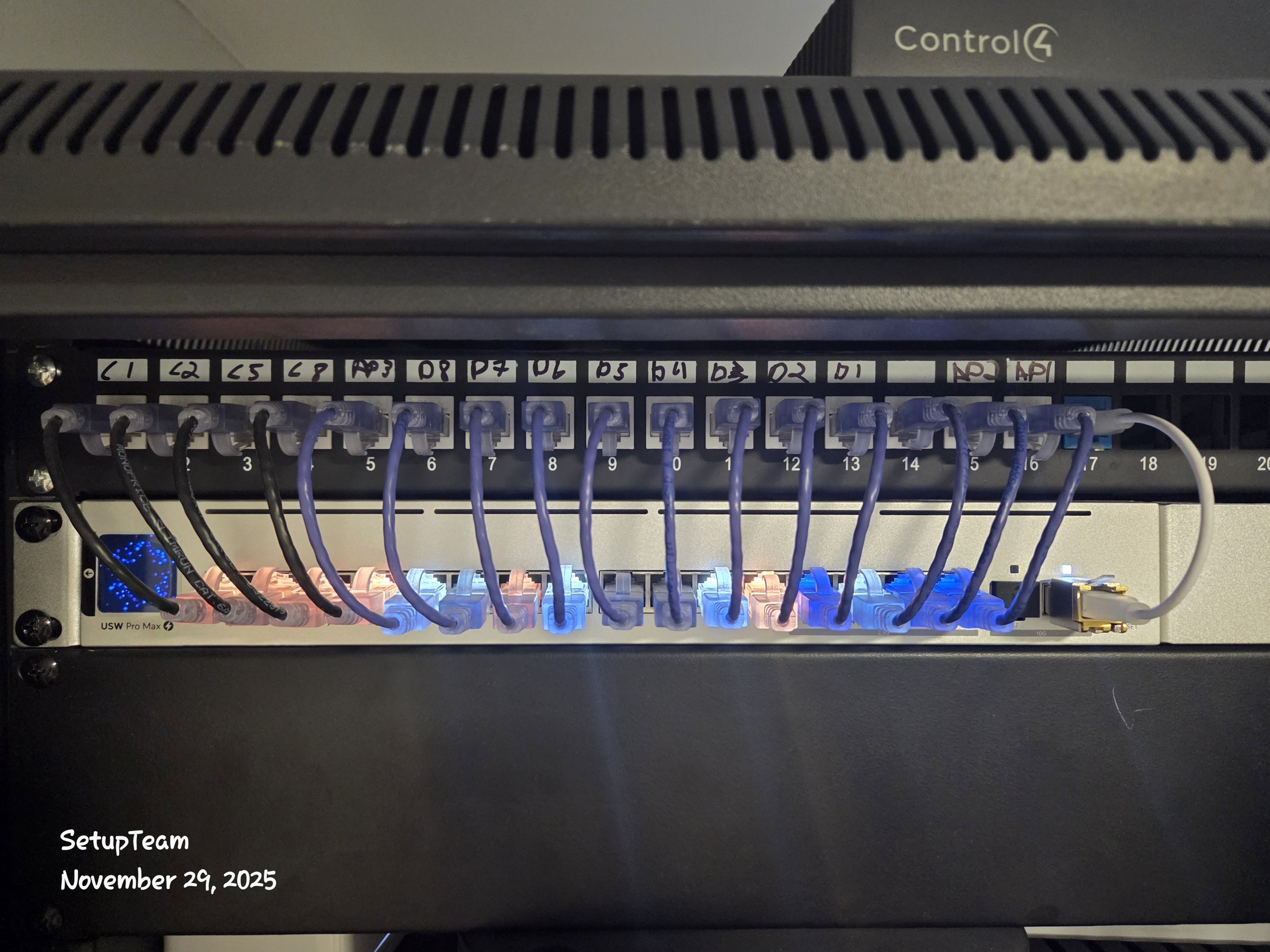
Network & Structured Wiring
Structured wiring for Berczy and Angus Glen new builds — Cat6 to every room during framing, so walls close over clean infrastructure instead of last-minute cable runs.
Learn more →
Wi-Fi Troubleshooting
Wi-Fi coverage across all three floors of a Cornell townhome, or across a large Unionville detached home — wired backhaul to a ceiling AP on each floor, not mesh.
Learn more →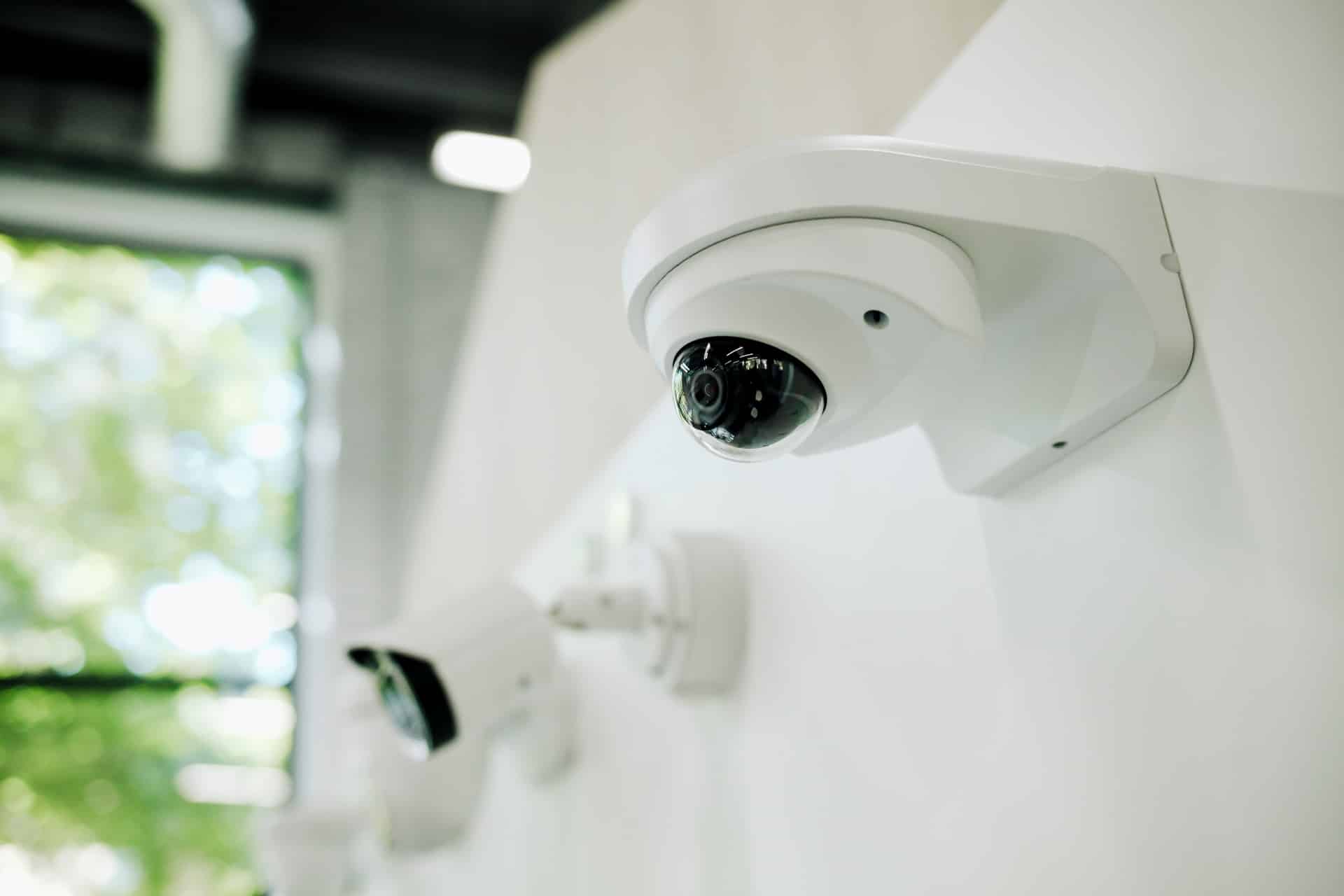
Security Cameras
Camera placement for Markham homes — driveway, garage, and perimeter coverage designed for the property layout, wired for stable recording.
Learn more →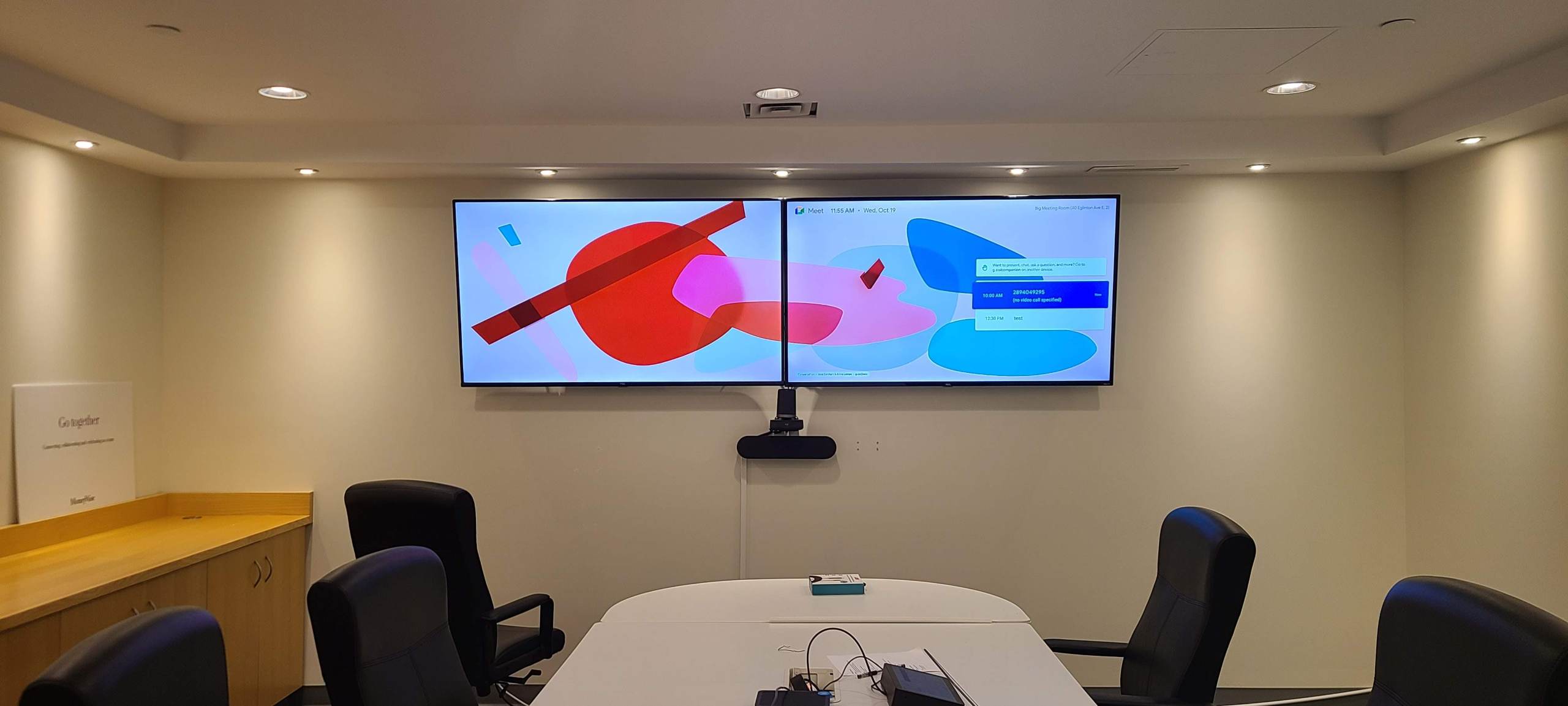
Commercial TV Installation
Commercial display and AV installation for Highway 7 corridor businesses and office spaces — installed on the same standards as residential projects.
Learn more →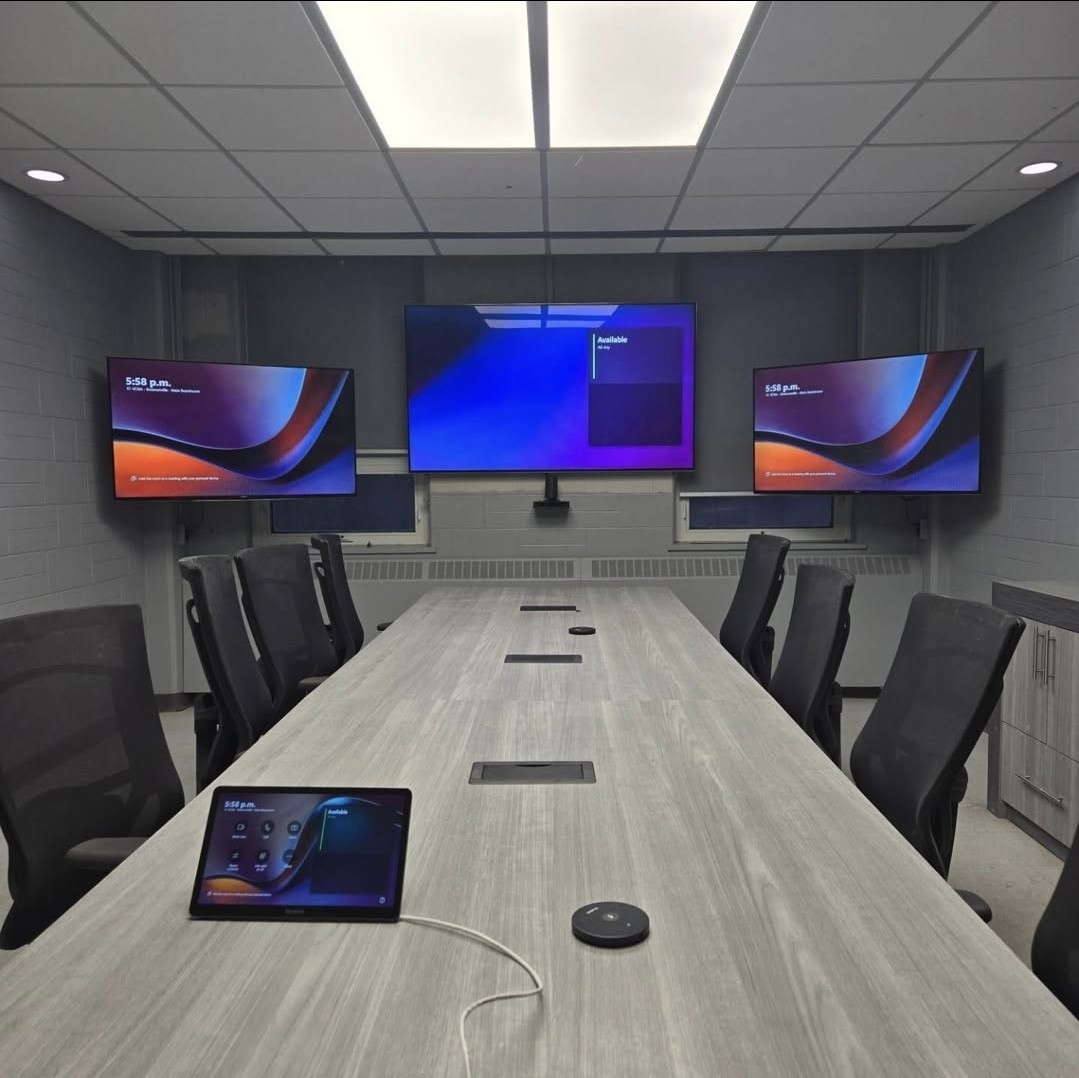
Conference Room AV
Conference room AV for Markham commercial offices — display mounting, camera, mic, and network setup in a single visit.
Learn more →What We Install & Where
Property types here range from Highway 7 high-rise condos to Cachet detached homes and Cornell three-floor townhomes. Each one has distinct installation requirements — concrete versus drywall, three floors versus two, existing infrastructure versus new build.
Highway 7 Condos
TV mounting on concrete and drywall with correct anchor selection, soundbar setup, and Wi-Fi AP placement for units where channel saturation makes a consumer router upgrade pointless.
Cornell & Wismer Townhomes
Three-floor wiring with Cat6 to each level, ceiling AP on every floor, and TV mounting with concealed cables — planned for narrow vertical layouts, not open-plan detached homes.
Cachet & Unionville Detached
Above-fireplace TV installs with fully hidden wiring, multi-zone Sonos with in-ceiling speakers, and Control4 automation for larger two-floor layouts with dedicated equipment rooms.
Berczy & Angus Glen New Builds
Pre-wire during the framing phase — Cat6, speaker wire, and HDMI to every planned location before drywall closes. No retrofitting required after move-in.
Multi-Generational Homes
Separate networking zones, dedicated TV and audio per suite, and AV systems that can operate independently per floor — for multi-generational households with different usage patterns.
Basement Home Theatres
Dedicated cinema rooms in finished Markham basements — in-wall speaker wiring, Dolby Atmos layout, projector or large-screen setup, and AV rack for a proper theatre experience.
Recent Work Across the Area
A selection of recent installations — from above-fireplace TV installs in Cachet to three-floor Wi-Fi in Cornell and pre-wire builds in Berczy Village.
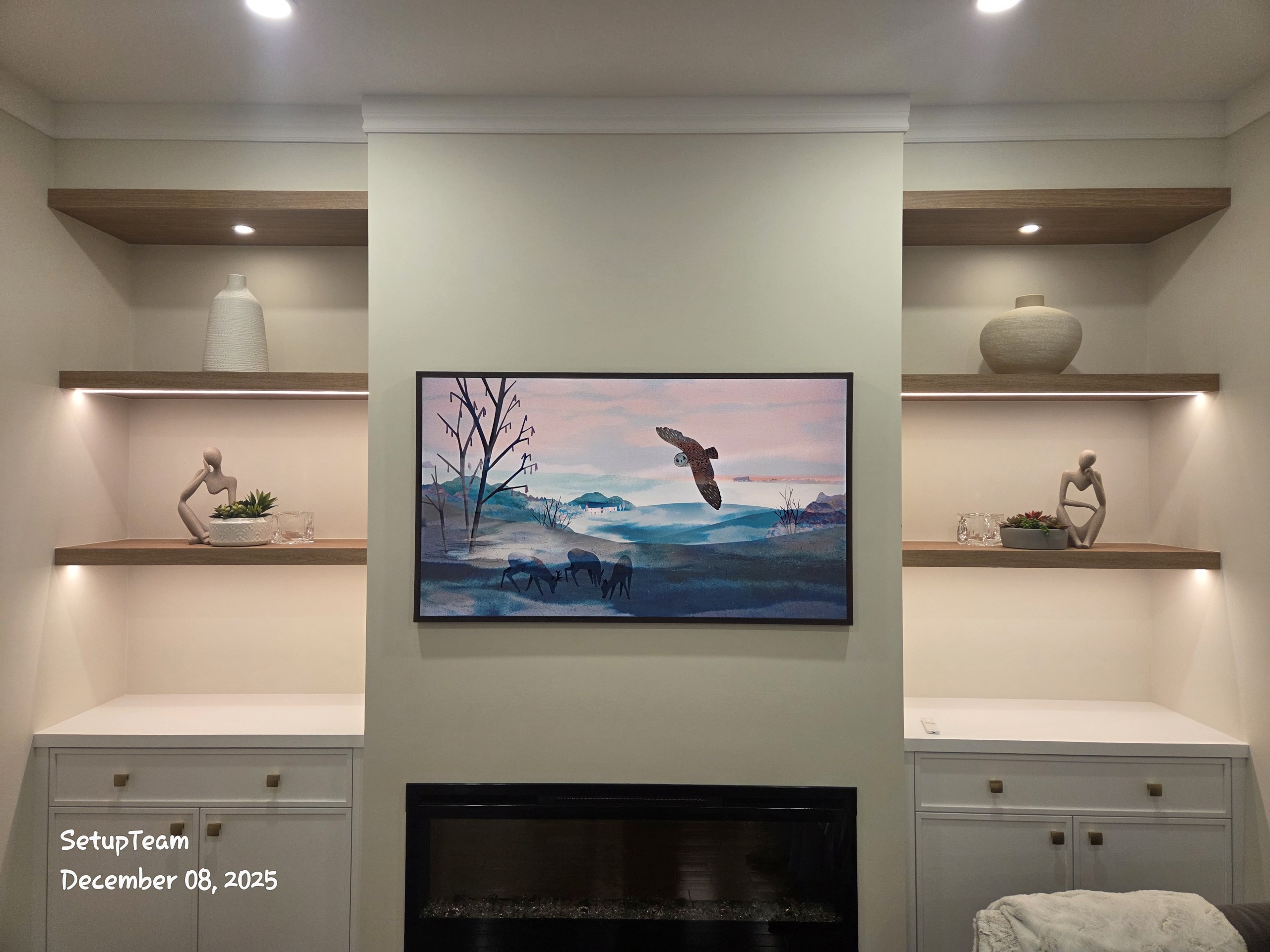
A recent Cachet project involved an 85″ TV above a gas fireplace with the receiver and Apple TV stored in a media cabinet across the room. HDMI and optical cables were routed through the wall cavity and across a ceiling soffit — completely hidden. The TV wall was clean, the cabinet was tidy, and the Sonos Arc handled audio without a cable pile behind the screen.
Cachet — Above-Fireplace TV + Sonos Arc + Hidden Equipment
85″ TV and Sonos Arc mounted above a gas fireplace. HDMI and optical cables run through the wall cavity and ceiling soffit to a media cabinet across the room. Receiver and streaming devices hidden in the cabinet. TV wall completely clean.
Cornell Townhome — Three-Floor Wi-Fi + Above-Garage Office
Cat6 run from the basement panel through each floor and into the above-garage office. Ceiling UniFi APs on every level. Dead zone in the home office eliminated. Full router speed across all three floors simultaneously — verified under load.
Angus Glen New Build — Pre-Wire + 6-Zone Sonos + Control4
Pre-wired during framing with Cat6 and speaker cable to every room. After move-in: 6-zone Sonos installed and commissioned, Control4 configured for audio, lighting, and TV. No retrofitting required — everything landed where it was planned.
What Changes When You Are Installing in a Strata or Multi-Floor Layout
Installing AV and networking in a Highway 7 condo or a Cornell townhome is not the same as working in a detached home. The constraints are different, the anchoring is different, and the cable routing options are more limited. These are the common scenarios we plan around before arriving.
Concrete & Masonry Walls
Concrete anchor selection, hammer drill use, and stud-free mounting solutions — confirmed for the specific wall before booking. The wrong anchor in a concrete wall is a failed mount.
Cable Routes in Finished Walls
Townhome and condo cable routes need to work within the existing wall cavities — we confirm the route before drilling, not after. In-wall raceways are used when a clean channel run is not possible.
Wi-Fi Across Three Floors
Consumer mesh in a three-floor townhome means three wireless hops — each one slower than the last. A wired Cat6 run to a ceiling AP on each floor eliminates the speed loss and the dead zones.
Sonos in Vertical Layouts
Sonos zone placement in a townhome or condo works differently than in an open-plan home — speaker selection and placement is adjusted for the floor plan so audio is usable on every level, not just the main floor.
From First Call to Finished Install
Wall type & layout confirmed first
Concrete versus drywall, above-fireplace clearance, cable route from TV to equipment — all confirmed before booking, so the installation day has no surprises.
Clean installation for the property type
Correct anchors for the wall material, cables concealed through the neatest available path, and equipment placement that suits the room.
System configuration & calibration
TV, audio, Control4, and network gear set up for daily use — picture calibration, Sonos room configuration, and Control4 interface tested before sign-off.
Walkthrough before we leave
Every feature demonstrated with you: picture, audio zones, Wi-Fi on every floor, Control4 interface. Not signed off until it all works as described.
What to Expect Based on Your Property
Can you mount a TV on a concrete wall in a Highway 7 condo?
How do you run cables through a finished wall in a condo or townhome?
How do you fix dead zones across all three floors of a Cornell townhome?
Can you install Sonos in a three-floor townhome?
Can you install a TV above a fireplace in a Cachet or Unionville home?
Can you pre-wire a new Berczy Village or Angus Glen build?
Can you build a home theatre in a Markham finished basement?
Can you install Control4 in a larger Cachet or Unionville home?
Is Wi-Fi installation in a multi-generational home more complicated?
What is the quickest way to get a quote for a Markham installation?
Markham & The Greater Toronto Area
SetupTeam serves Markham and every corner of the GTA. Same-day and next-day scheduling available across all areas.
Know What You Want? Let’s Get It Booked.
Send us the property type, TV size, wall material if you know it, and what you want the finished setup to look like. A photo of the room helps more than a description. We reply quickly with a firm estimate and available dates.
Send a Photo & Get a Quote Book OnlineRead our 400+ Google Reviews ↗

