



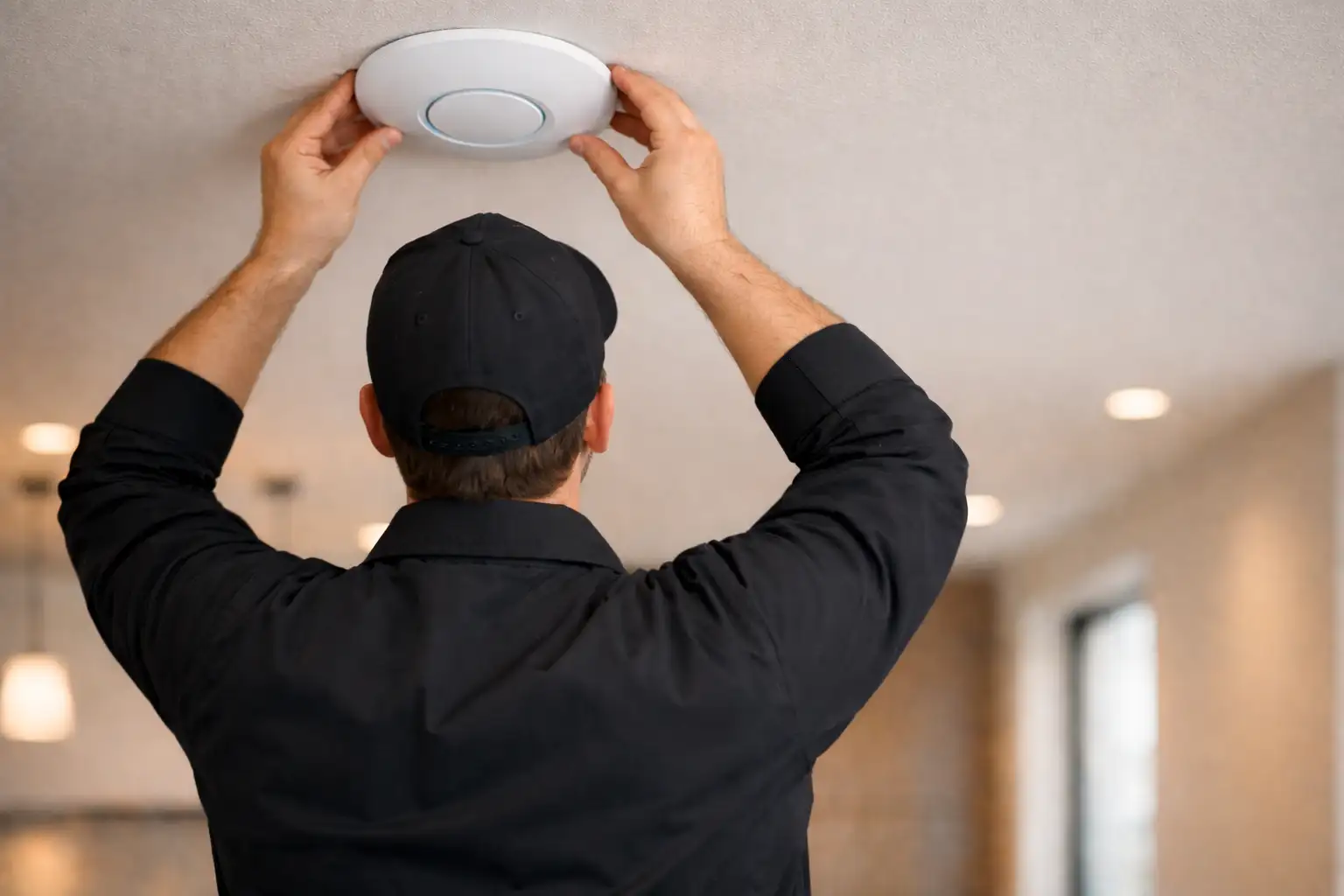
Fix Wi-Fi Dropouts, Dead Zones, and Network Problems in Toronto
On-site diagnostics and structured network design for Toronto homes, condos, and commercial spaces — residential and business clients served.
Your Internet Plan Isn’t the Problem
Most Wi-Fi problems in Toronto homes and offices have nothing to do with the speed of your internet package. The issue is almost always structural: interference from neighbouring networks, poor access point placement, concrete walls blocking signal, or consumer-grade equipment that can’t handle the real device load.
In residential properties — detached homes, condos, and multi-floor townhouses — dead zones and dropped connections are common when a single router is expected to cover the whole building. In commercial environments — offices, retail spaces, meeting rooms — the same problems compound: video calls stall, cloud platforms lag, and devices fight for bandwidth.
We diagnose the actual cause first. Then we fix it.
Professional Wi-Fi Diagnostics & Network Installation
SetupTeam provides professional on-site Wi-Fi diagnostics, network optimization, and full installation across Toronto and the GTA. Whether you need a site survey to find the root cause of an existing problem, a new mesh system properly placed and tuned, or enterprise-grade access points installed with wired backhaul — we plan it, supply the hardware, and commission the result.
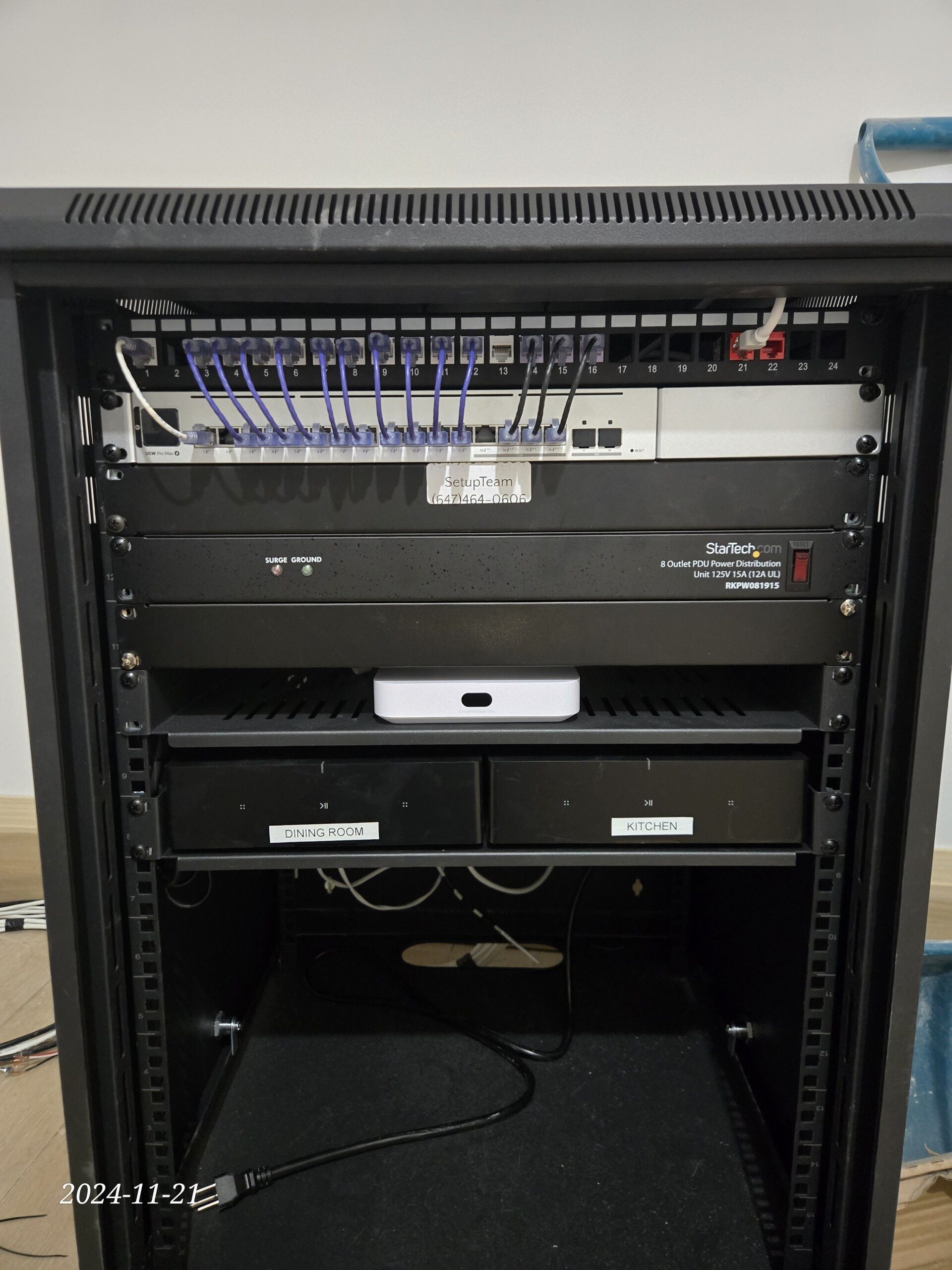
We work with Ubiquiti UniFi, eero, Netgear Orbi, and TP-Link Omada platforms, selecting the right system for the property, the device density, and the performance target. This is part of our broader networking services in Toronto — structured wiring, patch panels, and full-property cabling included where needed.
Wi-Fi for Toronto Homes and Condos

Toronto’s residential properties present real physical challenges. Concrete construction in condos absorbs and reflects 5 GHz signal, reducing range between rooms. Dense channel congestion in multi-unit buildings causes interference even when access point placement is correct. Detached homes on multiple floors often need distributed access points rather than a single device attempting to cover the entire structure.
Older properties add further complexity. Pre-war homes in The Annex, Riverdale, and Rosedale frequently have lath-and-plaster walls with metal mesh backing — a combination that attenuates 5 GHz signal far more severely than modern drywall. The fix in these properties is wired backhaul: a Cat6 cable routed through attic or basement space to place an access point past the barrier, without opening period plaster.
For condo units in dense downtown buildings, the problem is typically channel saturation rather than physical attenuation. Dozens of routers competing on the same 2.4 GHz and 5 GHz channels create an interference environment that no amount of mesh nodes can overcome without proper channel planning. We measure actual channel utilization on-site before recommending or placing any hardware.
We also configure systems that work reliably with Sonos installation and support and Control4 installation — both of which depend on stable, low-latency wireless infrastructure to function consistently. Network planning for a home cinema installation is often coordinated in the same visit.
Wi-Fi for Offices, Retail, and Meeting Rooms
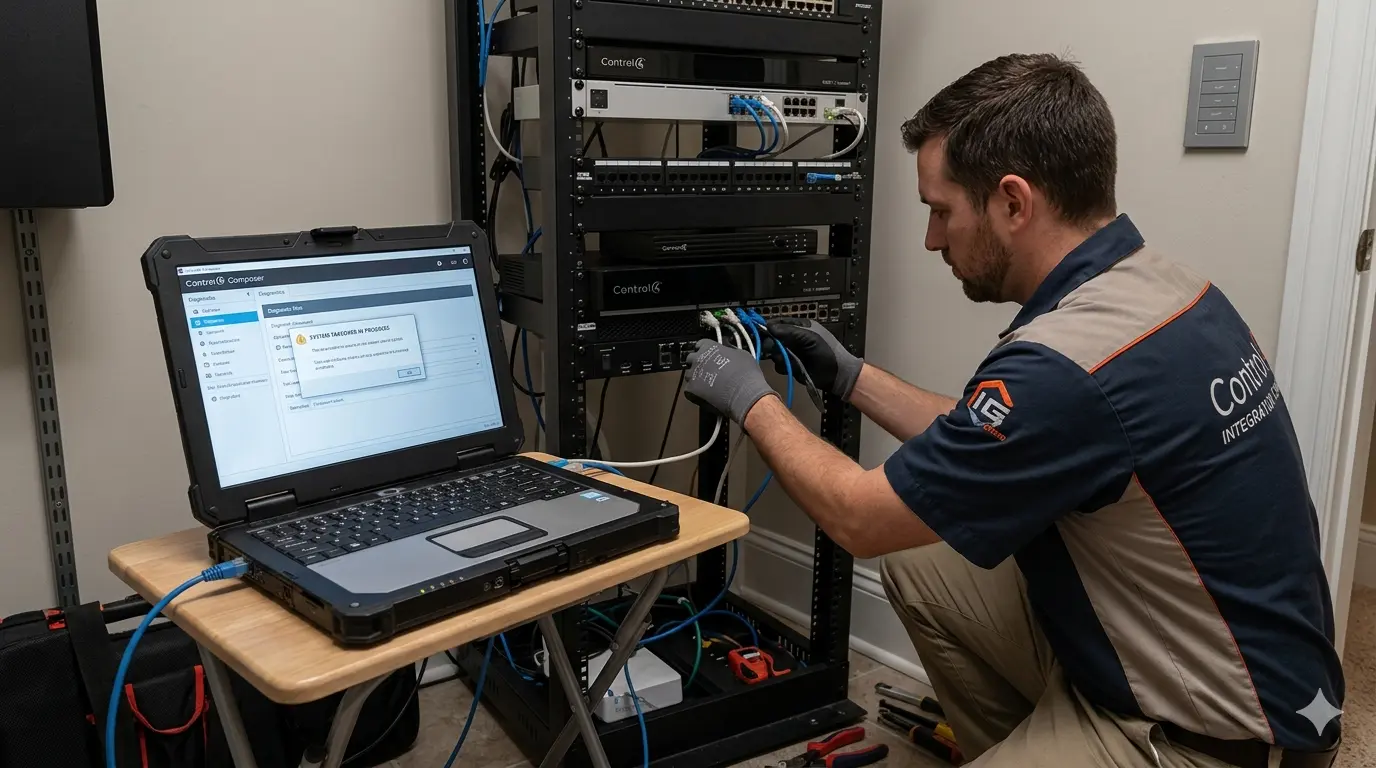
For commercial clients, network reliability is a productivity and operations issue. Video conferencing platforms like Zoom and Teams require consistent, low-latency connections — a network that works fine for general browsing can still cause dropped calls and frozen video. Point-of-sale systems, access control, and security camera installation all compete for bandwidth on the same infrastructure.
We plan commercial networks with appropriate VLAN segmentation, guest network isolation, and access point density matched to actual usage — not estimated coverage maps. Wired backhaul is recommended wherever infrastructure allows: each access point on a dedicated Ethernet connection removes the throughput penalty of wireless mesh backhaul and delivers consistent performance as device count increases.
For boardroom and meeting room environments, we coordinate with conference room solutions to ensure the network supports the traffic demands of the space. VLAN segmentation for guest networks and IoT device isolation is included where appropriate.
Four Steps to a Reliable Network
Diagnose
On-site signal measurement, interference mapping, configuration audit, and device-load review. We measure what is actually happening — not what the router dashboard reports.
Design
A network layout built around your construction type, usage patterns, and coverage requirements. Hardware is selected after measurement — not before the site visit.
Install
Hardware placement, wired backhaul where applicable, and tuning for roaming, band steering, and QoS. We supply, commission, and validate every component.
Verify
Performance confirmed under real load: streaming, video calls, and multi-device use simultaneously. The visit is not complete until the network is confirmed stable.
Ready to Fix Your Network?
Every project starts with an on-site assessment. We identify the root cause, explain it clearly, and provide a firm price before any work begins.
A Solid Network Supports Every Connected System
These are the services Toronto homeowners pair with network work most often. We handle all of them — frequently in the same visit.
Toronto & Greater Toronto Area
Serving Downtown Toronto, North York, Etobicoke, Scarborough, East York, and surrounding GTA communities. Residential and commercial clients welcome. On-site diagnostics available Monday through Sunday, 8:30 AM to 9 PM.
Wi-Fi Troubleshooting & Network Optimization — FAQs
Why does my Wi-Fi keep dropping in my Toronto condo?
Condo Wi-Fi dropouts almost always come from one of three sources: channel congestion, poor node placement, or client roaming behaviour. In dense Toronto buildings, dozens of routers operate on overlapping channels. The 2.4 GHz band in particular becomes heavily congested because it travels farther through walls and attracts more competing networks. Concrete construction also limits 5 GHz propagation between rooms.
The second common cause is access point or mesh node placement — equipment inside cabinets, near microwaves, or stacked in a single corner of the unit rarely covers the full floor plan. The third is roaming: many consumer mesh systems are slow to hand off devices between nodes, causing the device to hold onto a weak signal longer than it should.
A proper site survey identifies which of these is driving the problem. The fix might be as straightforward as repositioning hardware and adjusting channel settings, or it may require adding a second access point with wired backhaul to eliminate the wireless bottleneck.
What is the difference between Wi-Fi troubleshooting and network optimization?
These are related but distinct services. Troubleshooting is reactive: something is broken or performing poorly, and the goal is to identify the root cause and correct it. A site survey visit falls into this category — measuring what’s actually happening versus what the router dashboard claims.
Network optimization is often proactive or post-installation: the network works, but not at the level the property and use case demand. Optimization involves reviewing configuration settings — channel width, band steering, roaming thresholds, QoS — assessing access point placement against the real RF environment, and making adjustments to squeeze consistent performance out of the existing or upgraded infrastructure.
In practice, most visits involve both: we diagnose what’s wrong, correct it, and then optimize the configuration so the same problem doesn’t recur. Residential clients typically care most about seamless roaming and smart device stability. Commercial clients prioritize video call reliability, bandwidth allocation across teams, and guest network separation.
What Wi-Fi systems do you install and support?
Ubiquiti UniFi is our preferred platform for larger homes, multi-unit properties, and commercial installations. UniFi access points are enterprise-grade, support wired backhaul, and offer precise control over roaming, VLAN segmentation, and QoS.
eero (including eero Pro 6E) is well-suited for residential installations where simplicity and ease of management matter, particularly in homes with a moderate device count and no need for VLAN configuration.
Netgear Orbi and TP-Link Omada are also supported where the client already has these platforms or where the use case is a strong fit. For properties running Sonos multi-room audio or Control4 automation, we configure the network to ensure reliable operation of these systems — both of which are sensitive to roaming delays and multicast traffic handling.
What happens during an on-site Wi-Fi diagnostic visit?
A diagnostic visit is a structured assessment — not a guess-and-replace approach. We begin by reviewing the physical layout of the space and understanding where the problem symptoms are most severe. We then measure actual signal strength, noise floor, and interference patterns room by room, rather than relying on the router’s self-reported statistics.
We audit the current configuration: channel selection, channel width, band steering settings, backhaul status (wired or wireless), and roaming assistance settings. We also check whether the problem is upstream — an ISP modem, coax splitter, or cabling issue that a new router won’t fix.
At the end of the visit, you receive a clear explanation of the root cause and a prioritized fix plan. If an obvious configuration correction can be applied immediately, we do so. If the fix requires hardware changes or additional wiring, we scope that separately after confirming the diagnosis.
Is wired backhaul really necessary for a mesh Wi-Fi system?
Not always, but it is almost always the better option where it’s possible. Wireless mesh backhaul — where nodes communicate with each other over Wi-Fi rather than Ethernet — introduces a tradeoff: every wireless hop reduces available throughput and adds variability, especially in dense RF environments like Toronto condos and multi-unit buildings.
Wired backhaul (running Ethernet from a switch to each access point or mesh node) eliminates this bottleneck entirely. Each node gets a full, dedicated connection to the network, which means roaming between nodes is faster and throughput doesn’t degrade as device count increases.
For residential clients, wired backhaul is ideal for multi-floor homes where running a cable between floors is practical. For commercial clients, it’s strongly recommended wherever infrastructure allows. If wiring isn’t possible, we design the wireless backhaul layout to minimize hops and maximize node-to-node signal quality.
Why do Zoom and Teams calls drop or freeze even when my speed test looks fine?
Speed tests measure peak throughput under ideal conditions — they don’t reflect real-world latency under simultaneous load. The most common culprit for call instability despite fast speeds is bufferbloat: excess packet buffering in consumer routers and modems that causes large latency spikes whenever another device on the network is uploading or downloading.
Cloud backups, security camera uploads, streaming in another room, and large file transfers can all trigger bufferbloat without consuming obvious bandwidth. The result is that the speed test passes but Zoom drops frames or audio cuts.
The technical fix is proper queue management — Smart Queue Management (SQM) or equivalent QoS configuration at the router level. In commercial environments, properly configured QoS that prioritizes real-time traffic over background transfers resolves most call instability that persists after Wi-Fi coverage issues are corrected.
Can you fix Wi-Fi in a multi-tenant commercial space or an office in a leased building?
Yes. Commercial Wi-Fi in leased spaces has specific constraints: you typically control only the space itself, not the building infrastructure, and interference from neighbouring tenants is a real factor. We approach these installs with those limitations in mind.
Our process starts with a site survey to measure channel congestion from adjacent networks, identify where wired drops are available, and map the coverage requirements across meeting rooms, open-plan areas, and private offices. We design the access point layout to deliver reliable coverage within the leased boundary while minimizing interference from and to neighbouring units.
For boardroom and meeting room applications, we coordinate with any existing AV or video conferencing setup to ensure the network supports the traffic demands of the room. VLAN segmentation for guest networks and IoT isolation is included where appropriate.
What causes Wi-Fi dead zones in a large Toronto home?
Dead zones in detached homes and larger properties almost always result from one of three conditions: building materials blocking signal propagation, insufficient access point coverage for the floor plan, or incorrect placement of existing equipment.
Brick and stone construction common in older Toronto homes significantly attenuates 5 GHz signal between floors and across thick walls. A router placed in a basement utility room or a first-floor corner will rarely provide usable signal throughout a three-storey home.
The correct solution is almost always distributed access points — multiple units placed strategically across the property and connected with wired backhaul where possible. For properties running systems like Sonos or Control4, reliable coverage throughout the home is not optional — these systems depend on consistent wireless connectivity to every zone.
Do you supply the hardware, or do I need to purchase it separately?
We supply and install. SetupTeam sources compatible hardware and includes it as part of the installation — this ensures that the equipment we specify is appropriate for the space, correctly provisioned, and validated after installation. You are not left purchasing equipment based on a recommendation and hoping it works.
For residential installations, this typically means sourcing the right eero Pro, UniFi access point, or comparable platform based on the property size, device count, and any smart home integration requirements. For commercial installations, we specify and procure based on the site survey findings.
If you have already purchased hardware you want to use, we can evaluate it during the site survey and advise on whether it fits the installation design. In some cases we can install customer-supplied equipment; in others, we’ll be direct if it isn’t the right fit for the space.
How long does a Wi-Fi installation or optimization visit take?
A diagnostic-only site survey typically takes one to two hours depending on the size of the property and the complexity of the existing setup. A full installation — access points, wired backhaul, switch configuration, and final tuning — is usually a half-day to full-day engagement for a standard home or small commercial space.
Larger commercial installs with multiple access points, structured cabling runs, and VLAN configuration are scoped after the site survey and scheduled accordingly. We do not rush verification: the visit isn’t complete until the network is tested under real load — streaming, video calls, and multi-device use — and confirmed stable.
Residential and commercial clients in Toronto, North York, Etobicoke, Scarborough, and East York are typically served without a travel surcharge. Surrounding GTA coverage including Mississauga, Oakville, Richmond Hill, Markham, Vaughan, Newmarket, and Aurora is also available. See our reviews from completed installations across the region.
On-Site Diagnostics, Seven Days a Week
Serving Downtown Toronto, North York, Etobicoke, Scarborough, East York, and surrounding GTA communities. Residential and commercial clients welcome. Monday through Sunday, 8:30 AM to 9 PM.
View Recent Work →
