



Structured Wiring &Network Installation in Newmarket
SetupTeam handles the complete network installation and structured wiring process for residential projects in Newmarket. Don’t rely on Wi-Fi alone; we build a physical network layer inside your walls. Our team maps out and installs dedicated cabling for future access points, smart doorbells, and multi-room entertainment. We ensure your Newmarket home is wired for the future, delivering a centralized hub that eliminates connection issues.
Central Rack & Patch Panel Setup
A clean central hub keeps the whole system manageable. Therefore, we terminate cabling into an organized rack or structured panel with proper patching and service access, so future upgrades don’t turn into a cable mess.
Motorized Blinds + Smart-Home Wiring (Control4-Ready)
Automation works better when wiring is planned early. Therefore, we pre-wire for motorized blinds, doorbell/intercom, and other device locations that benefit from dedicated cabling. In addition, as a Control4 dealer, we can coordinate wiring layouts that support clean integration over time.
Structured Network Cabling (Cat5e/Cat6/Cat6A/Fiber)
In Newmarket homes, the backbone should support home offices, TVs, media devices, and future expansion without relying on “one cable per problem.” We run Cat6/Cat6A to key endpoints—office locations, TV zones, and equipment areas—so the system stays stable and scalable.
Cameras, Doorbell & Security Wiring
For cleaner installs, we pre-wire camera locations and doorbell/intercom wiring wherever access allows. Meanwhile, we can wire in a way that suits UniFi Protect camera drops or Hikvision-style layouts (where applicable), so coverage can expand later without redoing the core.
Video Distribution
For main-floor living areas and finished basements—common near Riverwalk Commons and throughout Glenway Estates—we plan TV zones properly and run the proper cabling so sources can be centralized, moved, or upgraded later without reopening walls.
Audio distribution
We run 14/2 or 16/2 speaker wire to planned in-ceiling/in-wall zones, and in some cases, add Cat6 to control locations for flexibility. In addition, as a Sonos Gold Dealer, we can structure the wiring so that multi-room audio scales cleanly without visible cabling later.
Smart Pre-Wire Design for Newmarket Renovations
When the walls are open on a Newmarket project—whether you’re renovating near Main Street or finishing a basement in Summerhill Estates—it’s the ideal time to build a proper low-voltage backbone. We start by mapping every endpoint by use (home office, Wi-Fi access points, TV and media zones, cameras, doorbells, blinds, and future Control4 / Sonos gear) and choosing a sensible central rack location. From there we run Cat6/Cat6A, speaker wire, and other low-voltage cabling with clear labeling and service loops, so everything terminates cleanly at the hub. Before drywall closes, each run is tested and verified, which keeps the finished system stable, easy to upgrade, and far simpler to troubleshoot later.
- Cabling planned around actual TV, audio, network, and POS/device locations
- All home-run lines are brought to a clean central rack or panel with room to grow
- Every run is labelled and tested for speed, PoE, and reliability before handover
- Conduit and spare Cat6 paths reserved for future AV, security, Sonos, and Control4 upgrades
Why Structured Cabling Matters in Newmarket Homes
Hardwiring the right devices makes a noticeable difference in day-to-day reliability. Therefore, TVs, media devices, and workstations can run on consistent wired links, while wireless coverage is reserved for mobile devices. Meanwhile, when the cabling is centralized cleanly, it becomes easier to add a new camera, expand audio zones, or upgrade equipment without chasing unknown runs. As a result, the system stays maintainable for years.
Professional Office & Small Commercial Cabling in Newmarket
Although most Newmarket projects are residential, many clients run serious businesses from home offices or smaller commercial suites that need reliable network infrastructure. We install Cat6/Cat6A drops for desks, printers, VoIP phones, PoE devices, and wall-mounted access points, all home-run to a central rack for tidy switching and UPS protection. Where needed, we also pre-wire meeting rooms for Zoom Rooms and Microsoft Teams Rooms—display locations, cameras, table microphones, and network backhaul—so video calls stay stable and the space remains easy to service or upgrade later.
Structured Networking Backbone That Stays Reliable
A dependable network starts with a proper backbone—switches sized for current loads with PoE headroom, enough ports for future devices, and tidy terminations at a central rack. From there, we run Cat6/Cat6A home runs to TVs, offices, access points, and low-voltage gear so traffic flows predictably instead of through random daisy-chains and consumer extenders. In addition, we design the structured cabling to support Control4 automation and Sonos multi-room audio on dedicated pathways, keeping AV traffic off critical data links. The result is a clean, serviceable network that stays stable as you add more streaming, smart-home, and work-from-home demands over time.
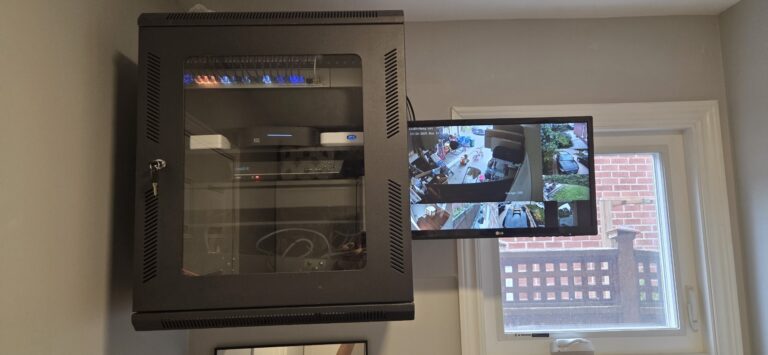
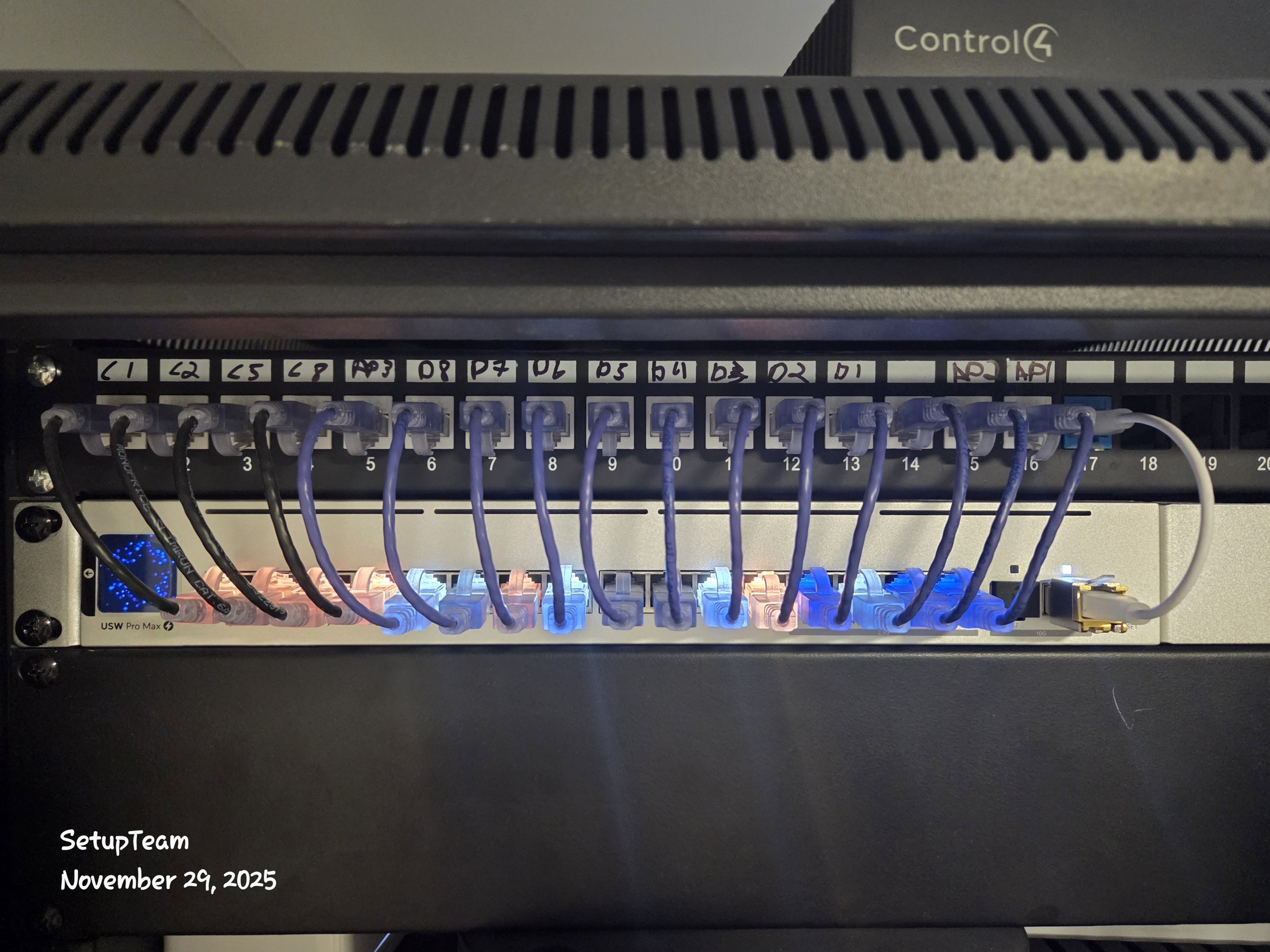
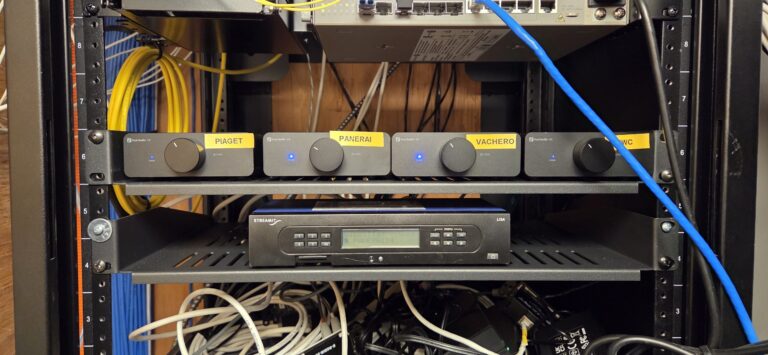
Recent Newmarket Project — Residential Backbone Upgrade with AV & Security Pre-Wire
On a Newmarket residential project near Upper Canada Mall, we rebuilt the wiring backbone by running new Cat6/Cat6A home runs to key network and media locations. TV-zone cabling was planned for future display changes and HDMI-over-Cat distribution, while camera and doorbell locations were pre-wired for clean, serviceable installs. Once the rough-in was complete, we tested and labelled every run before the equipment went live so the system can expand later without opening finished walls.
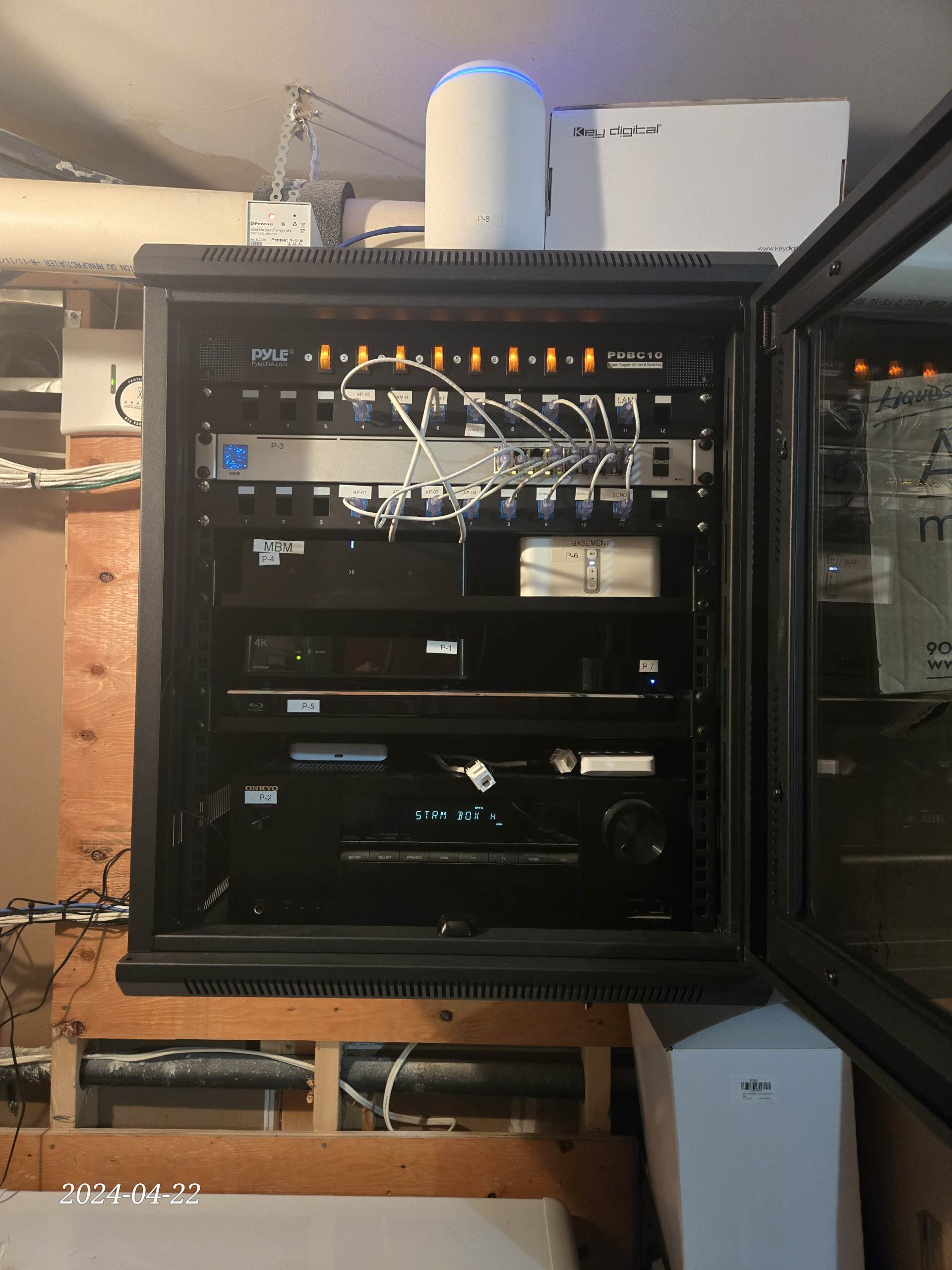
What We Installed in This Newmarket Home
This upgrade focused on structured cabling for the office and media areas, as well as wiring for audio, security, and future automation. With the new backbone in place, the homeowner can add equipment or upgrade services without disturbing finished ceilings or walls.
- Cat6/Cat6A home runs to the office, media rack, and primary TV/audio zones
- TV-zone cabling laid out for flexible AV upgrades and HDMI-over-Cat extenders
- Pre-wire for security cameras and smart doorbells with tidy central termination
- Control4-ready low-voltage wiring so automation can be added later without rewiring
Feedback from Local Clients
“SetupTeam rebuilt our wiring with a technology-first mindset. The rack is clean and clearly labelled, the network is stable in every room, and all the TVs, cameras, and automation devices behave exactly as explained. It’s obvious they understand system design and long-term reliability, not just how to ‘get it working for now.’”
“SetupTeam did an excellent job… Very professional, clean installation, and attention to detail.”
” Great service! Ilia was friendly, professional, efficient, and kept everything very clean. Also, worked around my schedule. Much appreciated! Set up looks fantastic! Thank you!! “
“Punctual and professional service with the installation”

Structured Wiring & Network Installation FAQs
If you’re planning structured wiring in Newmarket, this FAQ section walks through the key technical decisions that determine how reliable your network will be and how easy it is to upgrade later. We cover topics like backbone cabling (Cat5e vs Cat6/Cat6A), central hub design, pre-wiring for TVs, access points, cameras, and doorbells, as well as Sonos- and Control4-ready layouts. The goal is to help you end up with a clean, serviceable wiring plan that supports today’s devices and leaves clear paths for the next 10–20 years of technology.
Request an Estimate in Newmarket
Request a quote for network installation and structured wiring in Newmarket, including projects around Downtown Newmarket/Main Street, Fairy Lake, Riverwalk Commons, the Upper Canada Mall area, Glenway Estates, Summerhill Estates, Armitage, and Stonehaven-Wyndham. Tell us whether this is pre-construction or a retrofit and what you want wired (Cat6/Cat6A, TV zones, Sonos-ready audio, cameras/doorbell, motorized blinds, smart home automation). We’ll reply with next steps and an estimate based on scope and access.
- Fully licensed & insured · WSIB coverage · $2,000,000 liability
- Neat, low-impact installs with organized cabling and full system testing
- Authorized Control4 partner • Sonos Gold Dealer
- Expert layouts for UniFi / Eero Wi-Fi and UniFi Protect / Hikvision camera systems
- Turnkey supply + install available for network and AV gear