



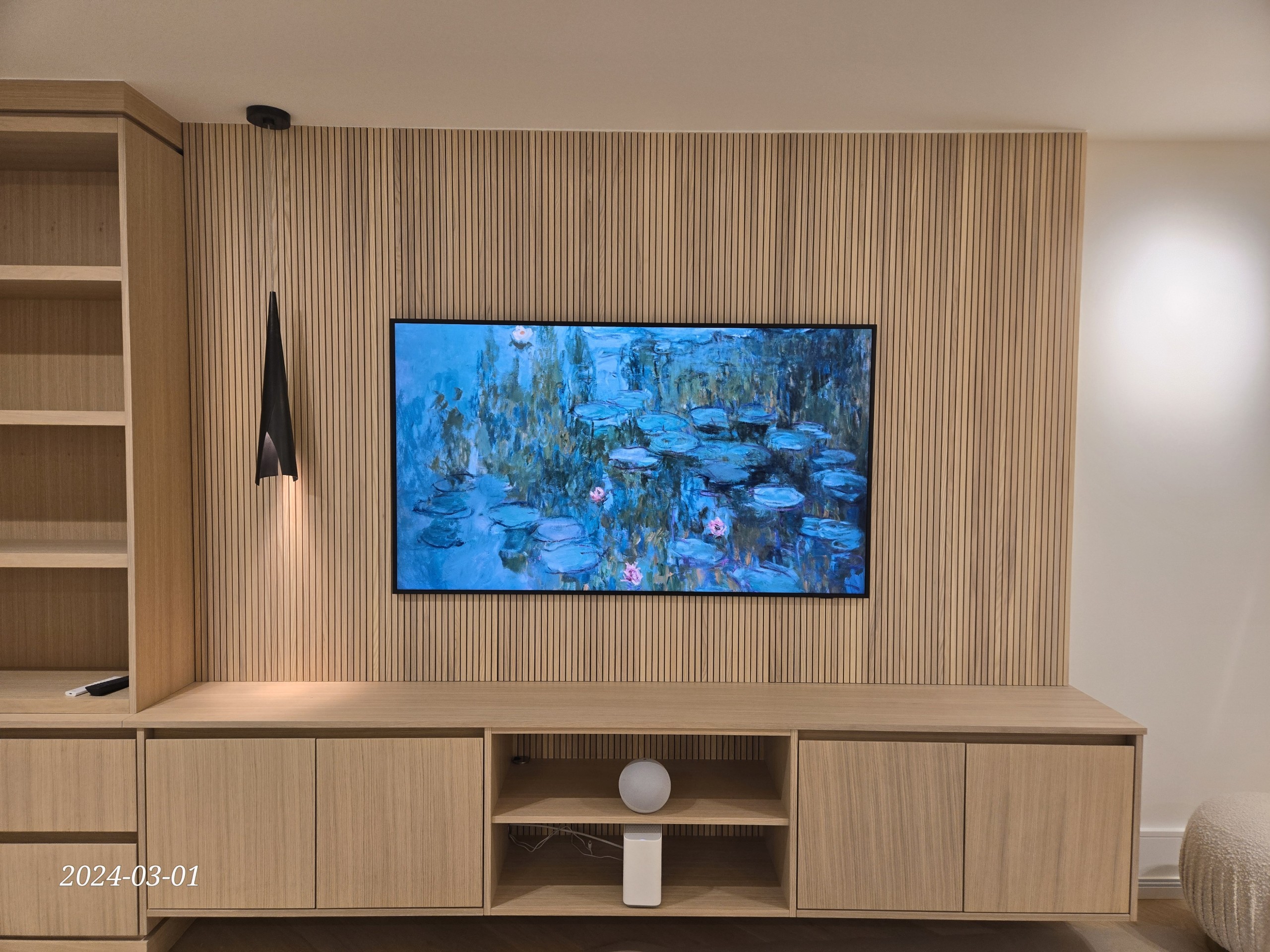
Premium TV wall mount installation in Richmond Hill by SetupTeam
Richmond Hill · York Region · GTA North

AV & Smart Home
Installation in Richmond Hill

The AV and smart home installer near you — TV wall mounting, Sonos audio, home theatre, Control4, and network wiring, all handled by one licensed team. Same-day and next-day slots available across Richmond Hill and York Region.

(647) 464-0606 Book Online
Licensed & Insured · WSIB · $2,000,000 Liability Sonos Gold Authorized Dealer Control4 Authorized Dealer Lifetime Labour Warranty — TV Wall Mounting Same-Day / Next-Day Scheduling Available Mon–Sun · 8:30 AM – 9 PM
Verified Google Reviews · 5.0 ★ · 400+ ratings Read all reviews ↗

"Especially fantastic with all things Control4 — offered creative improvements and integration. Will continue to use them going forward."

Paul B. · Control4 Integration ★★★★★

"Alex came to my condo and mounted the TV and resolved an Ethernet and network issue all in the same visit. Showed up on time. Highly recommend."

Josh P. · TV Mount & Network ★★★★★

"Multiple boardroom and video conferencing installs — every project on schedule, within budget, and stable from day one. Consistently professional."

Petronio S. · Commercial AV & Networking ★★★★★

"Alex did an amazing job fixing my Ethernet and Wi-Fi network. Patient, diagnosed the problem, and gave me troubleshooting tips for next time."

Roy Q. · Wi-Fi & Network Repair ★★★★★

Sourced from verified Google reviews · setupteam.ca

Serving York Region since 2015

The AV Installer Richmond Hill Homeowners Call First

Whether you're searching for a TV mounting company near me or need a full smart home installation in York Region, the right team is one that actually knows the local housing stock — estate homes, condos, heritage builds, and new townhomes all require a different approach. SetupTeam has worked across Richmond Hill's full range of property types since 2015. Every project is scoped to the actual space, not a generic template.


What we install

AV & Smart Home Services in Richmond Hill

TV Wall Mounting

Professional TV wall mounting in Richmond Hill — drywall, brick, stone, or above a fireplace. Hidden wire concealment and lifetime labour warranty included. Same-day bookings available. See full service details →

Learn more →
Home Theatre

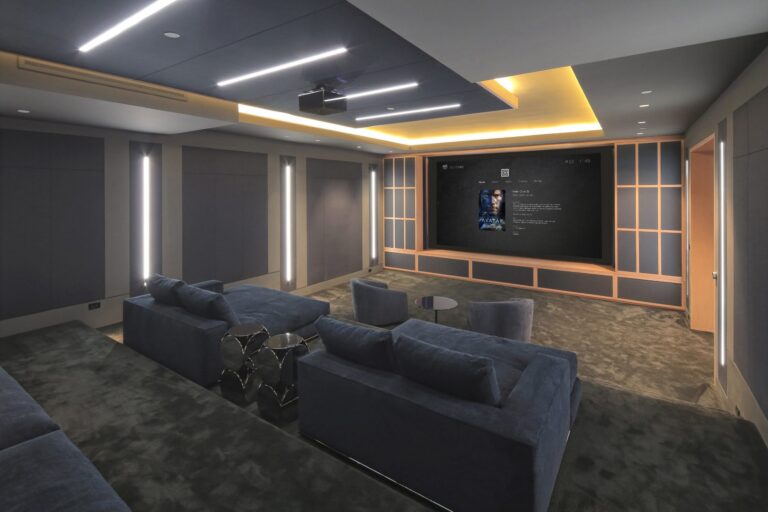
Dolby Atmos surround sound setup, in-ceiling speaker placement, 4K projection, and AV rack builds — designed for basements and dedicated media rooms across York Region. Home theatre details →

Learn more →
Sonos Whole-Home Audio

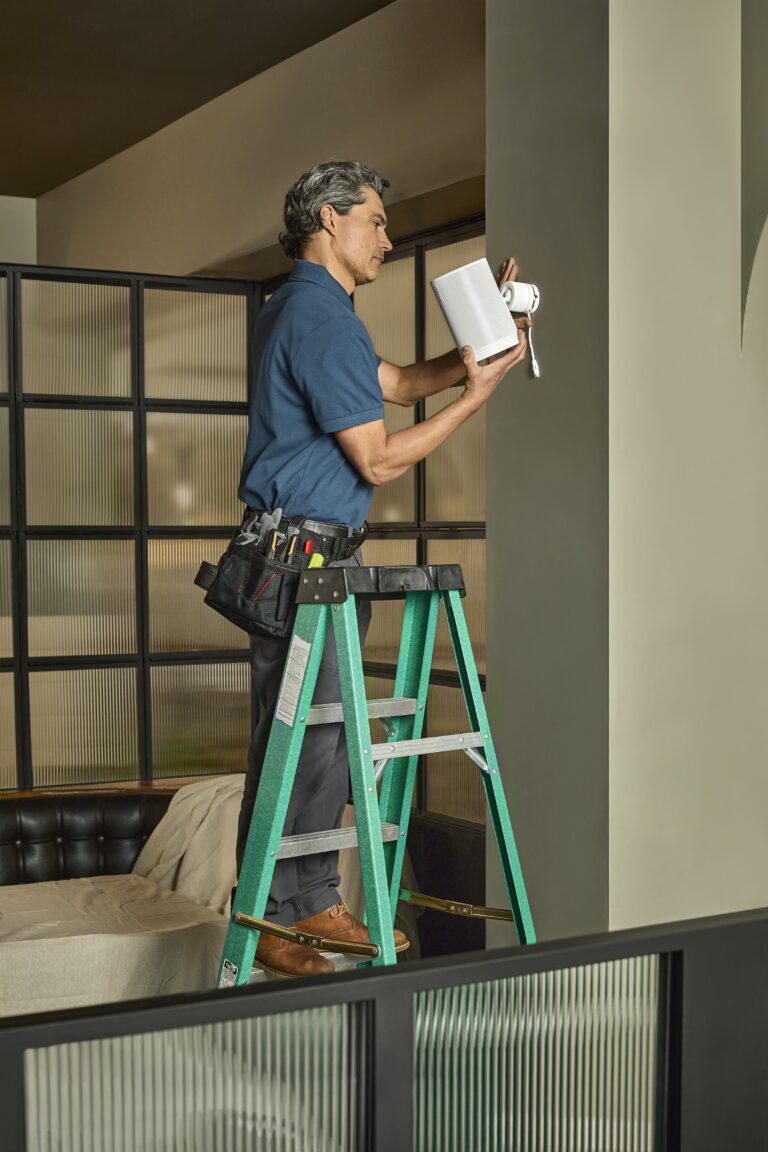
Sonos multi-room audio setup by a Gold Authorized Dealer — indoor zones, outdoor patio speakers, and backyard zones configured and tuned from a single app. Sonos installation details →

Learn more →
Control4 Smart Home

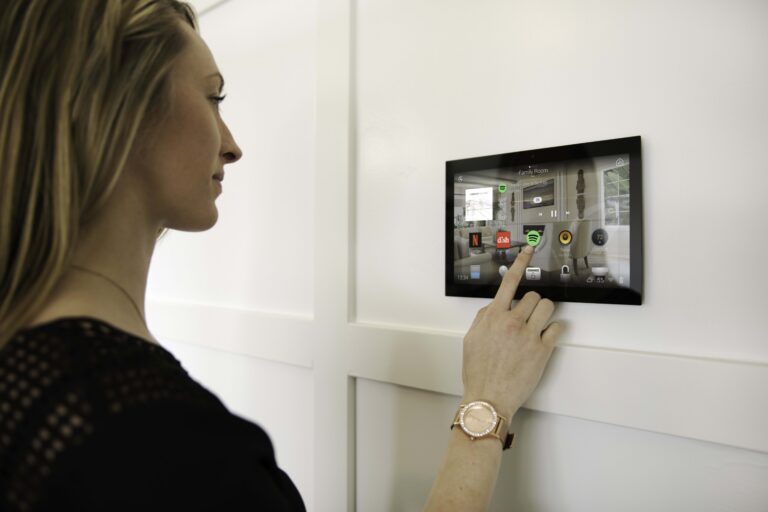
Control4 authorized dealer serving York Region — lighting scenes, multi-room audio, climate control, security, and motorized blinds unified into a single touchscreen or app.

Learn more →
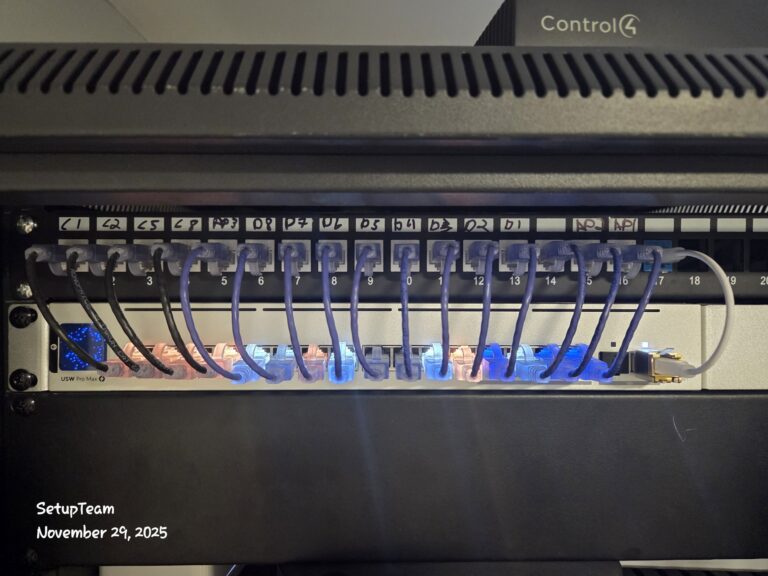
Network & Structured Wiring

Cat6 structured wiring contractor serving Richmond Hill — hard-wired drops, labelled patch panels, and clean runs for new builds, renovations, and basement media rooms. Network wiring details →

Learn more →
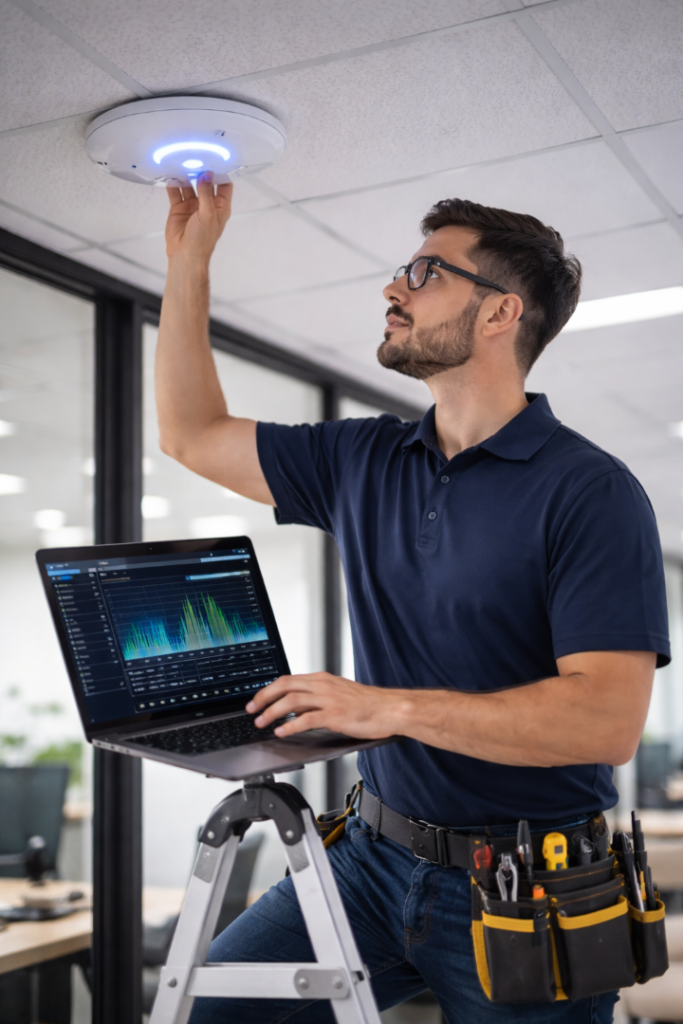
Wi-Fi Optimization

Wi-Fi dead zone troubleshooting for larger York Region homes — enterprise-grade access points on wired backhaul, verified with real throughput testing floor by floor. Wi-Fi optimization details →

Learn more →
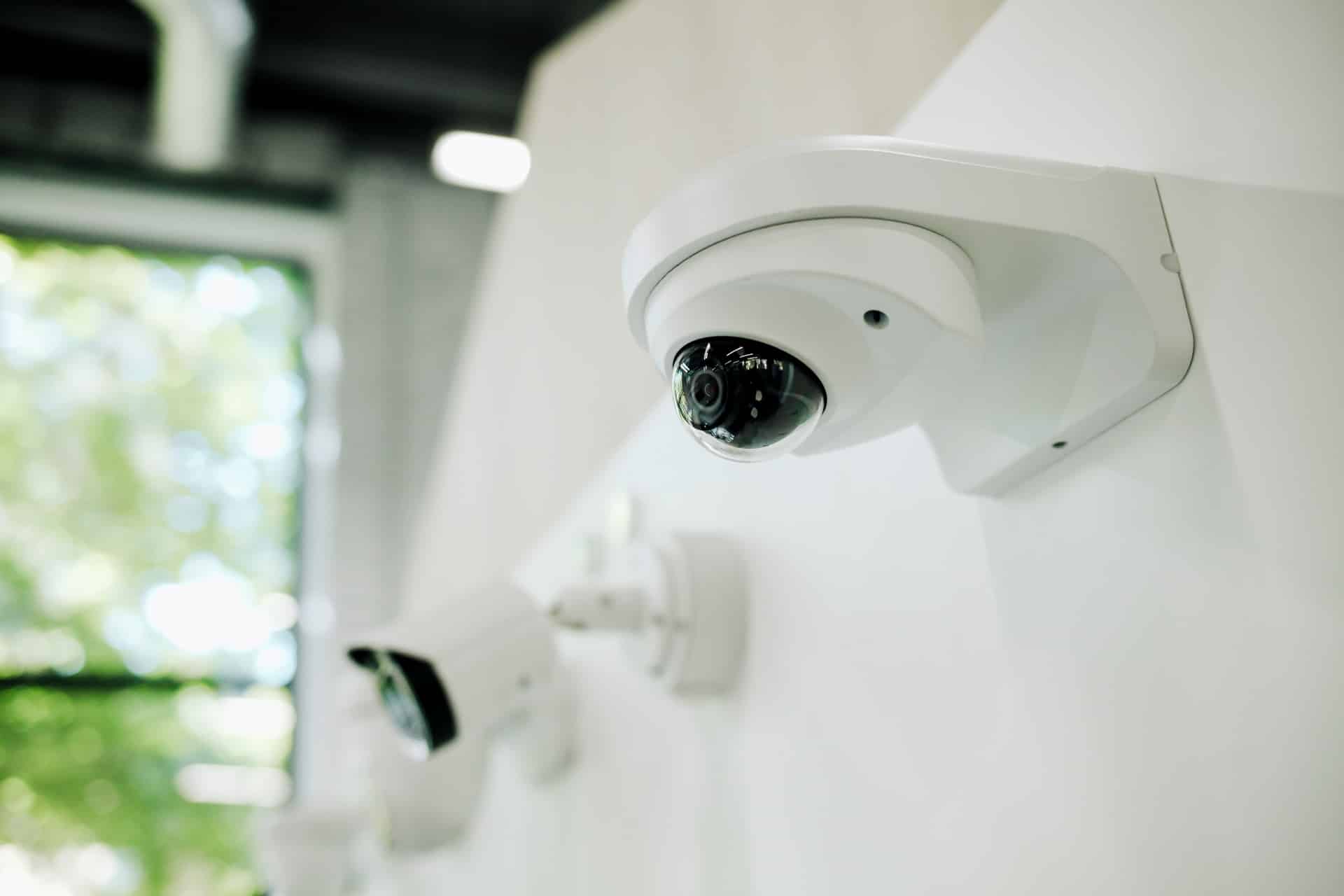
Security Cameras

Residential and commercial security camera installation across York Region — planned for real coverage, cleanly cabled, and configured for remote viewing and alerts.

Learn more →
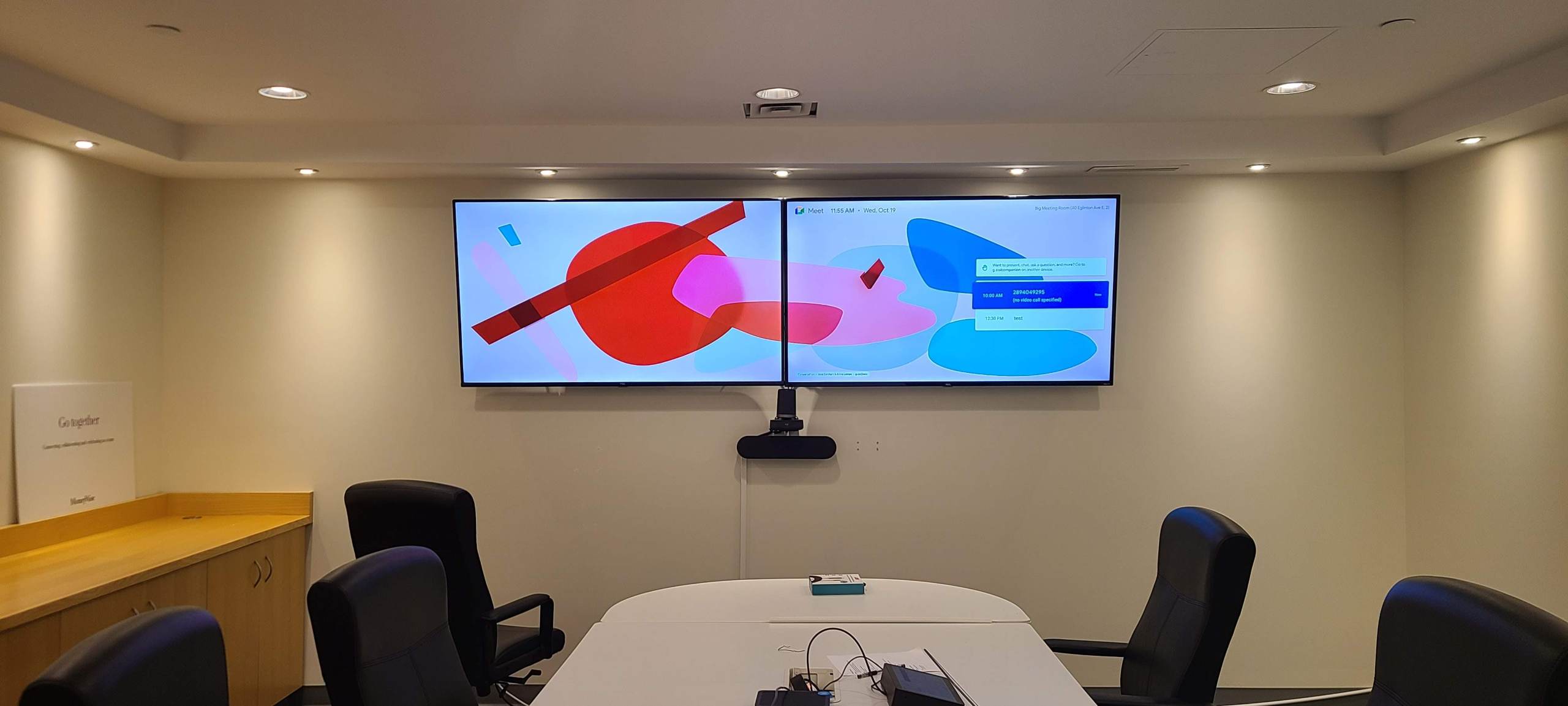
Commercial TV & Displays

Video walls, menu boards, and digital signage for Richmond Hill offices, restaurants, and retail spaces — supply, mount, wire, and configure in one visit.

Learn more →
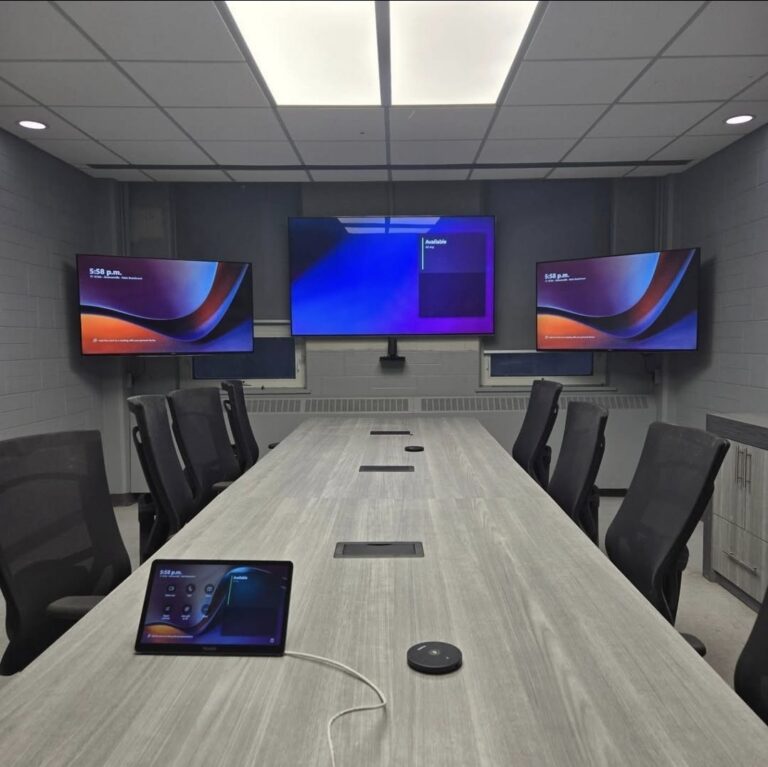
Conference Room AV

Microsoft Teams and Zoom room setups for businesses in York Region — display mounting, ceiling microphones, cameras, and speakers all integrated and tested before handoff.

Learn more →

Neighbourhoods & how we plan each project

Every Richmond Hill Home Is Different — Here's What That Means for Your Project

Richmond Hill's housing stock ranges from Victorian heritage homes to post-2000 townhomes to high-rise condos — each with different wall materials, cable routing logic, and access logistics. Before any drilling starts, placement is confirmed, cable paths are mapped, and wall type is assessed. Fireplace TV mounts are checked for heat clearance. Pot lights above a first-floor wall change the routing path. The plan is locked first, then the work begins.

Bayview Hill & Observatory Hill

Large custom estates near the David Dunlap Observatory. Multi-zone Dolby Atmos home theatre, Control4 smart home integration, and AV rack builds across mechanical rooms are common here.

Oak Ridges & Lake Wilcox

Mixed 1980s–2000s builds on larger lots. Backyards backing onto the Lake Wilcox trail system are frequently set up with outdoor Sonos zones; older homes may have plaster walls requiring extra cable planning.

Jefferson & Jefferson Forest

Post-2000 drywall construction — in-wall routing and Cat6 structured wiring are generally straightforward. A high volume of basement media room and home theatre prewire requests come from this area.

Langstaff & Yonge Corridor

High-rise condos between Major Mackenzie and Hwy 7. Elevator bookings, suite protection, and quiet-hour compliance are locked in before arrival — single-visit completion is the standard.

Mill Pond & Historic Downtown

Victorian and early 20th-century homes with plaster walls and narrower cavities. Every cable path is mapped before any holes are made — the finish is clean, it just takes more upfront planning.

Rouge Woods & Elgin Mills

Consistent 2000s drywall makes TV mounting and structured wiring efficient. Multi-floor townhomes here drive a high volume of Sonos whole-home audio and Wi-Fi dead zone troubleshooting requests.

Same-day and next-day slots available in Richmond Hill Request a Quote
Recent work

Projects We've Completed Near You

A sample of recent jobs across Richmond Hill and York Region — the kind of work we do every week.

01

85" Frame TV · Brick Feature Wall · Jefferson

A Jefferson homeowner wanted an 85" Samsung Frame TV flush-mounted on a full-height brick feature wall with zero visible cables. Brick anchoring required a masonry bit and toggle-rated wall plate; cables were routed behind the baseboard to a recessed outlet behind the TV. TV wall mounting →

Lifetime labour warranty · Same-day completed

02

Sonos 6-Zone Audio · Bayview Hill Estate

A Bayview Hill estate needed whole-home audio across six zones — living room, kitchen, master bedroom, two secondary bedrooms, and a rear patio. Sonos Amp and in-ceiling speaker pairs were installed per zone; the outdoor zone used Sonos Era speakers rated for weather exposure. All zones are grouped and controlled from a single Sonos app. Sonos installation →

Sonos Gold Authorized Dealer · Outdoor zones included

03

Control4 Full Home · Lighting, AV & Climate · Oak Ridges

An Oak Ridges property had a home theatre, multi-room audio, 14 lighting zones, motorized blinds, and a Nest thermostat that needed to work as one system. Control4 CA-10 controller was installed in the mechanical room; programming covered room-specific scenes, morning/evening routines, and one-tap "movie mode." Two-day installation and programming, remote support access configured for ongoing adjustments. Control4 smart home →

Control4 Authorized Dealer · Remote support included


How it works

From First Call to Finished Install

1

Call or Request an Estimate

Tell us what you're installing and your neighbourhood — home, condo, or business. We'll ask the right questions upfront so nothing surprises you later.

2

Firm Quote — No Ranges

You receive a specific price, not a bracket. Based on your actual space and scope, not a service-category guess.

3

Installation Day

Placement re-confirmed on arrival. Cables routed and concealed before any drilling. All components mounted and configured to spec.

4

Full System Verification

Picture, audio, network stability, and control system response all tested before the team leaves — not assumed to be working.

5

Handoff & Walkthrough

Every installed component is walked through with you. You know how it works before we leave — no follow-up call needed to figure things out.


Service area

Serving Richmond Hill & the Greater Toronto Area

SetupTeam covers York Region, Toronto, and the broader GTA — no travel surcharge within the core service zone. Same-day and next-day appointments are available depending on capacity. If you're not sure whether your address is covered, share it when requesting a quote and we'll confirm. Mon–Sun, 8:30 AM – 9 PM.


Common questions

Frequently Asked Questions

Technical answers to the questions homeowners and businesses ask before booking — covering TV mounting, audio, smart home, and networking.

What's the correct height to mount a TV on a wall?
Best TV height: 42–48 inches from floor to screen centre for standard seating. The standard recommendation is to position the centre of the screen at seated eye level — typically 42–48 inches from the floor for most living rooms with standard-height sofas. That said, this changes based on seating distance, couch height, and whether the screen is above a fireplace or on a low media unit. For viewing distances under 8 feet, eye level mounting reduces neck strain significantly. Above-fireplace mounts are a common request but often place the screen too high — heat clearance, neck angle, and cable routing all need to be assessed before confirming feasibility. SetupTeam confirms exact placement with the client on-site before any drilling starts.
How do you hide TV cables in a wall — and what stops it from being possible?
In-wall cable concealment works in standard drywall; brick, concrete, and insulated exterior walls require alternatives. In-wall cable concealment routes HDMI, power, and audio cables through the wall cavity between two low-voltage wall plates — one behind the TV, one near the equipment. This works cleanly in standard drywall construction. What prevents it: concrete or brick walls with no accessible cavity, metal stud framing with fire blocking that interrupts the vertical run, insulated exterior walls (fire code prohibits running cables through them in most municipalities), and pot lights or HVAC ducts in the ceiling above that block a horizontal run. When full in-wall routing isn't possible, the alternatives are surface-mounted painted raceways, baseboard routing, or a combination. SetupTeam assesses the routing path before confirming the approach — so the quote reflects what's actually possible in your specific wall, not a best-case assumption.
What is Dolby Atmos and what does it physically require to install?
Dolby Atmos adds height speakers to surround sound — in-ceiling placement requires ceiling cable access and an Atmos-capable receiver. Dolby Atmos is an object-based surround sound format that adds height channels to traditional 5.1 or 7.1 surround. A typical home theatre Atmos setup is 5.1.2 or 7.1.4 — the third number is the height speaker count. Height channels are delivered either through in-ceiling speakers (requiring cable runs through the ceiling) or up-firing Atmos-enabled speakers that bounce sound off the ceiling. True in-ceiling placement gives significantly better spatial accuracy. What this physically requires: ceiling access for cable routing (either from an unfinished basement above, attic access, or a drop ceiling), a receiver with Atmos decoding, and a 4K source (streaming app, Blu-ray player, or Apple TV 4K) that outputs Atmos. Room acoustics — dimensions, ceiling height, wall materials — affect speaker placement angles. SetupTeam designs the layout based on the specific room before any equipment is specified.
What's the difference between a Sonos system and a traditional AV receiver setup?
Sonos excels at multi-room streaming; a traditional AV receiver delivers higher power for a dedicated home theatre. Many homes use both. Sonos is a wireless-first whole-home audio platform — each speaker or amplifier connects over Wi-Fi and is controlled through a single app. It's optimized for multi-room audio where you want the same or different music playing across multiple zones simultaneously, and it integrates cleanly with streaming services, TV audio via Arc or Beam soundbars, and third-party control systems like Control4. A traditional AV receiver setup uses a central amplifier with wired speaker runs to passive speakers — it delivers higher raw power output, more precise speaker placement options, and lower latency for home theatre use. The trade-off is complexity: a receiver-based system typically serves one room well, while Sonos scales across an entire home with minimal wiring. For dedicated home theatres, an AV receiver is typically the right tool. For whole-home background audio with Spotify and TV integration, Sonos is the cleaner solution. Many installs combine both — a receiver-based theatre room plus Sonos for the rest of the house.
How does Control4 actually work — and what can it control?
Control4 unifies AV, lighting, climate, and security into one on-premises system — programmed by a certified dealer, not a consumer app. Control4 is a professional automation platform that integrates disparate home systems — AV, lighting, HVAC, security cameras, door locks, motorized blinds, and garage doors — into a single interface operated via touchscreens, keypads, the Control4 app, or voice. Unlike consumer smart home platforms (Google Home, Apple HomeKit), Control4 runs on a dedicated controller (the EA series or newer CA-1/CA-10) that remains on-premises and doesn't depend on cloud connectivity to function. Automation logic is programmed by a certified dealer — SetupTeam is Control4 authorized — and can be highly specific: "when the projector turns on, dim the lights to 20%, close the blinds, and switch the receiver to HDMI 2." The system also supports two-way feedback, meaning the app always reflects the actual state of devices, not just a last-commanded state. Initial programming typically takes one to two days for a full home; changes and additions are made by the dealer remotely or on-site.
What's the difference between a Wi-Fi extender, a mesh system, and a proper access point setup?
Wired access points with Cat6 backhaul are the only reliable fix for dead zones in larger homes — extenders and mesh both share wireless bandwidth. A Wi-Fi extender rebroadcasts your existing signal wirelessly — it halves available bandwidth each hop and creates a separate network SSID, meaning devices don't always hand off cleanly. A mesh system (Eero, Google Wifi, Orbi) uses a dedicated wireless backhaul between nodes to improve on extenders, but performance still degrades as nodes multiply because the backhaul competes with client traffic on the same radio. A proper enterprise access point setup — UniFi, Ruckus, or similar — uses wired Cat6 backhaul to each access point, which completely separates backhaul traffic from client traffic. Every AP gets the same SSID and handles seamless roaming via 802.11r fast transition. The result is consistent throughput on every floor verified by real-world speed tests, not just signal bar readings. For homes over 2,500 sq ft, multi-floor builds, or properties with concrete or brick interior walls, wired AP deployment is the only approach that reliably eliminates dead zones.
Can you mount a TV above a fireplace — and what are the technical risks?
Above-fireplace TV mounts are possible but require heat clearance assessment, viewing angle check, and a cable routing plan before confirming. Yes, with proper assessment. The risks: heat output from the firebox can exceed manufacturer operating temperature specs for the TV (most are rated to 40°C / 104°F ambient), which causes component degradation over time. Viewing angle is the second issue — above-fireplace placement typically puts the screen 15–25° above optimal eye level, which causes neck strain during extended viewing. Cable routing is the third variable — getting HDMI and power from the equipment below to the TV above usually requires either fishing cables through the wall cavity (blocked by the firebox header in some builds), surface routing, or a recessed cable management kit. SetupTeam assesses heat output, firebox clearance, wall cavity access, and viewing angle before confirming feasibility — and will advise against the placement if the conditions don't support it safely.
What's involved in a Cat6 structured wiring installation for a new build or renovation?
Cat6 structured wiring runs from a central patch panel to every room — each drop labelled, tested, and ready for Gigabit Ethernet on day one. Structured wiring installs a home run of Cat6 cable from a central patch panel (typically in a utility closet or mechanical room) to every room or zone that needs a wired network drop — bedrooms, home office, living room, media room, and any location where a TV, access point, or camera will be mounted. Cat6 supports Gigabit Ethernet at up to 100 metres and is future-compatible with 2.5G and 10G switching if you upgrade your network hardware later. Each run is labelled, terminated, and tested end-to-end with a cable tester before the walls close. In a renovation or finished home, cables are fished through wall cavities between floors using flex bits and fish tape — more labour-intensive than an open-stud new build but achievable in most homes. SetupTeam also installs the patch panel, switch, and router, so the structured wiring is a complete working network from day one — not just raw cable waiting for someone else to terminate it.
What security camera system do you recommend — and why?
PoE cameras on a local NVR outperform wireless systems — single Cat6 run per camera, no batteries, no cloud subscription required. For most residential and small commercial installs, SetupTeam recommends IP-based PoE (Power over Ethernet) camera systems over wireless or analogue CCTV. PoE cameras receive both data and power over a single Cat6 run, which eliminates battery management and the interference issues common with Wi-Fi cameras. Resolution starts at 4MP for residential use; 8MP (4K) is standard for any installation where licence plate or facial detail matters. Recording is handled by a local NVR (network video recorder) — cloud-only systems create ongoing subscription costs and depend on upload bandwidth that most residential connections don't sustain reliably. Remote access is configured through the NVR's app with motion alerts and clip review. Camera placement is designed for actual coverage — overlap zones at entry points, sight lines that avoid backlighting from windows, and mounting heights that balance field of view with detail resolution. SetupTeam handles the full scope: cable runs, camera mounting, NVR configuration, and remote access setup.
What's included in your TV wall mounting warranty — and what does it cover?
Lifetime labour warranty covers the bracket and cable work — if the mount fails under normal use, SetupTeam returns and corrects it at no charge. SetupTeam's lifetime labour warranty covers the mounting bracket installation and any cable concealment work performed during the same visit — specifically, the physical mount, wall anchoring, and cable routing. If the bracket pulls from the wall, a cable channel separates, or a mount component fails under normal use conditions, SetupTeam returns and corrects it at no charge. What it doesn't cover: TV damage from impact, client-initiated adjustments to tilt or swivel that loosen hardware, damage from renovation work done after the installation, or mount failure caused by the client using a different bracket than the one installed. The warranty applies to SetupTeam's labour, not the hardware manufacturer's bracket warranty (which runs separately through the bracket brand). SetupTeam is also fully insured with $2,000,000 in liability coverage and WSIB, which covers any incidental property damage during the installation itself.

Get a Firm Quote for Your Richmond Hill Installation

Tell us what you're installing and whether it's a home, condo, or business — we'll reply with an exact price and next steps, no obligation. Same-day and next-day appointments available across York Region.

Reach out today Get a Free Quote Mon – Sun  ·  8:30 AM – 9 PM  ·  Richmond Hill & GTA

