




Sonos System Design & Diagnostics in King City
Estate-scale Sonos system design, multi-structure zone planning, and on-site diagnostics for King Township custom builds. Main residence, coach house, pool house, and outdoor zones — designed as one system before any hardware is ordered. Authorized Sonos Gold Dealer, professionally trained by Sonos.
Licensed, Insured & Certified — Sonos Gold Dealer
Sonos Gold Authorized Dealer
Every current Sonos product supplied, installed, and warranted through us. Professionally trained by Sonos on system architecture and large-scale installation standards.
Certified Control4 Dealer
Sonos integrated as a driver within Control4 systems. Common in King Township custom builds where full home automation is already running alongside audio.
$2,000,000 Liability + WSIB
Full commercial liability and WSIB. Estate builds in King Township often involve coordination with general contractors and interior designers who require proof of coverage.
10+ Years in the GTA
Sonos Gold Dealer since 2020. Six Houzz Best of Service awards. Large-home and estate installations across King Township, Vaughan, Oakville, and the GTA.
- A King City estate with a main residence, coach house, pool house, and outdoor entertainment area is not a product selection problem — it’s a system architecture problem. The number of Sonos Amp zones, the wiring topology between structures, the network infrastructure required to keep 10–15 zones stable, and the Control4 integration scope all need to be resolved before the first product is specified. We do the design work first.
- Multi-structure estates in King Township introduce a network challenge that single-building installs don’t have: Sonos uses multicast traffic for device discovery, and multicast doesn’t cross network boundaries without deliberate configuration. Coach house and pool house speakers on a separate subnet — common when outbuildings have their own access points or network drops — will fail to appear in the Sonos app unless VLAN configuration and multicast routing are handled correctly.
- King Township’s custom build market means many estates are either under construction or recently finished. New-construction installs allow wiring to be planned before drywall — structured wiring between structures, Amp locations specified, access point placements coordinated with the low-voltage contractor. We work at both stages: rough-in coordination during construction, and finish install after completion.
- Estates with existing Sonos that has become unstable across structures — speakers in the coach house dropping, outdoor zones failing to group, post-ISP-upgrade enrollment failures — are diagnosed on-site with full network topology review before any Sonos settings are touched. Changing Sonos settings before fixing the underlying network rarely holds.
Designed Across Every Structure Before Anything Is Ordered.
SetupTeam approaches King City estates as multi-structure system design projects. Zone count, wiring topology, network architecture, and Control4 scope are confirmed before any product is specified or ordered. As an authorized Sonos Gold Dealer, we supply the full hardware lineup — Arc Ultra, Amp, Era 300, Sub — brought to the appointment and warranted through us. For the network infrastructure that underpins large Sonos systems, Wi-Fi and network planning is scoped as part of the same project. For full home cinema builds with projector and screen integration, see estate home cinema installation.
From System Design to Long-Run Diagnostics
On-site assessment before any hardware is specified. Zone count, structure count, network topology, and Control4 scope confirmed first.
From Main Residence to Outbuildings — One Planned System
Each area below is available standalone or as part of a full-estate audio project. On-site assessment recommended before booking for multi-structure builds.
Equipment Supply & Home Theatre Audio
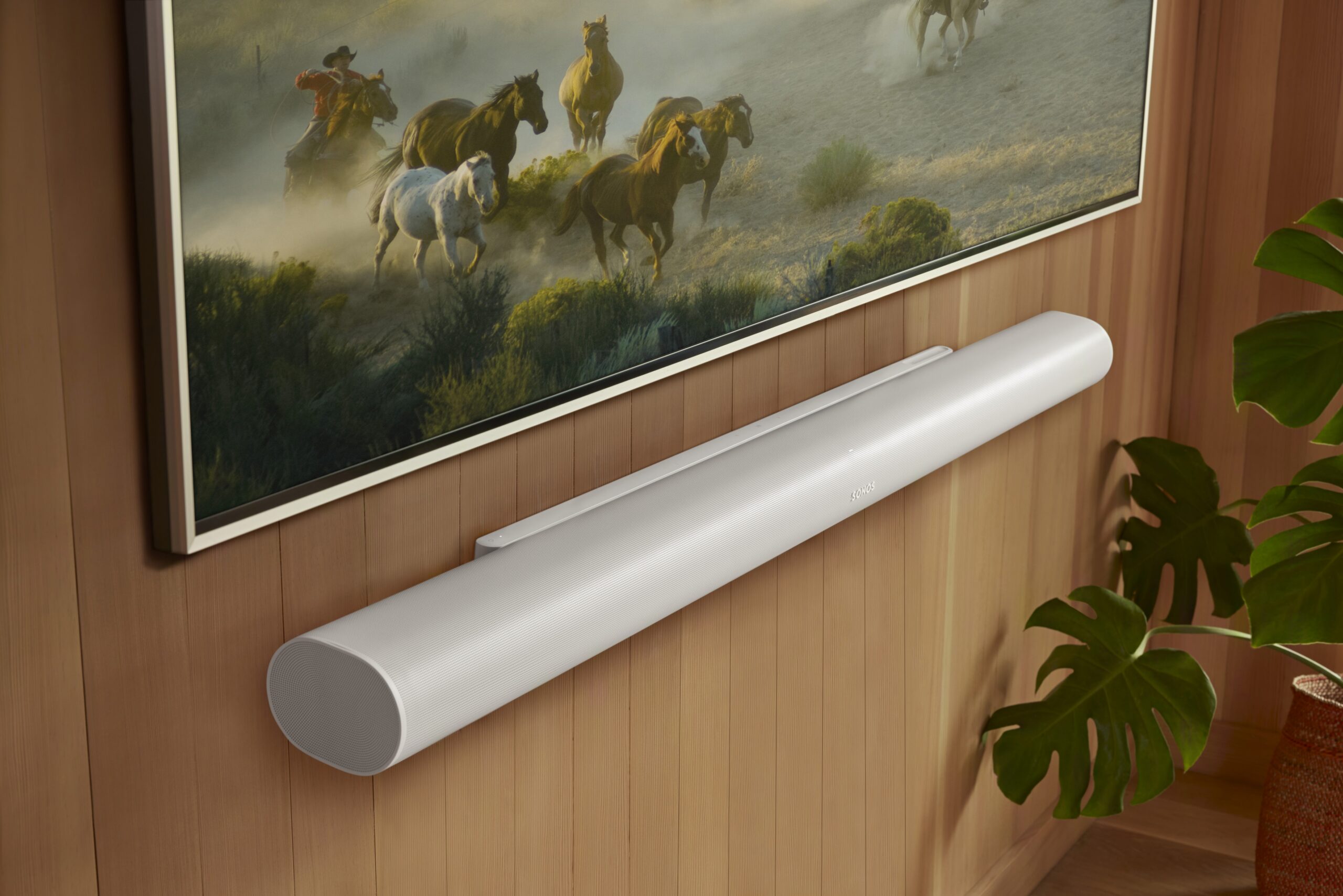
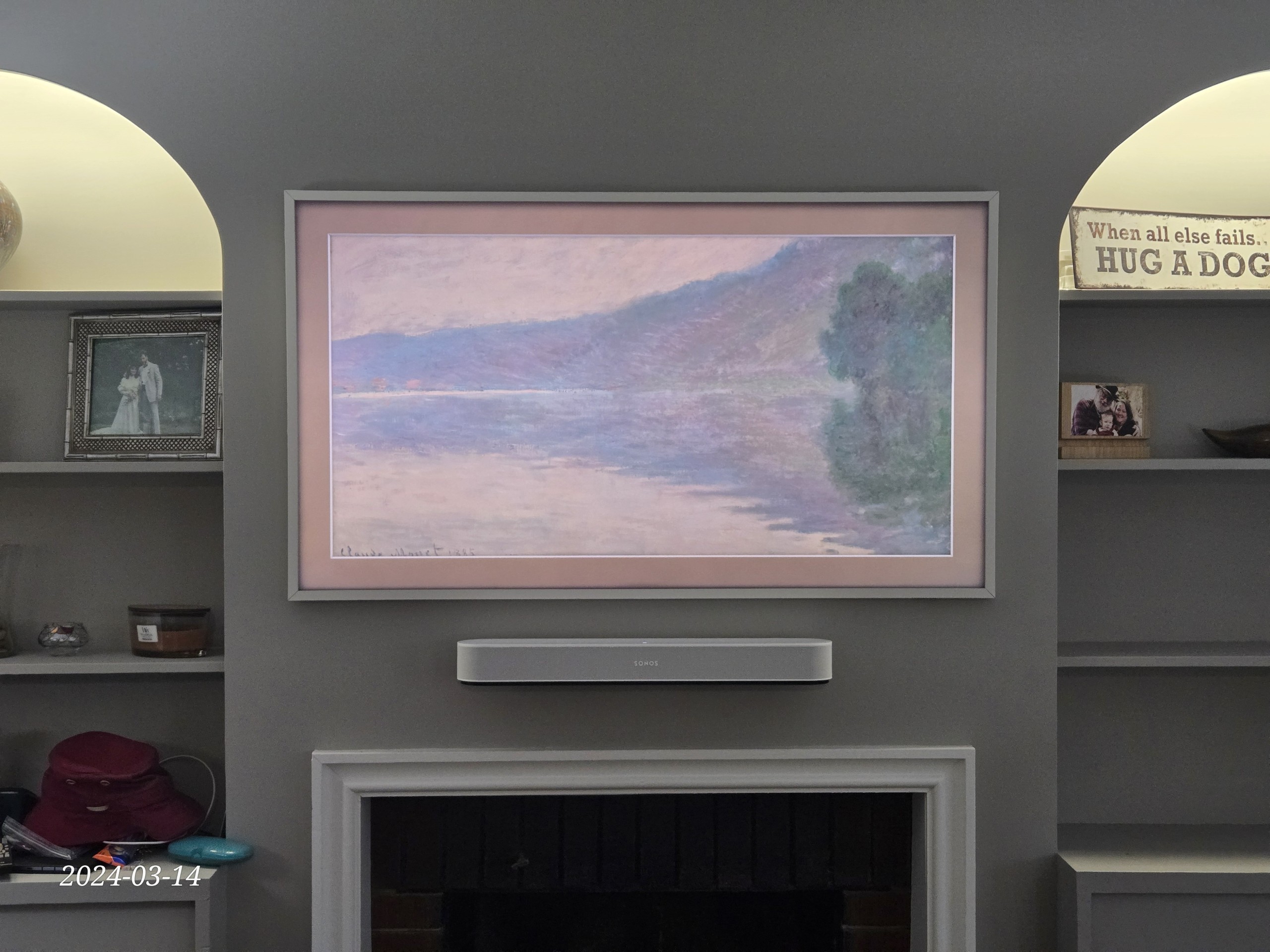
Arc Ultra, Arc, Beam Gen 2, Sub, Sub Mini, and Era 300 — supplied as an authorized dealer and installed the same day. Estate media rooms and dedicated home theatres often require Arc Ultra with Sub and Era 300 rears — room dimensions and acoustic treatment confirmed before product selection. For full cinema builds with projector, screen, and acoustic treatment, see our estate home cinema service.
Multi-Structure Zone Design
Main residence zones — kitchen, living areas, master suite, basement — plus coach house, pool house, and outdoor entertainment areas all running as independent zones from one app. Wired backhaul between structures is planned before installation to ensure stable coverage without relying on Wi-Fi to bridge buildings. Integrates with Control4 for unified estate automation.
Sonos Amp & Architectural Zones Throughout
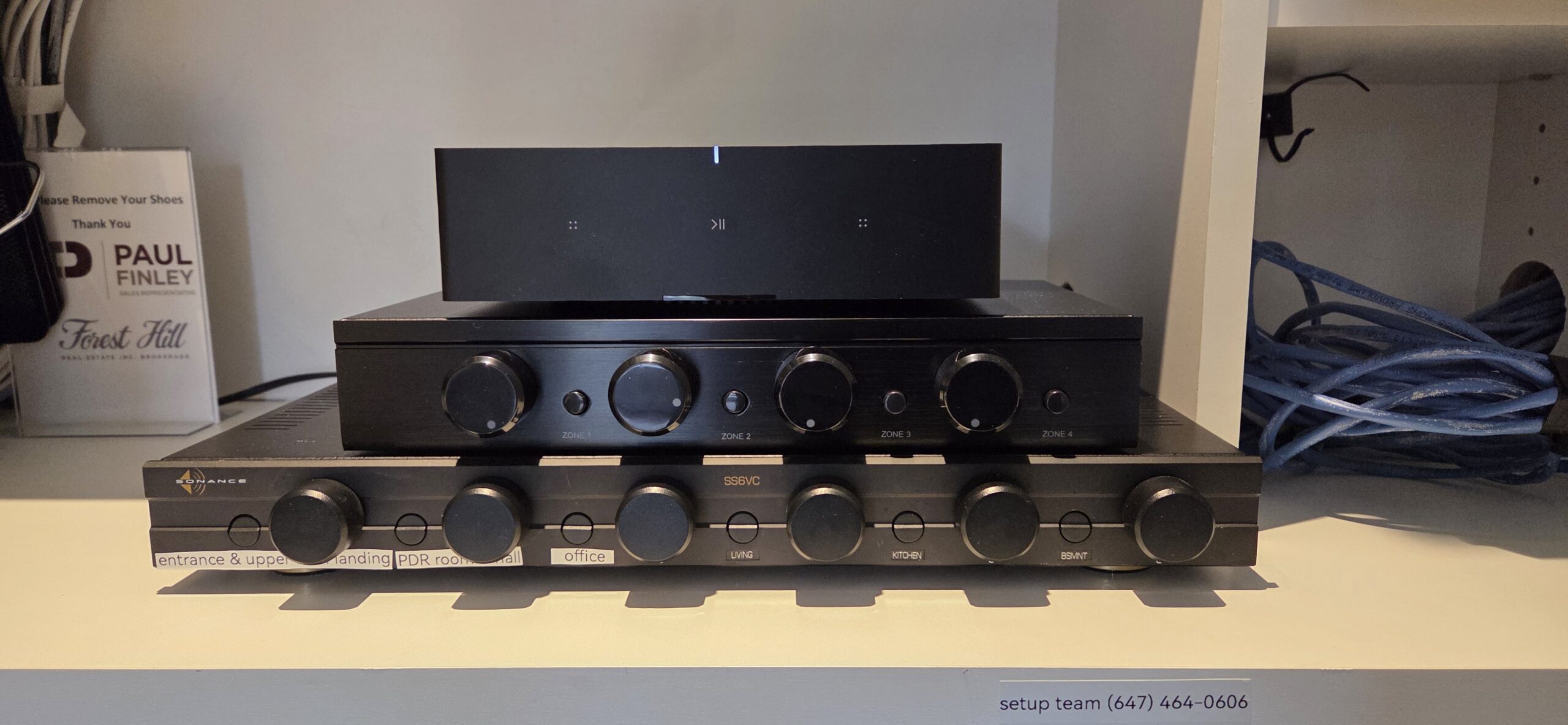
In-ceiling and in-wall speaker zones powered by Sonos Amp — installed across the main residence and outbuildings during new construction or renovation. Custom builds in this area often include 8–12 Amp-driven zones across multiple structures. Wiring planned and installed alongside structured wiring when walls and ceilings are open.
On-Site Diagnosis & System Repair
Estate systems with multiple access points, long cable runs, and Sonos devices spread across several buildings are particularly vulnerable to VLAN misconfiguration, multicast isolation, and DHCP scope issues that cause speakers to drop or fail to discover each other. A technician assesses the full network topology on-site before touching any Sonos settings. Network remediation handled as part of the same visit with Wi-Fi troubleshooting.
Outdoor & Pool Zone Audio
Sonos Era 300, Era 100, or Amp-driven architectural speakers for pool decks, covered outdoor entertaining areas, and coach house exteriors. Outdoor speaker placement planned for coverage without hot spots. Weatherproofing and cable protection specified before installation. Grouped with interior zones for whole-estate control from one app.
Control4 + Sonos Integration
Sonos driver configured in Control4, zone naming standardized across both platforms, TV audio switching and scene integration verified. Common in King Township and Nobleton custom builds where full home automation is already running. See Control4 Installation for scope.
King City & King Township — Estate Sonos Questions
How do you approach a Sonos project across a main house, coach house, and pool house?
Why do my coach house speakers keep dropping from the Sonos app?
Can you integrate Sonos with Control4 in a King Township custom build?
Can you coordinate the Sonos pre-wire during construction?
How many Sonos zones can you support in one estate?
Do you supply Sonos hardware for large estates?
Can you add outdoor Sonos zones for a pool deck or covered entertaining area?
What if my Sonos system stopped working after a Bell or Rogers upgrade?
Do you cover Nobleton and Schomberg as well as King City?
What does a King City Sonos project cost?
King City & The Greater Toronto Area
King City, Nobleton, Schomberg, Kettleby, and the surrounding King Township estate areas — all within our regular service area.
How Many Structures — and What Stage Are You At?
New construction, recently finished, or existing system with issues — let us know the structure count, rough zone count if known, and whether Control4 is in the picture. We scope estate projects before booking.
Describe the Project Book OnlineRead our 400+ Google Reviews ↗

