


Sonos Installation And On-Site Support In Newmarket
If you want Sonos to sound right and stay reliable day to day, the work has to follow a consistent process. SetupTeam provides Sonos installation and on-site support for homes, condos, and commercial spaces in Newmarket, so system layout, network behaviour, and control are confirmed before we leave. Therefore, you get clean playback, predictable grouping, and stable switching between rooms and sources—without “guess and retry” fixes or repeat visits. Additionally, when something isn’t behaving, we identify the cause quickly and apply the correct fix in the right order, including Multi-room audio setup when that’s what the space actually needs.
Install, Upgrade, Or Troubleshoot Done Right Same Day/Next Day
Sonos Installation, Troubleshooting + Upgrades
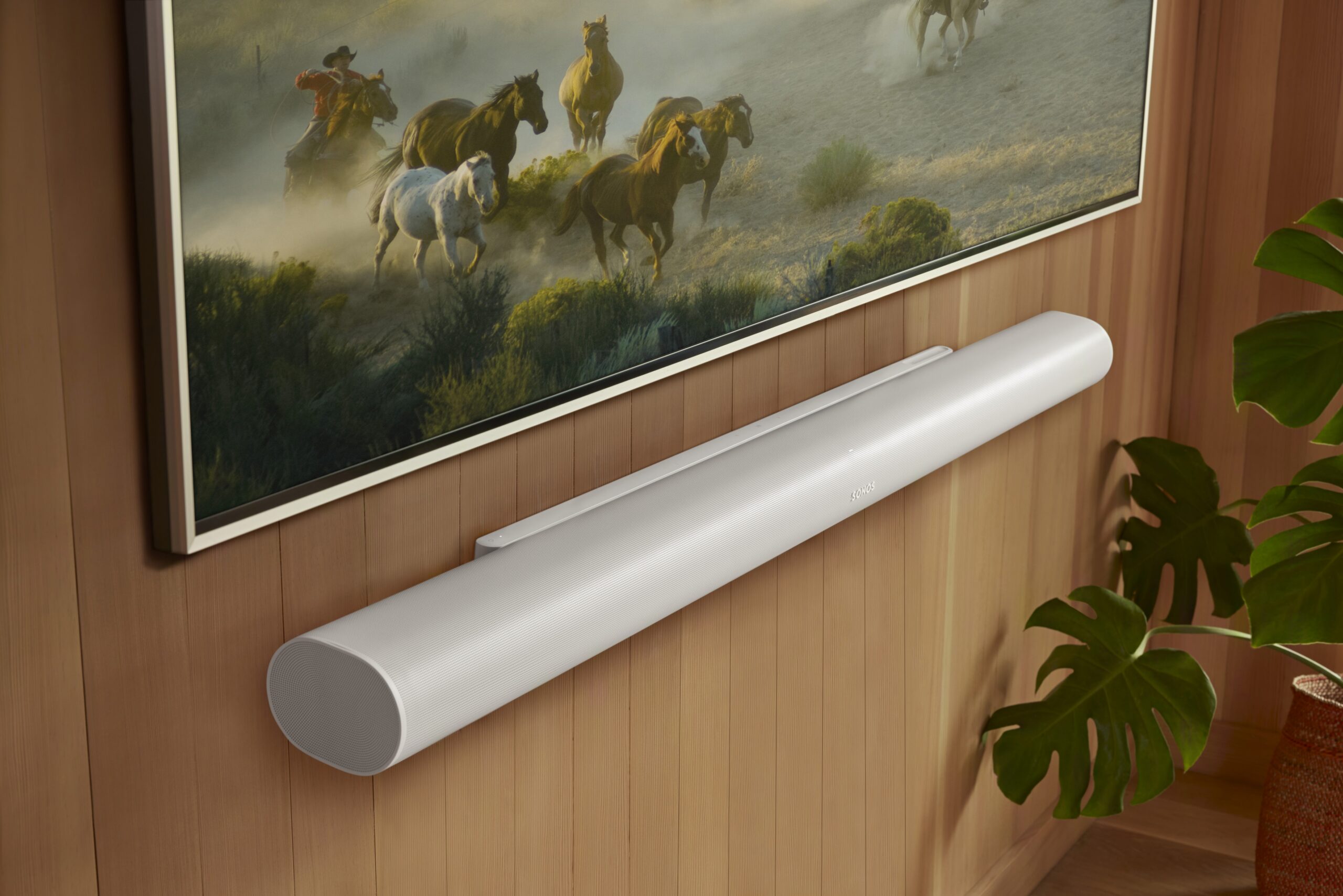
Whether it’s a family home, a condo, or a commercial space in Newmarket, Sonos performs best when it’s planned and verified—not just powered on. First, we identify how you actually use audio day to day (TV zones, music zones, grouping habits, and control preferences). Next, we confirm placement, power, and clean cable routing so the setup looks finished and stays serviceable. Then we tighten reliability with a network-aware approach (Wi-Fi, Ethernet, mesh roaming, and interference), because stability is what makes Sonos feel “set.” Finally, we validate real use—music playback, TV audio behaviour, grouping/ungrouping, and handoff—before we wrap up.
Home Cinema Sound That Stays Consistent
We tune the main room for clear dialogue, balanced surrounds, and predictable control, and therefore TV watching feels the same every time—no random level shifts or “why is this different today?” moments.
Multi-Room Audio That Doesn’t Drift
We standardize room names, clean up grouping logic, and confirm stable transitions between rooms. Additionally, we align timing and room-to-room levels so audio doesn’t feel late, uneven, or inconsistent.
Upgrade Older Sonos Without Rebuilding Everything
If you’re moving from legacy gear to newer components, we plan the transition so it’s smooth. Then we clean up the configuration, confirm everything displays correctly, and re-test playback and grouping so the upgrade improves daily use.
Dropout Diagnostics For Home + Businesses
We don’t guess. We check Wi-Fi versus Ethernet, mesh roaming, interference, and network conflicts that cause rooms to disappear or audio to cut out—especially in dense condo buildings and busy offices. After changes, we re-test stability and control so the fix holds.
Trained Sonos Technicians — Network-First Setup, Verified End-To-End
With SetupTeam, you’re working with trained Sonos technicians—not a DIY approach. Our team completes hours of platform training, and we bring deep networking knowledge to every install and support visit, so Wi-Fi behaviour, roaming, and the conflicts that cause dropouts or missing rooms get identified and corrected properly. Then we confirm real-world performance across the things you actually use—TV audio, music playback, grouping, and control—so your Sonos system stays reliable day to day without repeated resets or back-and-forth support calls.

How We Plan, Install, And Validate Sonos Systems In Newmarket
We don’t just recommend equipment—we can supply it, bring it on-site, and install it correctly. Therefore, our workflow covers planning, placement, wiring decisions, configuration, and a hands-on validation checklist, so your Sonos system stays stable day to day across homes, condos, and commercial spaces in Newmarket.
Map Your Zones + Confirm Daily Use
First, we walk the space and determine how you’ll use Sonos—TV zones, music zones, room grouping, and control preferences. Next, we confirm speaker placement, power, and the right components for each area, then decide where Ethernet makes sense versus Wi-Fi/mesh so coverage and handoff behaviour aren’t guesswork—especially when integrating an Amp or Port.
Install Cleanly + Keep Everything Serviceable
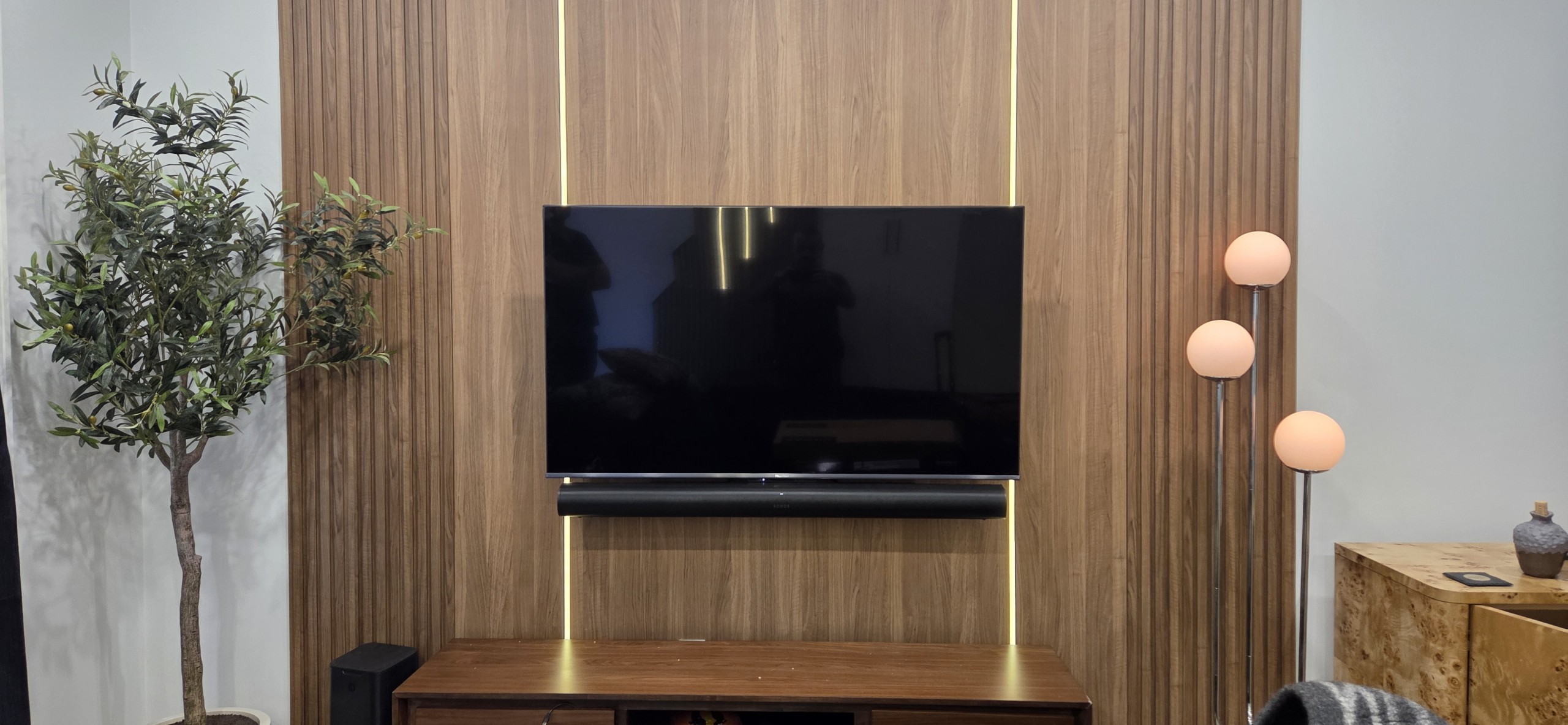
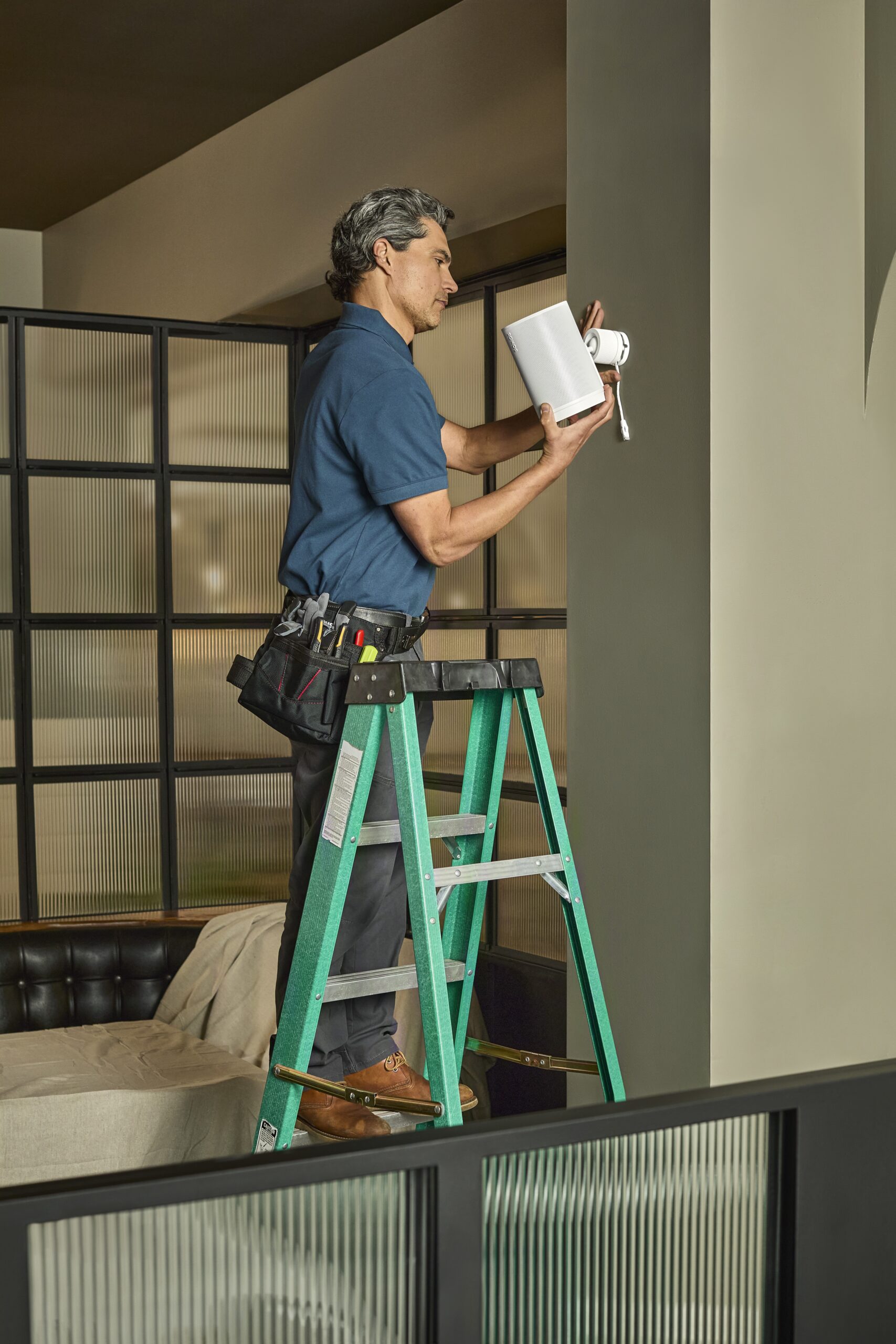
Next, we handle the physical work: deliver gear (when supplied), mount or place speakers and soundbars securely, and keep connections clean and accessible. Meanwhile, we plan cable routing and power locations so the setup looks finished, stays serviceable, and avoids “temporary” wiring that creates problems later—particularly in finished basements, millwork installs, and tight utility/network areas.
Tune, Test + Walk You Through Control
Finally, we configure the system, standardize room names and grouping, and confirm performance in real use—TV audio, music playback, and switching between rooms. Then we re-test stability after changes and show you the exact controls you’ll use day to day (app, TV remote, voice if used), so the system stays consistent and doesn’t require repeated troubleshooting later.
How We Diagnose Sonos Dropouts And Restore Stability
When rooms disappear, audio cuts out, or grouping becomes inconsistent, the goal is simple: a fix that stays fixed. In Newmarket, we recreate the issue the way you actually use the system, then we trace the cause (network, configuration, or control path), apply changes in the right order, and re-test the exact scenarios you care about before we leave.
Recreate The Issue The Way You Use It
First, you show us what’s happening—missing rooms, dropouts, delayed grouping, AirPlay hiccups, or app behaviour that comes and goes. Next, we reproduce it on-site, confirm how the system is connected (Wi-Fi, Ethernet, mesh), and review what changed before the issue started. Therefore, we’re working from verified behaviour, not assumptions.
Fix The Root Cause In The Right Order
Next, we address stability in a sequence that prioritizes network reliability, then system/app cleanup, then device-level adjustments to make performance consistent. We check roaming behaviour, interference, and IP/DHCP conflicts that cause rooms to vanish or audio to cut out—then we lock in changes you can keep long-term, not “temporary resets.”
Prove It With Real Tests + Clear Handoff
Finally, we run the same scenarios you use day to day—TV audio, music playback, AirPlay (if used), grouping/ungrouping, and volume control—until the system behaves predictably. After that, we summarize what changed, what to avoid going forward, and what to watch for, so the system stays reliable after we’re gone.
What Newmarket Clients Notice After A Proper Sonos Setup
Sonos On-Site Support And Installation Services
Starting prices shown. Final pricing depends on the number of rooms, equipment, wiring access, and the issue being corrected.
$199.99+
If rooms disappear, audio cuts out, or grouping won’t behave, we recreate the issue the way you actually use Sonos, then fix the cause—network conflicts, roaming/interference, IP/DHCP issues, or control problems. After changes, we re-test playback, grouping, and control so the system stays stable.
$159.99+
Adding speakers, expanding to more zones, or updating older gear? We plan placement and connectivity first (Wi-Fi vs Ethernet), then install cleanly with serviceable cabling. Finally, we tune and validate real use—music playback, grouping, and zone switching—so daily behaviour stays consistent.
$199.99+
Not sure what to buy or how to design your zones? We build a room-by-room plan based on how you listen (TV zones, music zones, grouping), then confirm what your network and wiring can support before you purchase. Dealer pricing is usually consistent—your advantage is correct planning and proper installation.
Recent Newmarket Project — Restaurant Audio Upgrade + Zone Stability (Main Street Area)
This Main Street Newmarket restaurant was using a “modern” Bluetooth-based audio setup, but it kept disconnecting, drifting in volume, and forcing staff to re-pair devices during service. Because multiple areas needed music simultaneously, a single shared wireless connection wasn’t dependable—or easy to manage.
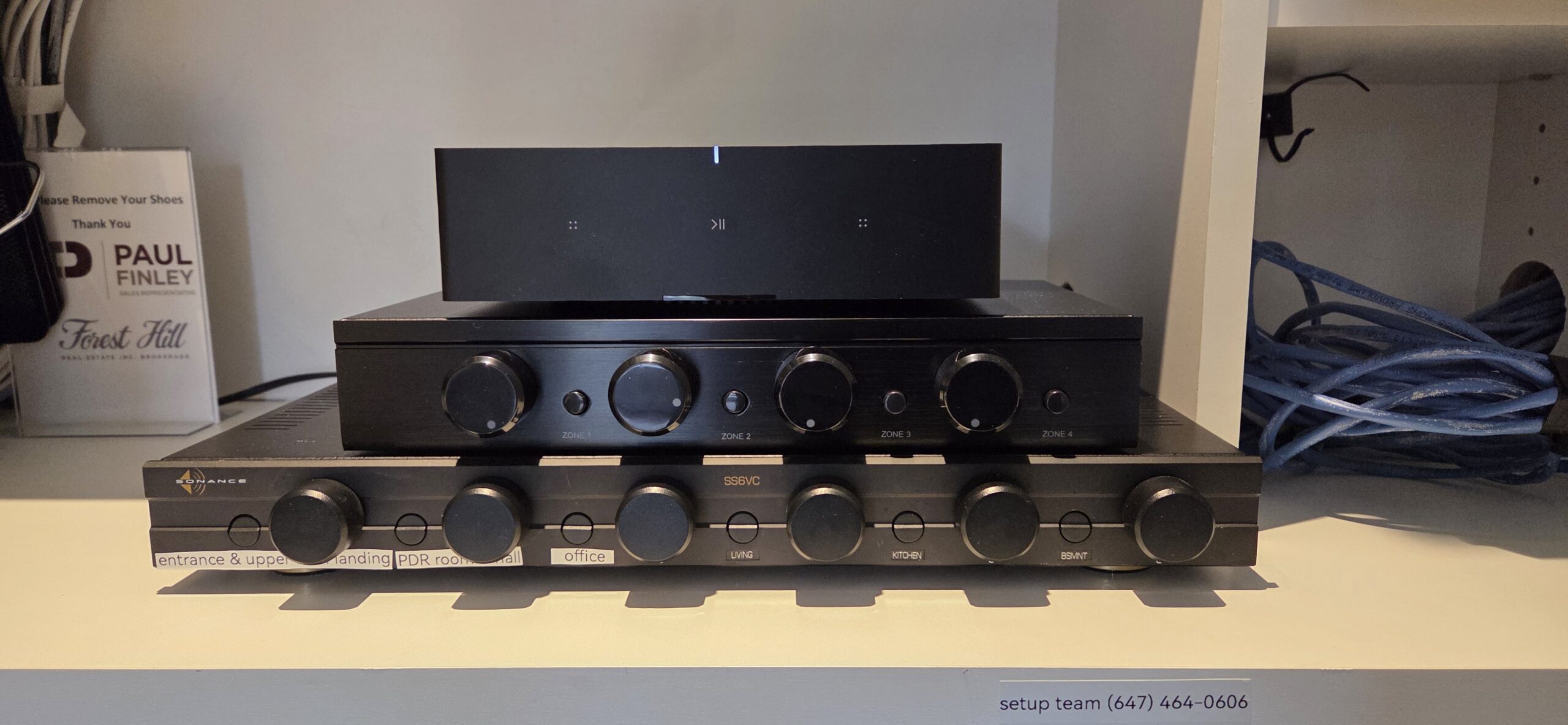
So, we rebuilt the system around dedicated audio zones with purpose-built amps for each area. First, we mapped coverage for the dining room, bar, and entry/background, and then we confirmed speaker placement and practical volume targets to keep sound even without hot spots. Next, we removed the Bluetooth dependency, standardized zone control, and set up a straightforward day-to-day workflow for staff. Finally, we validated real service scenarios—source switching, zone changes, and volume adjustments—so playback stayed stable, and the system sounded cleaner and more consistent.

What We Installed (Newmarket Restaurant)
This was a reliability-first refresh: separate zones, dedicated amps, and straightforward control—so staff can run music without dropouts or re-pairing.
- Multi-zone layout finalized for distinct areas (dining, bar, entry/background, optional patio)
- Dedicated amps installed per zone for stable control and better headroom
- Staff-friendly control setup: clear zone names, predictable grouping, consistent volume behaviour
- Source approach updated to eliminate Bluetooth instability and keep playback consistent
- Real-world validation completed: service run-through, zone switching, and volume changes tested end-to-end
Sonos Installation & On-Site Support FAQs In Newmarket
Common questions we get in Newmarket about planning, installing, upgrading, and stabilizing Sonos systems—especially where network reliability and predictable grouping matter.
Request An Estimate For Sonos Installation Or On-Site Support In Newmarket
Tell us what you want to accomplish and where the system is located in Newmarket—for example, Downtown / Main Street, Fairy Lake, Riverwalk Commons, Upper Canada Mall area, Glenway Estates, Summerhill Estates, Armitage, or Stonehaven-Wyndham. Let us know whether this is a new install, an upgrade from an older setup, or on-site troubleshooting (dropouts, missing rooms, grouping delays, AirPlay issues, or app problems). If you already have gear, list the models and the number of rooms/zones you want to use. Also include your building type (condo, house, or commercial) and any access constraints for wiring or equipment placement, as these affect the plan and timeline. If you don’t have equipment yet, we’ll recommend the right products and layout, then install and configure everything for reliable daily use.
- Licensed, insured, WSIB-covered, with $2,000,000 liability coverage
- Trained technicians + checklist process: clean setup, correct room naming, and consistent grouping/control
- Authorized Sonos dealer: we can supply equipment and provide warranty-ready proof of purchase when needed
- Network-first stability work: we confirm Wi-Fi/mesh health, and we use wired options when that’s the durable fix
- One team, end-to-end: planning, product supply, installation, tuning, and on-site follow-up support