


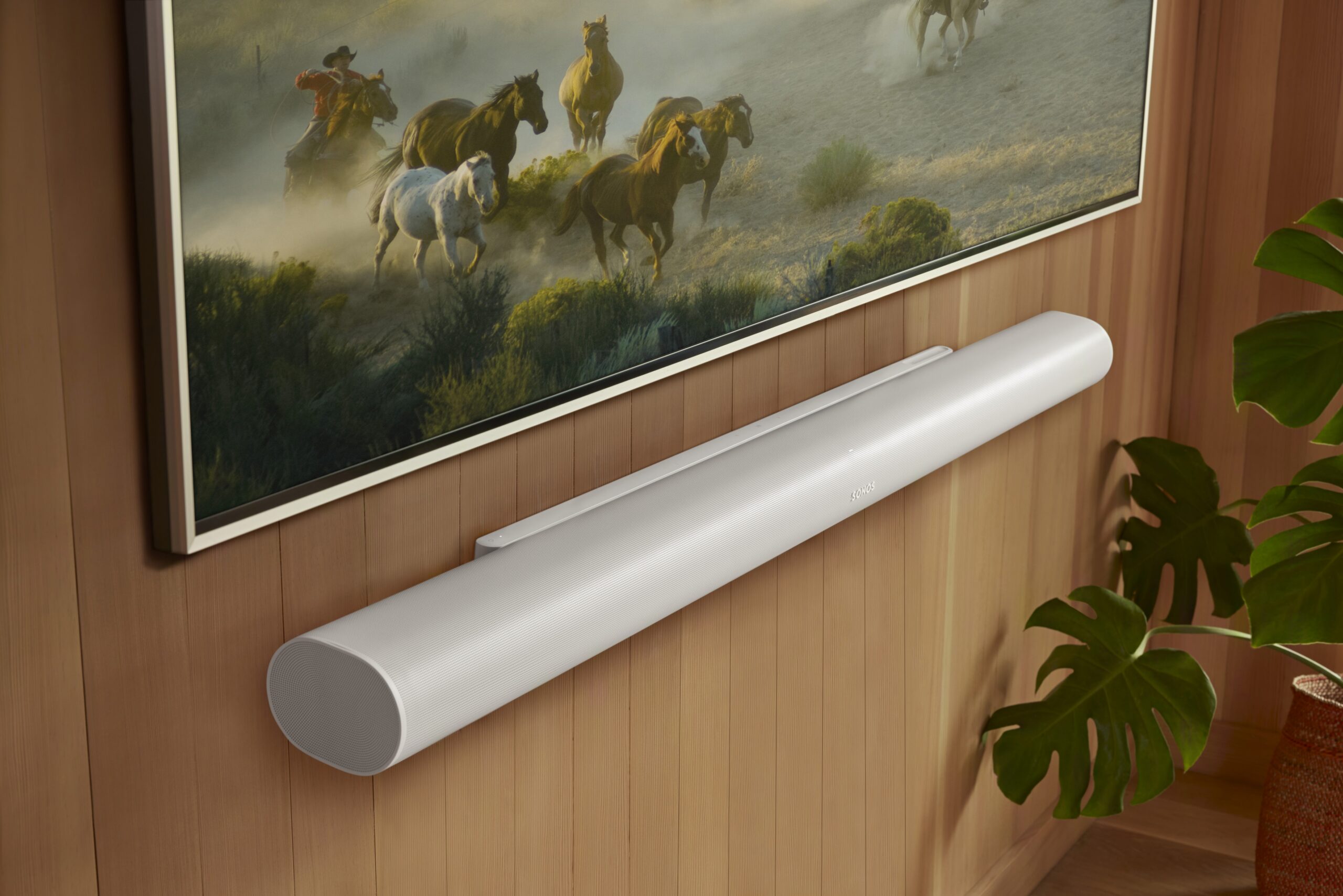
Sonos Installation And On-Site Support In Richmond Hill

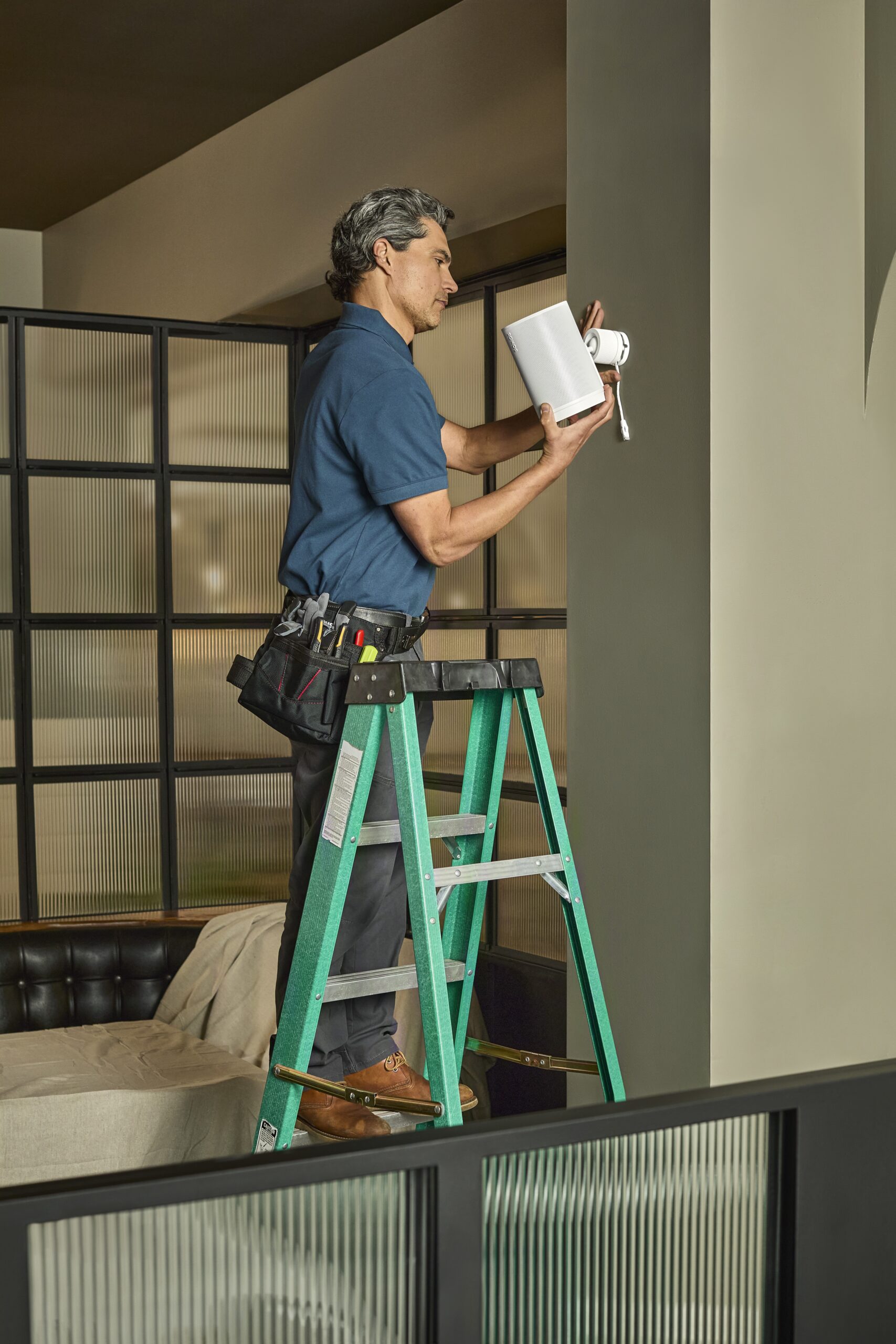
If you want Sonos to stay stable day to day, the work has to be planned, not guessed. SetupTeam provides Sonos installation and on-site support in Richmond Hill for homes, condos, and commercial properties, so zoning, control, and network behaviour are confirmed before we wrap up. Therefore, we map how you actually listen, then we design placement and wiring decisions around real use—not assumptions. Whether the goal is a Multi-room audio setup or fixing rooms that disappear from the app, we take a network-first approach, clean up configuration, and standardize grouping so switching between zones stays predictable. After that, we validate the exact scenarios you care about—music playback, grouping/ungrouping, and control—so the system behaves consistently without repeat visits.

What We Help With

Install, Upgrade, Or Troubleshoot Done Cleanly And Verified On-Site

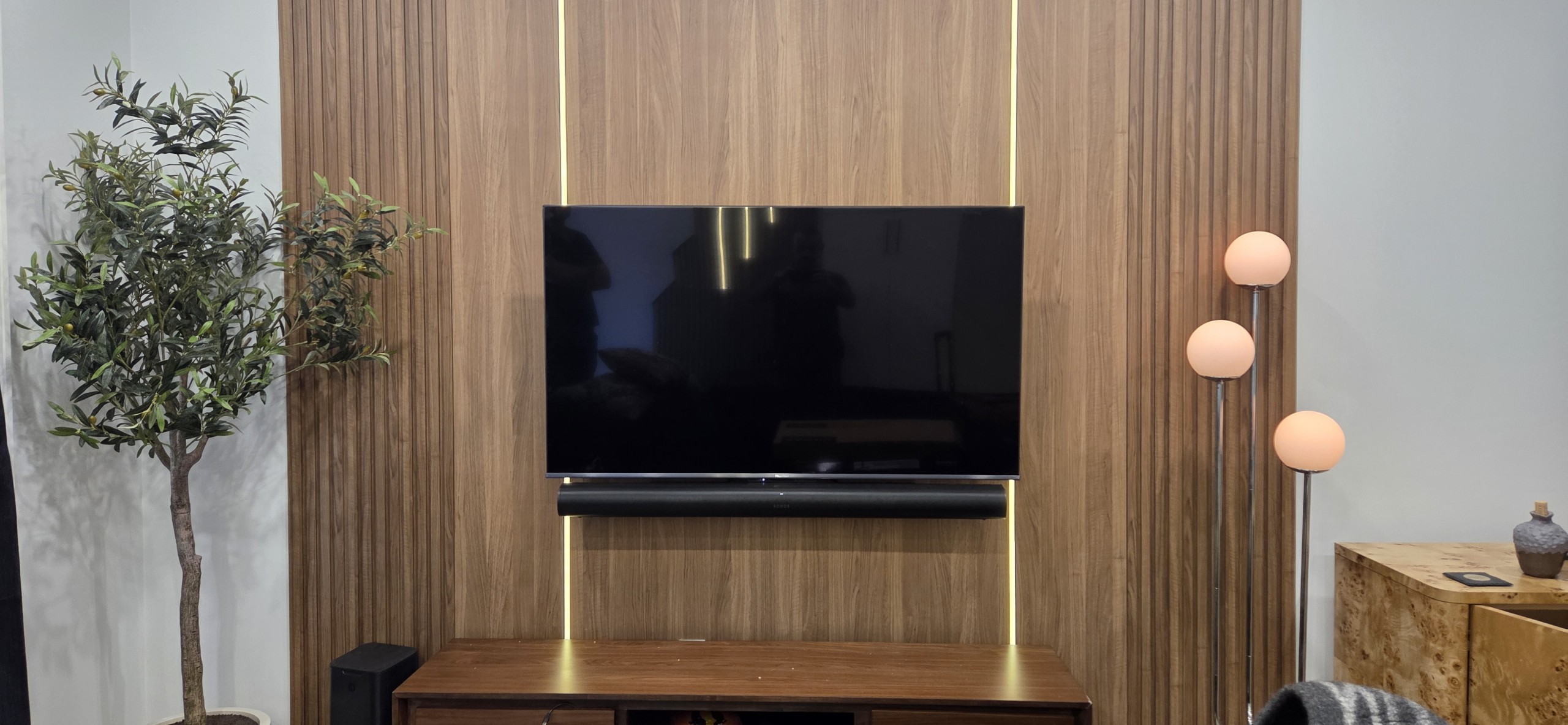
  • Home theatre Sonos setups (soundbar + Sub + surrounds: placement, tuning, clean control)
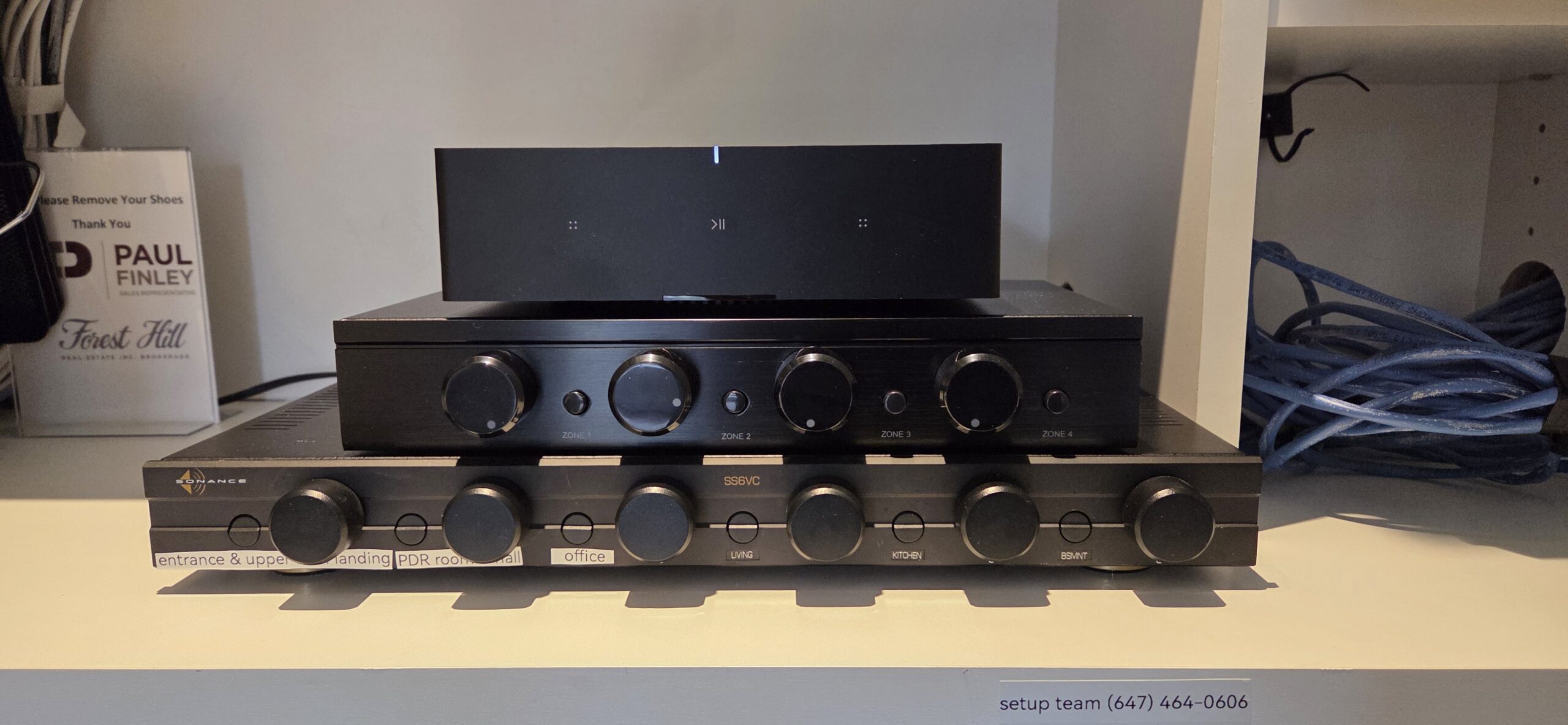
  • Multi-room audio planning (Amp/Port zones, indoor/outdoor areas, simple day-to-day use)
  • Dropouts + missing rooms + grouping delays (network-first diagnosis: Wi-Fi/mesh roaming, interference, IP/DHCP conflicts)
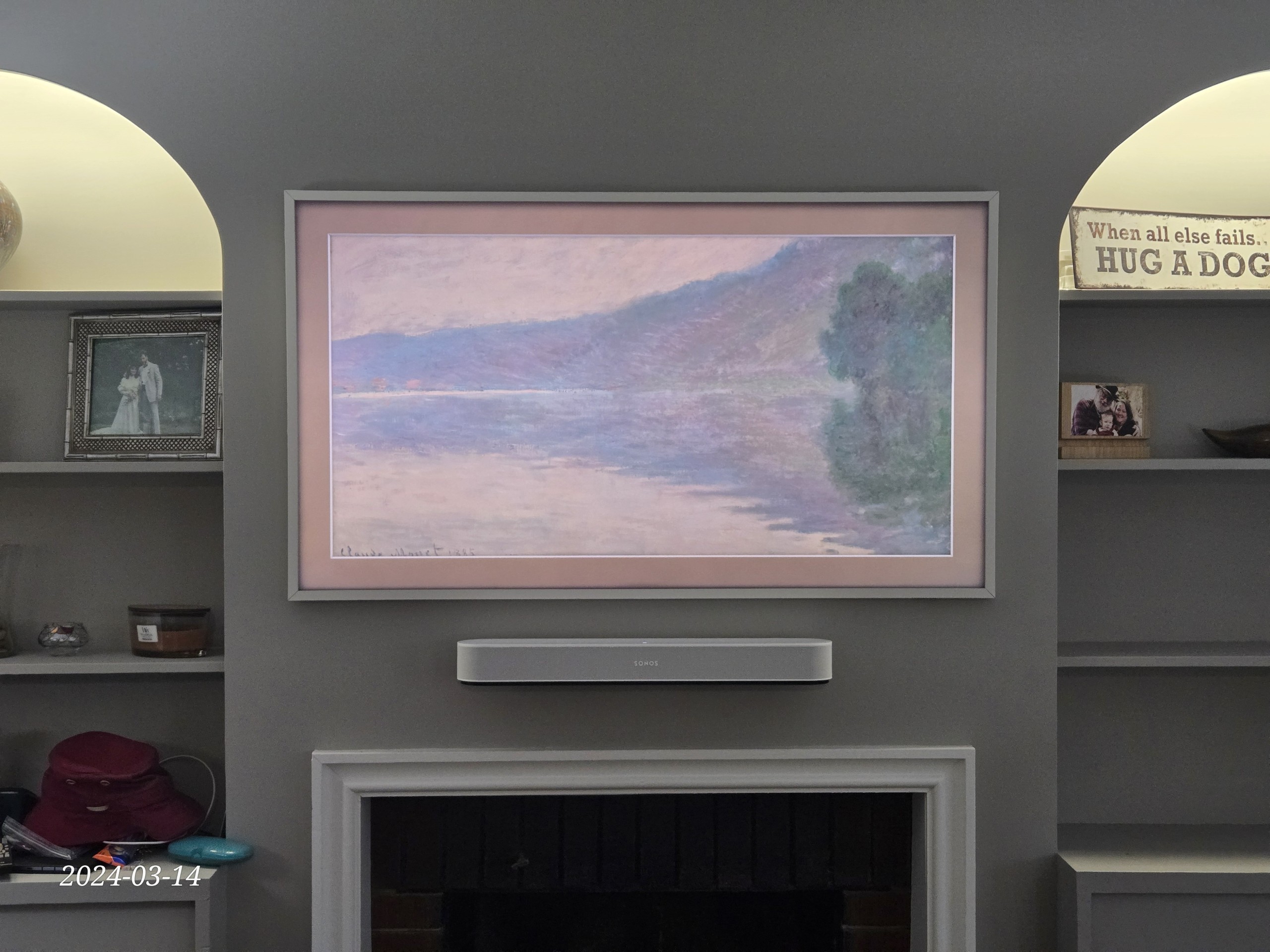
  • TV audio integration (ARC/eARC setup, lip sync, remote/volume control, source switching)
  • Professionally trained technicians, using a consistent install + verification checklist
  • Authorized Sonos dealer: we can supply equipment and provide warranty-ready proof of purchase
  • WSIB and $2,000,000 liability coverage

Request an Estimate

Let us know how we can help and where you’re located in the Greater Toronto Area, and we’ll reply with the following steps and a precise estimate.

By clicking “Submit”, you agree to SetupTeam’s Terms of Service and Privacy Policy.

Install, Upgrade, Or Troubleshoot Sonos — Planned, Clean, And Verified On-Site

Whether it’s a family home, a condo, or a commercial space in Richmond Hill, Sonos performs best when it’s planned and verified—not just powered on. First, we confirm how you actually use the system day to day (TV zone, music zones, grouping habits, and control preferences) so the setup matches real routines. Next, we handle placement, power, and clean cabling so the install looks finished and stays serviceable. Then, because reliability depends on the network, we check Wi-Fi/mesh behaviour, Ethernet options, roaming, and interference, and we correct what’s causing dropouts or missing rooms. Finally, we complete Sonos installation and on site support with a repeatable checklist—so Multi-room audio setup stays consistent, control feels predictable, and daily use doesn’t turn into ongoing resets.

TV Audio That Stays Locked In

We tune dialogue clarity, surrounds, and level matching, and then confirm ARC/eARC behaviour and remote/volume control. Therefore, TV watching feels consistent every time—not “why is this different today?” troubleshooting.

Grouping + Switching That Behaves Predictably

We standardize room names, clean up grouping logic, and align timing and volume across zones. In addition, we validate switching between rooms and sources, so music doesn’t feel late, uneven, or out of sync.

Smooth Upgrades From Legacy Sonos

If you’re mixing older and newer Sonos gear, we plan the transition so it stays stable. Then we clean up the configuration, confirm everything displays correctly, and re-test grouping and playback so daily use improves.

Network-First Root Cause Checks

We don’t guess—so we check Wi-Fi versus Ethernet, mesh roaming, interference, and network conflicts that make rooms disappear or audio cut out. After changes, we re-test stability and control, so the fix holds for both homes and businesses.

Trained Sonos Technicians — Network-First Setup, Verified In Real Use

With SetupTeam, you’re working with trained Sonos technicians—not a DIY. Our team completes hours of platform training, and we bring deep networking knowledge to every install and support visit, so Wi-Fi behaviour, roaming, and the conflicts that cause dropouts or missing rooms get identified and corrected properly. Then we confirm real-world performance across how you actually use the system—TV audio, music playback, grouping, and control—so your Sonos setup stays reliable day to day without repeated resets or back-and-forth support calls.

Sonos Authorized Gold Dealer logo
SetupTeam Sonos Authorized Gold Dealer
INSTALLATION WORKFLOW

How We Plan, Install, And Validate Sonos Systems In Richmond Hill

We don’t just recommend equipment—we supply it and install it correctly. Therefore, our workflow covers zone planning, placement, wiring decisions, configuration, and a hands-on validation checklist, so your Sonos system stays stable day-to-day across homes, condos, and commercial spaces in Richmond Hill.

01

Confirm Zones + Real Daily-Use Scenarios

First, we walk the space and confirm how you actually use audio day to day—TV zones, music zones, grouping habits, and control preferences. Next, we map each zone and verify what it needs (soundbar, surrounds, portable speakers, or Amp/Port for distributed audio). Then, we confirm whether Wi-Fi/mesh or Ethernet is the more stable approach for your layout, so coverage and roaming behaviour aren’t guesswork—especially when multiple zones need to stay visible and responsive.

Learn More
02

Install Cleanly + Keep Everything Serviceable

Next, we handle the physical work: deliver gear (when supplied), mount or place speakers and soundbars properly, and keep connections clean and accessible. Meanwhile, we plan power and cable routing early so the setup looks finished, stays serviceable, and avoids “temporary” wiring that can cause issues later—particularly in finished basements, millwork installs, and tight utility/network areas. If needed, we also confirm structured wiring options so the system remains stable long-term.

Learn More
03

Tune, Test + Walk You Through Control

Finally, we configure the system, standardize room names, clean up grouping logic, and confirm performance in real use—TV audio (ARC/eARC), music playback, AirPlay, and switching between rooms. Then we apply the right tuning (including Trueplay where applicable), re-test stability after changes, and show you the exact controls you’ll use day to day (app, TV remote, voice if used), so the system stays consistent and doesn’t require repeated troubleshooting later.

Learn More
ON-SITE DIAGNOSTICS PROCESS

How We Diagnose Sonos Dropouts And Restore Reliable Playback

When rooms disappear, audio cuts out, or grouping becomes inconsistent, the goal is simple: a fix that still holds next week. Therefore, in Richmond Hill, we recreate the issue the way you actually use the system, then we trace the cause (network, configuration, or control path), apply changes in the right order, and re-test the exact scenarios you care about before we leave.

01

Recreate The Issue In Real Use

First, you show us what’s happening—dropouts, missing rooms, delayed grouping, AirPlay hiccups, or app behaviour that comes and goes. Next, we reproduce it on-site and confirm how the system is connected (Wi-Fi, Ethernet, mesh, or SonosNet, where applicable). Then we review what changed before the issue started—new router/mesh, ISP swap, equipment moved, or new devices added—so we’re working from verified behaviour, not assumptions.

Learn More
02

Fix The Root Cause In The Right Sequence

Next, we stabilize the foundation, because reliability is usually network-driven: roaming, band steering, interference, weak coverage, and IP/DHCP conflicts that can make rooms vanish. Additionally, we check for configuration issues that cause “ghost” rooms, group delays, or inconsistent control. After that, we apply durable changes—Wi-Fi tuning, wired options where they’re the stable fix, and cleanup inside the app—so you’re not stuck with “reset and hope” workarounds.

Learn More
03

Prove It With Repeatable Tests + Clear Handoff

Finally, we run the same scenarios you use day to day—TV audio, music playback, AirPlay (if used), grouping/ungrouping, and source switching—until the system behaves predictably. Then we summarize what changed, what to avoid going forward, and what to watch for, so staff or family can keep it stable after we’re gone.

Learn More

What Richmond Hill Clients Notice After A Proper Sonos Setup

Most feedback comes down to consistency: rooms stay visible in the app, grouping behaves the same way every time, and audio stops cutting out during normal use. Just as important, clients want a clear explanation of what was changed, why it mattered, and what to avoid going forward—especially in Richmond Hill areas like Langstaff, Bayview Hill, Oak Ridges, and Downtown Richmond Hill, where Wi-Fi performance can shift room-to-room, floor-to-floor, and even by time of day. Therefore, when the setup is planned and verified properly, daily use feels predictable—TV audio, music playback, and switching between zones all work the way you expect.
  • “ALEX Was able to fix my wireless Sonos speakers in minutes!!!!!! Great service, fast and friendly.”
    Micheal C
    Customer Title
  • “We bought the Sonos Arc Ultra from SetupTeam. Alex delivered the soundbar and set it up in minutes. Everything is working great. We are very happy with the service we received 10/10!!! “
    Kate
    Customer Title
  • “Great service! Ilia was friendly, professional, efficient, and kept everything very clean. Also, worked around my schedule. Much appreciated! Set up looks fantastic! Thank you!!”
    G C
    Customer Title
  • “Excellent work and integrity. Got my Sonos up and running.”
    Simon L
    Customer Title
SERVICE OPTIONS IN Richmond Hill

Sonos On-Site Support And Installation Services

Starting prices shown. Final pricing depends on rooms/zones, equipment, wiring access, and the issue being corrected.

In-Home Troubleshooting

$199.99+

If rooms disappear, audio cuts out, or grouping gets unpredictable, we start by recreating the problem on-site using your real routine (TV, music, grouping, and volume control). Then we isolate the failure point—signal/roaming, interference, IP/DHCP behaviour, or control-path conflicts—and apply the fix in a stable sequence. As a result, the system stays reliable after we leave.


  • Signal + roaming check (mesh handoffs, channel congestion, interference)

  • Control-path + network cleanup (IP/DHCP conflicts, duplicates, stale rooms)

  • Confirmed performance test (TV audio, music playback, grouping/un-grouping)
Book Troubleshooting Visit
Installation / Upgrade

$159.99+

Adding speakers, expanding zones, or modernizing older gear? We plan the layout first, confirm the best connection method (Wi-Fi, Ethernet, or mixed), and then install cleanly so the system stays serviceable. After setup, we tune and validate real-world behaviour—grouping, zone switching, and control—so day-to-day use feels consistent.


  • Layout + zone mapping (TV zones vs music zones, Amp/Port where needed)

  • Clean install standards (power plan, tidy routing, accessible connections)

  • Setup + validation (room naming, grouping logic, switching + control checks)
Request Installation Estimate
CONSULTATION / Purchasing

$199.99+

If you’re not sure what to buy or how to design the system, we build a room-by-room plan based on how you actually listen and the space’s layout. Then we confirm network readiness and wiring access before you commit, so the purchase and the install stay straightforward.


  • Room-by-room design plan (coverage, zones, indoor/outdoor, Amp/Port use)

  • Buying guidance matched to your space (products, mounting/placement, expansion path)

  • Pre-install readiness review (Wi-Fi/mesh health, Ethernet options, wiring access)
Book Consultation

Recent Project In Richmond Hill — Bungalow Sonos Upgrade + Outdoor Audio Refresh

This Richmond Hill bungalow had a mixed setup: a Sonos soundbar for TV and older outdoor speakers that were inconsistent and tough to control. Volume levels didn’t match, sources were confusing, and outdoor playback wasn’t reliable—especially when switching from TV audio to music.

So, we rebuilt it around a cleaner, modern Sonos layout. First, we confirmed the TV is connected properly, then replaced the soundbar and reworked the room setup so control stayed predictable from the TV remote and the Sonos app. Next, we upgraded the outdoor audio to a dedicated solution using a Sonos Port + Crown amplifier, which gave the patio its own stable zone with better headroom and cleaner sound. Finally, we standardized room names, cleaned up grouping behaviour, and tested real use—TV audio, music playback, grouping/un-grouping, and zone switching—so everything behaved consistently before handoff.

Residential network rack with patch panel and labeled Cat6 terminations for structured wiring in a Toronto home

What We Installed (Richmond Hill Home)

This was a reliability-first refresh focused on clean control indoors and stable playback outdoors.

  • Upgraded the Sonos Playbar and confirmed correct TV audio integration (ARC/eARC + remote/volume control)
  • Added a dedicated outdoor zone using Sonos Port + Crown amplifier for better stability and sound quality
  • Verified speaker placement, safe power/cable routing, and serviceable connections
  • Standardized rooms + grouping so indoor/outdoor switching stays predictable
  • Completed real-world validation: TV use, music, grouping, and outdoor zone control tested end-to-end
Call Now

Sonos Installation & On-Site Support FAQs In Richmond Hill

Common questions we get in Richmond Hill about planning, installing, upgrading, and stabilizing Sonos systems—especially in condos, townhomes, and larger homes.

Volume drift is typically a mix of grouping behaviour, level mismatches, and control-path overlap. For example, a TV zone and a music group might be controlled from different places (TV remote vs. app), while one room may have different volume limits or loudness settings.

Therefore, we standardize how volume is controlled, align room levels, confirm volume limits, and then test real scenarios—TV audio, music playback, and grouping—so the system behaves predictably.

Most TV-audio problems come from the audio path and control settings—not the soundbar itself. Common culprits include ARC/eARC settings, CEC conflicts, incorrect TV audio format output, or multiple devices trying to control volume.

So, we confirm:
ARC/eARC + CEC behaviour (and what device is “in charge”)
TV audio format settings (what the TV is outputting vs what Sonos expects)
Source switching behaviour (cable box, Apple TV, game console, etc.)
Remote control method (IR vs HDMI-CEC vs app)
Then we validate it with live switching tests and repeatable volume control before handoff.

For passive speakers (outdoor or architectural), the clean approach is usually a dedicated amplifier per zone rather than trying to “make wireless behave like wired.” That way, each area has stable power, predictable volume, and simple control.
Accordingly, we plan zone layout, confirm speaker loads/impedance, set practical volume targets, and then configure zones so daily use is straightforward—without constant reconnecting or re-pairing.

Ghost rooms usually come from leftover configurations, partial setups, or devices that were previously registered/added under different conditions. Over time, this creates confusion: rooms appear twice, disappear, or group inconsistently.
Therefore, we:
Audit and clean room naming and grouping logic
Remove duplicates and stale entries safely
Rebuild a consistent zone map (what each room is called and how it’s used)
Confirm discovery stays stable after changes
Then we retest grouping and switching so the app stays clean and predictable

Speed tests can look fine while real-time audio still struggles. Sonos stability depends on consistent discovery, roaming behaviour, and network timing, not just download speed. Congestion, interference, and how devices hand off between access points can cause rooms to vanish or audio to cut out.
So, we verify stability the right way: we test roaming/coverage where the speakers actually are, check network conflicts, and confirm the system holds under real grouping and switching—not just a single-room playback test.

To quote and plan accurately, we need the details that actually affect time and complexity:
What you’re trying to achieve (new setup, upgrade, or fixing instability)
How many rooms/zones you want active
What equipment do you already have (models help)
What you want controlled (TV audio, music zones, outdoor, in-ceiling, etc.)
Any wiring/cable concealment requirements
Building type and access constraints that affect routing and placement
Then we can outline clear next steps and a realistic estimate, rather than guessing and adjusting later.

Request An Estimate For Sonos Installation Or On-Site Support In Richmond Hill

Tell us what you want to accomplish and where the system is located in Richmond Hill—for example, Downtown Richmond Hill, Langstaff, Bayview Hill, Oak Ridges, Jefferson, Doncrest, Mill Pond, or Observatory. Also, let us know whether this is a new install, an upgrade, or on-site troubleshooting (dropouts, missing rooms, grouping delays, AirPlay issues, or app problems). If you already have equipment, include the models and the number of rooms/zones you want active. Finally, add your building type (condo, house, or commercial) and any access constraints for wiring or equipment placement, as these affect the plan and timeline. If you don’t have gear yet, we’ll first confirm the right products and layout, then install and validate everything for reliable daily use.

Call to ask any questions.

(647)464-0606

Or Email

[email protected]

  • Licensed, insured, WSIB-covered, with $2,000,000 liability coverage
  • Trained technicians + checklist process: clean setup, correct room naming, and consistent grouping/control
  • Authorized Sonos dealer: we can supply equipment and provide warranty-ready proof of purchase when needed
  • Network-first stability work: we confirm Wi-Fi/mesh health, and we use wired options when that’s the durable fix

Request an Estimate

Let us know how we can help and where you’re located in the Greater Toronto Area, and we’ll reply with the following steps and a precise estimate.

By clicking “Submit”, you agree to SetupTeam’s Terms of Service and Privacy Policy.