



Sonos System Troubleshooting
Sonos Speakers Disappearing From the App?
SetupTeam Real Richmond Hill Case That Shows the Most Common Sonos Connectivity Failure
Sonos soundbars, Sub, Era speakers, Sonos Amp, and older Sonos players are extremely reliable when they run on a clean, well-designed home network. However, in many GTA homes, Sonos components can randomly disappear from the app, fail to group, drop out mid-song, or work perfectly one day and vanish the next. In most real-world service calls, this isn’t a “Sonos hardware problem.” Instead, it’s a home network architecture and Wi-Fi design problem — and once the network is engineered properly, Sonos tends to become stable long-term.
This post is based on a real service call in Richmond Hill, where a full Sonos home theatre and multi-room audio system constantly dropped speakers from the app. SetupTeam was brought in to confirm the root cause and stabilize the system end-to-end — not just reboot devices and hope it holds. If you want help locally, start with Sonos installation and on site support or reach out through Contact Us.
SetupTeam is a Gold-Level Sonos Dealer, and we’re licensed and insured. Therefore, we approach Sonos issues the same way we approach any professional AV project: first, we confirm the network topology, then we validate wireless performance, then we verify device discovery, and finally, we lock the system into a stable design that stays stable. If you want real examples, browse Recent Work and verified feedback on Reviews.
Common Symptoms of Sonos Network Failure
- Speakers randomly disappear from the Sonos app, then reappear later.
- Surrounds or Sub vanish while the soundbar still plays TV audio.
- Rooms refuse to group, or grouped zones drop out mid-song.
- New speakers fail to set up unless they sit right beside the router.
- Music stutters, cuts out, or plays out of sync between rooms.
- The app feels slow, laggy, or “loses” rooms during playback.
If this sounds familiar, the fastest path is a proper diagnosis. In many homes, the fix starts with Wi-Fi troubleshooting & network optimization. Moreover, if the home has multiple access points, switching, structured wiring, or a mesh that needs a proper layout, the foundation is usually Networking Services.
Why Sonos Speakers Disconnect or Disappear
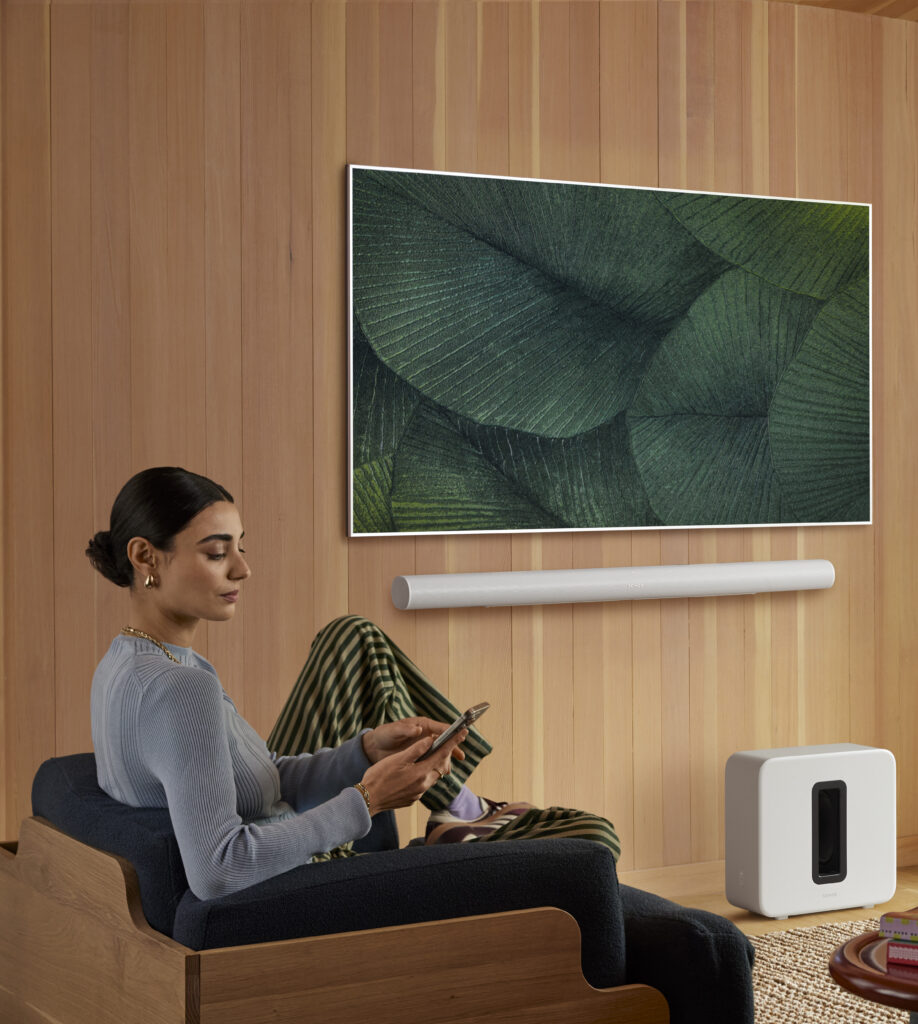
Sonos relies on consistent device discovery and stable local network communication. So, even if “the internet works,” Sonos can still fail when the LAN is split, the gateway changes, or devices bounce between networks.
The most common cause we see is multiple routers and DHCP servers competing for network resources. It often looks like this:
- The ISP modem/router is still acting as a full router, broadcasting Wi-Fi and handing out IP addresses.
- A second system — like Google/Nest Wi-Fi, eero, TP-Link Deco, or a prosumer network — is also in router mode, creating a second network behind it.
- Both systems may share the same Wi-Fi name and password, which seems convenient. However, devices can jump between networks depending on signal strength and roaming behaviour.
From Sonos’s perspective, that is a split environment. Consequently, some speakers end up on one IP range and others on another. As a result, they can’t reliably discover each other, so rooms vanish from the app, grouping fails, and stability becomes inconsistent.
Home theatre systems add another layer. A Sonos soundbar can use a dedicated wireless link for surrounds and Sub. Therefore, if the network is unstable, the theatre system can become unpredictable—even though TV audio might still play.
Important: Sonos is designed to be wireless, as long as the Wi-Fi is strong and consistent. Therefore, randomly wiring speakers—or mixing wired and wireless paths within a poor topology—can make things worse. If you want a clean, engineered solution, start with Wi-Fi troubleshooting & network optimization and let the network design lead the Sonos design, not the other way around.
Richmond Hill Case Study: Full Sonos System on a Broken Network

In this Richmond Hill home, the client had:
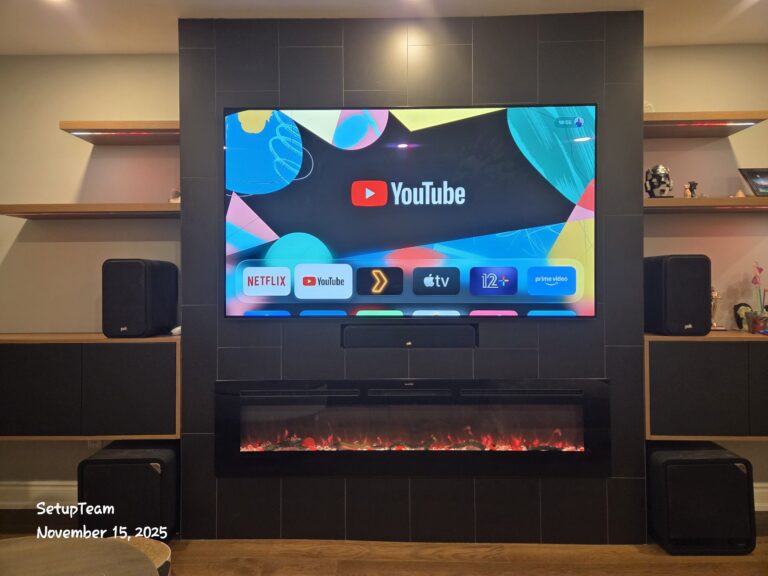
- A Sonos home theatre with a soundbar, Sub, and Era surrounds (for reference: Sonos Arc, Sonos Sub, Sonos Era 100).
- Two Amps driving in-ceiling audio zones indoors and outdoors (for reference: Sonos Amp).
- Several older Sonos speakers were distributed around the home.
- An ISP gateway plus an older mesh Wi-Fi system layered on top.
Every device was affected. Some days the full theatre appeared; other days only the soundbar showed up. Meanwhile, wireless rooms dropped in and out, and grouping was unreliable.
What we found
- Double NAT — both the ISP gateway and the mesh were running as routers and DHCP servers.
- Overlapping Wi-Fi identities — devices bounced between networks unpredictably.
- Extra 2.4 GHz traffic in an already congested environment.
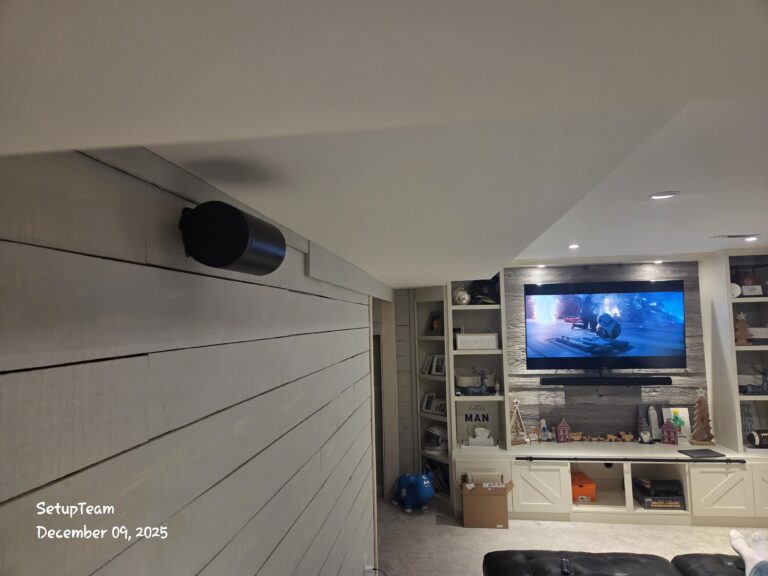
Instead of chasing symptoms, we corrected the network design so every Sonos component lives on the same consistent LAN. Then we verified stability by testing grouping, sync, and theatre performance under real-world usage.
- Reworked the network so there is one primary router handing out IP addresses (one gateway, one DHCP scope).
- Separated the ISP Wi-Fi from the primary home Wi-Fi so devices don’t accidentally join the wrong network.
- Upgraded Wi-Fi hardware where needed (example reference: eero Pro 6E).
- Power-cycled and validated each Sonos component so they rejoin the correct network consistently.
- Confirmed grouping stability and theatre stability after the cleanup.
Result: all Sonos zones stayed visible, grouping was immediate, and the theatre system remained stable. In addition, the client saw improved Wi-Fi performance for streaming, work-from-home, and smart devices.
Why This Matters for Whole-Home AV
Sonos reliability improves dramatically when the network and the AV system are planned together. In many projects, we combine network cleanup with professional mounting and full AV integration because TV placement, cable routing, equipment placement, and wireless design all affect the final result.
Useful next steps:
Additionally, if the home includes automation or security, the network foundation matters even more:
Book a Sonos + Network Diagnostic in Richmond Hill
If your Sonos speakers are disappearing from the app, dropping out of groups, or behaving inconsistently, the fastest fix is to verify the network setup and stabilize it. Start here: Sonos installation and on-site support.
You can also read verified feedback here: Reviews, or reach us directly via Contact Us (phone: (647) 464-0606).
Sonos Troubleshooting FAQ
Common questions we get in Aurora about planning, installing, and fixing Sonos systems—especially for larger homes, basement setups, and multi-zone audio where network stability and correct placement matter.