



Home Theatre & AV
Installation in Aurora
Licensed AV and smart home installers serving Aurora and York Region — TV wall mounting, Sonos whole-home audio, Dolby Atmos home theatre, Control4 integration, and Cat6 structured wiring. One team for the whole property.
(647) 464-0606 Book OnlineEvery Credential That Matters — Backed by a Warranty That Stays
Aurora’s Housing Range Shapes Every Installation Decision
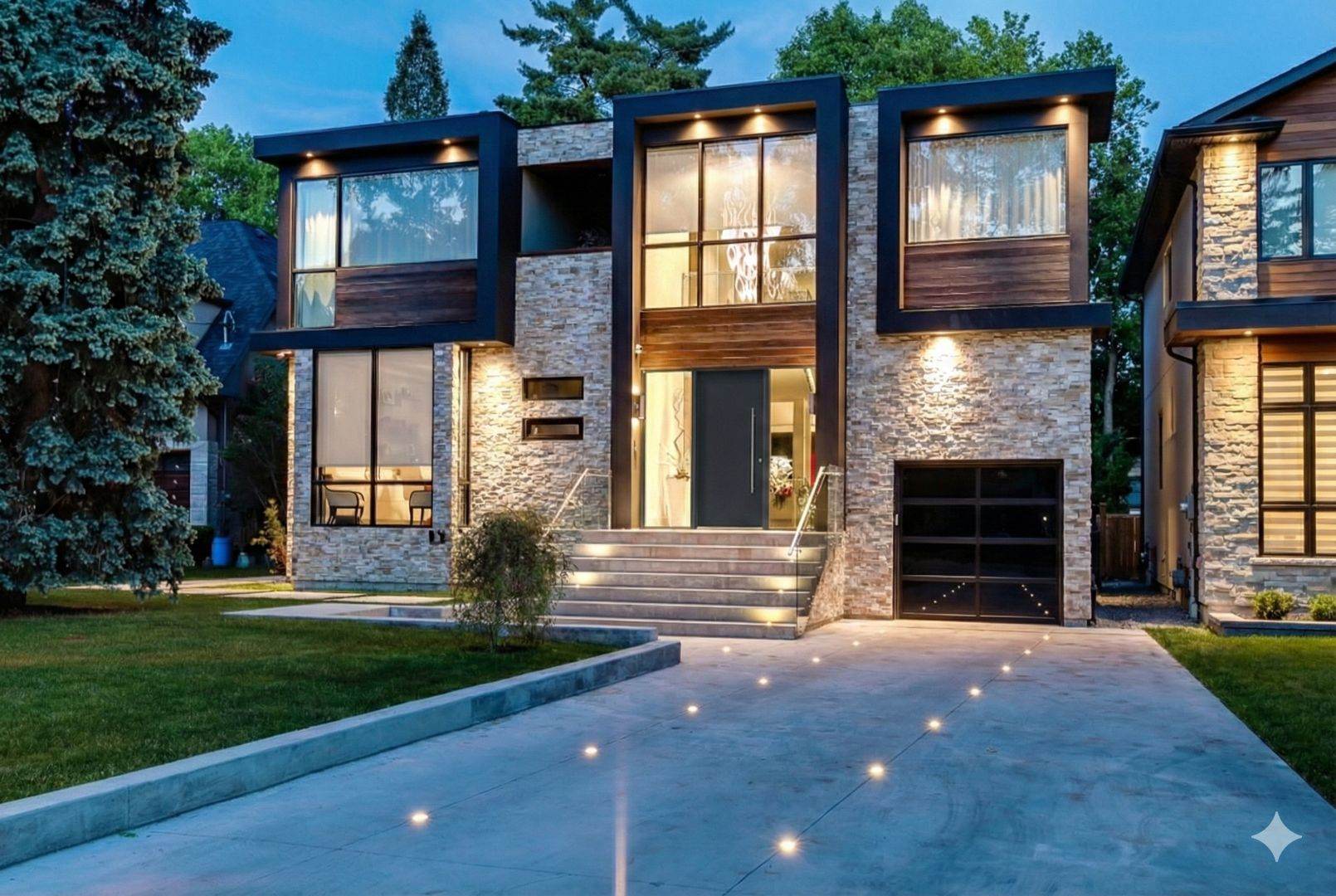
Aurora has one of York Region’s widest spreads of construction eras — from century-old plaster homes in the historic village core to post-millennium drywall builds in newer subdivisions and executive estates with high ceilings and dedicated media rooms. That range matters practically: plaster walls need a different drilling approach and often rule out in-wall cable routing altogether, while newer drywall homes with attic access make structured wiring and in-ceiling speaker installation clean and fast. Estate properties with detached garages or pool houses add an outdoor wiring dimension that changes how Wi-Fi and Sonos are planned. SetupTeam scopes the actual wall construction, ceiling access, and cable path before confirming any price — because the neighbourhood and build year tell most of the story before arrival.
AV, Smart Home & Network Services — Aurora
TV Wall Mounting
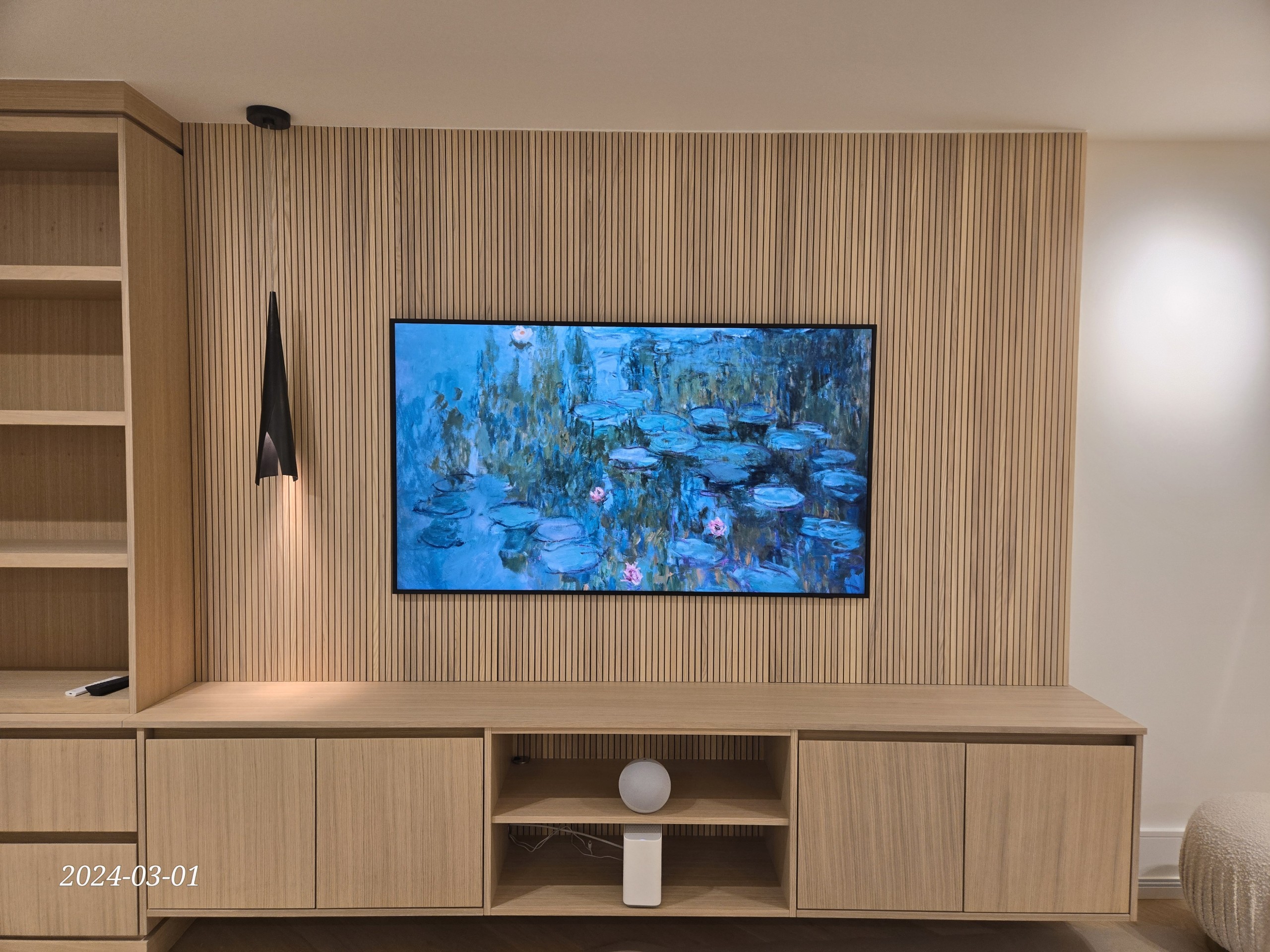
Aurora’s mix of plaster, stone, and modern drywall means bracket and anchor selection varies job to job. Heritage-area homes often need surface raceway where in-wall routing isn’t feasible; newer builds allow full cable concealment behind drywall. Lifetime labour warranty on every mount. TV mounting in Aurora →
Learn more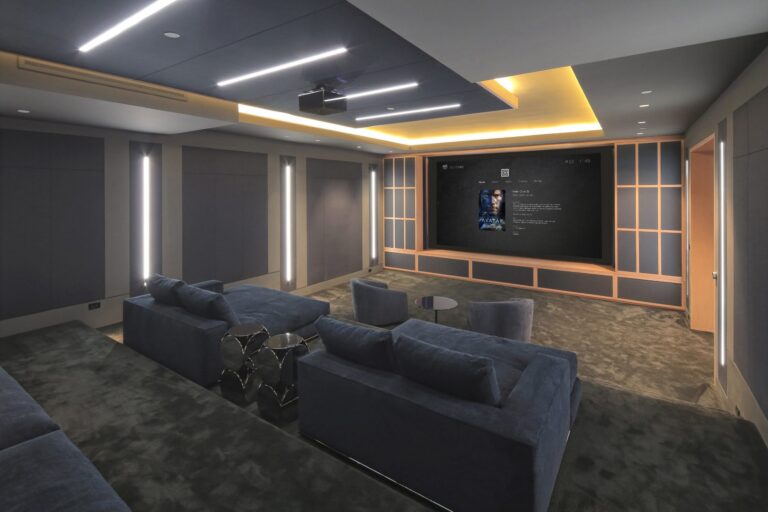
Home Theatre
Aurora Highlands and estate-area homes with high ceilings and finished basements are strong candidates for dedicated Dolby Atmos theatre rooms — in-ceiling speaker layout, 4K projection or large-format OLED, and a clean AV rack. Speaker positions planned around the actual room dimensions, not a template. Home theatre details →
Learn more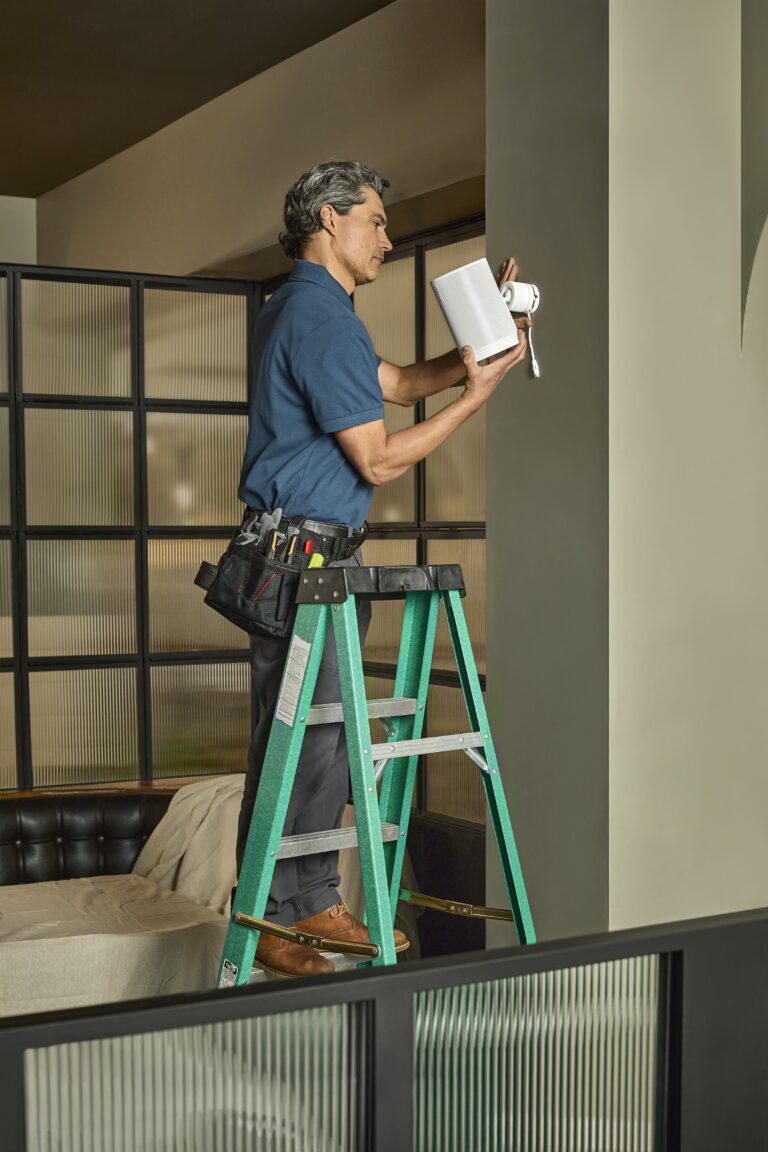
Sonos Audio
Whole-home audio designed by a Gold Authorized Dealer — in-ceiling speakers per zone, Sonos Amp, and outdoor weather-rated zones for patios and pool decks common in Aurora estate properties. Network readiness confirmed before placing any equipment. Sonos installation details →
Learn more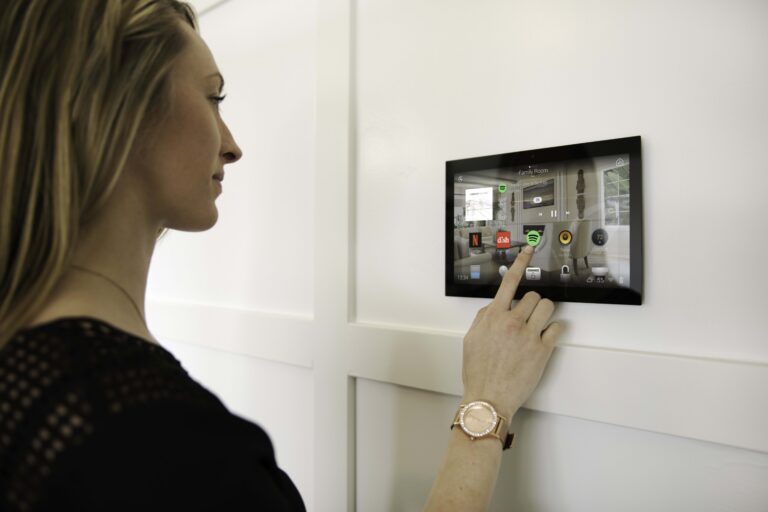
Control4 Smart Home
Larger Aurora homes — particularly in estate and Highlands-area neighbourhoods — are well-suited to Control4 whole-home integration: lighting scenes, motorized blinds, HVAC, AV, and security cameras all responding to a single on-premises controller programmed by a certified dealer.
Learn more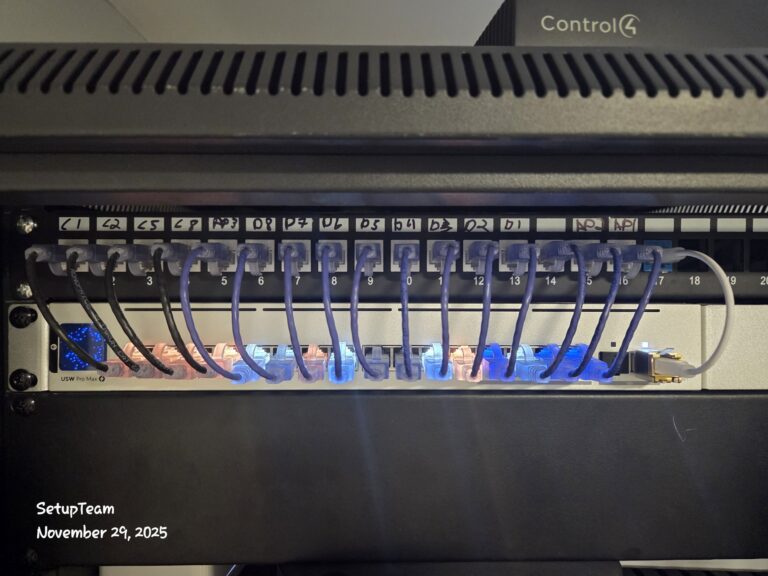
Network & Structured Wiring
Cat6 home-run wiring to a labelled patch panel — every drop tested at Gigabit before handoff. New builds and major renovations in Aurora’s active development areas are the best time to rough-in speaker wire, Cat6, and HDMI conduit before drywall closes. Network wiring details →
Learn more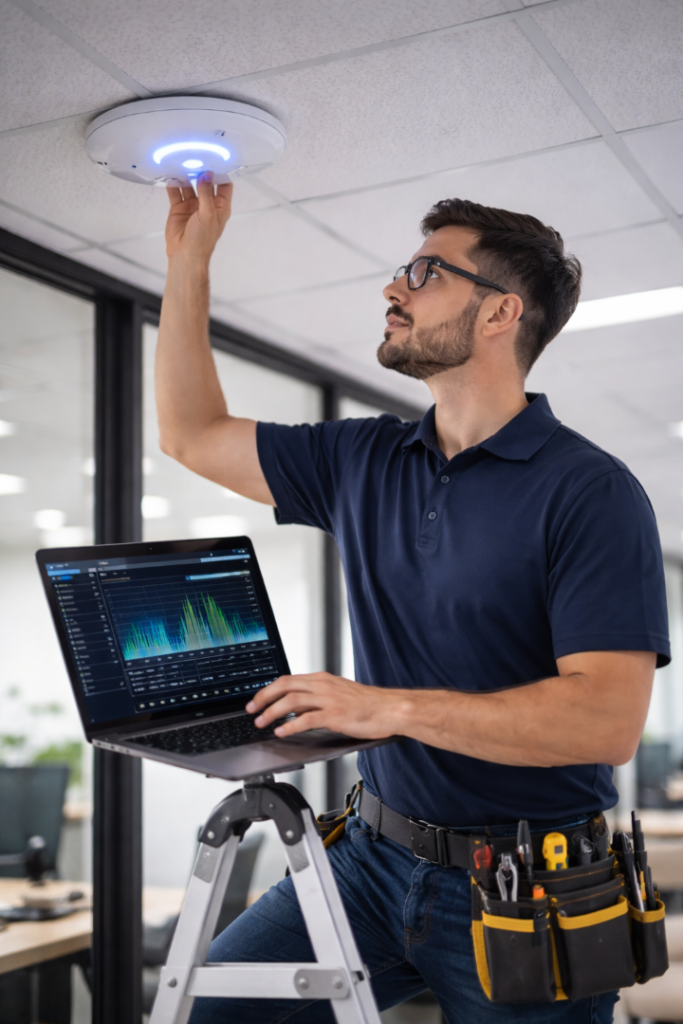
Wi-Fi Optimization
Multi-floor detached homes and estate properties with detached garages are where consumer mesh systems fail hardest — wireless backhaul halves throughput per hop. Wired Cat6 backhaul to enterprise access points is the fix. Coverage tested with live throughput, not signal bars. Wi-Fi optimization details →
Learn more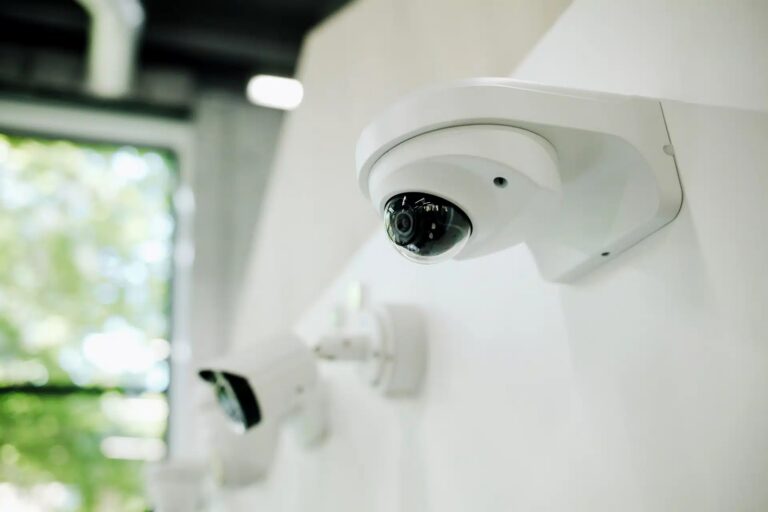
Security Cameras
PoE IP cameras on a local NVR — one Cat6 run per camera, no batteries, no cloud subscription. Aurora estate properties with long driveways, gated entries, or detached garages benefit from 8MP cameras with IR night vision for perimeter detail at range.
Learn more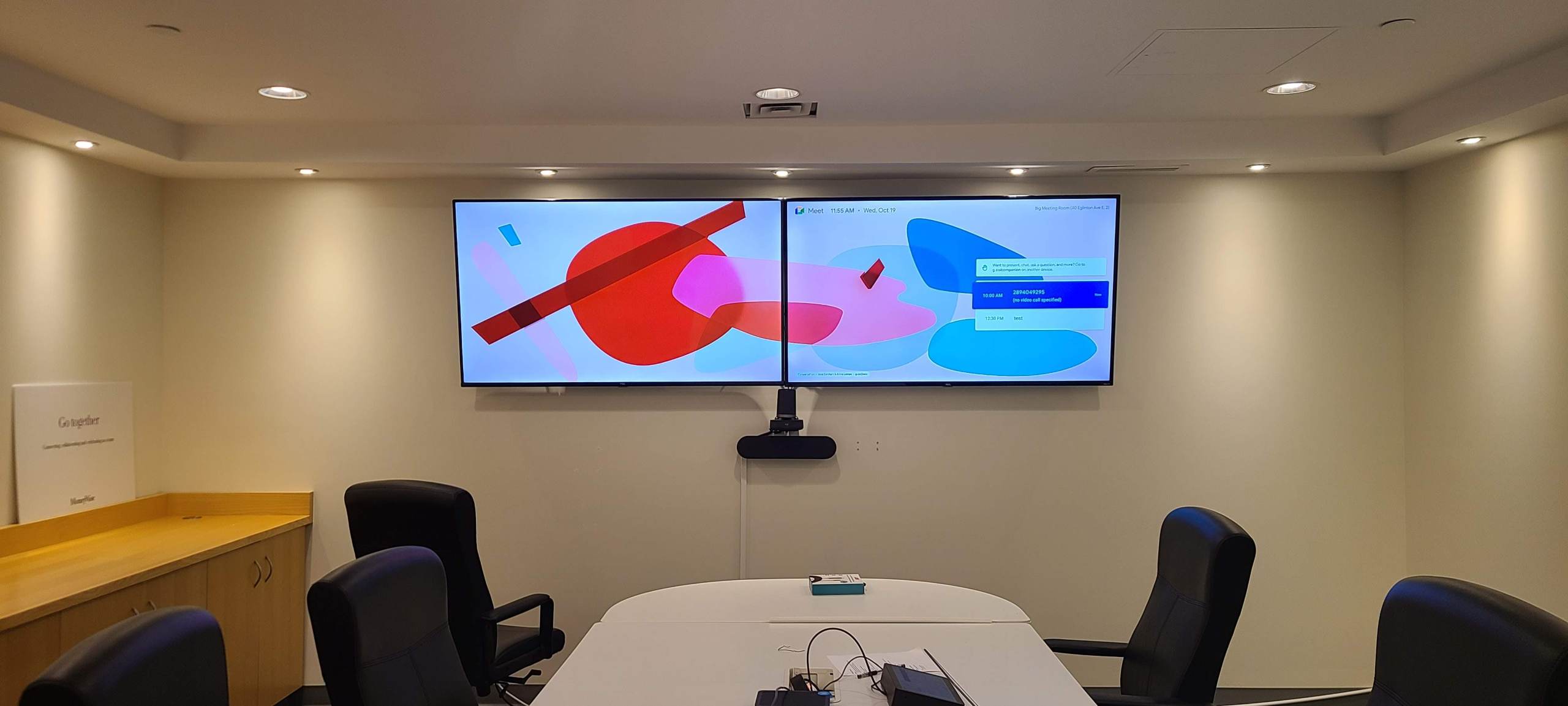
Commercial TV & Displays
Retail and office display installation across the Aurora business corridor — menu boards, lobby signage, and multi-screen setups on commercial hardware with clean conduit or in-wall runs and media player configuration.
Learn more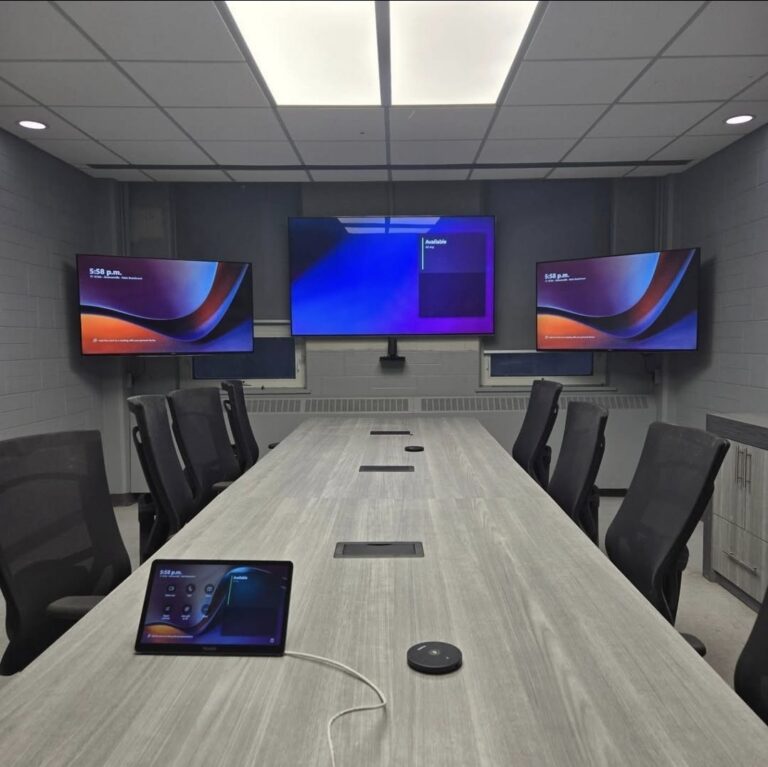
Conference Room AV
Complete Teams and Zoom room builds for Aurora offices — display, PTZ camera, microphone array, speaker bar, clean cable management, and a verified test call before handoff. Home office meeting rooms included.
Learn moreHow Aurora’s Housing Stock Shapes the Installation Approach
Aurora’s construction history runs from early 1900s village homes to active new-build subdivisions — with custom estate properties, post-millennium drywall builds, and a growing condo corridor all in between. The build era and wall type tell SetupTeam what to expect before arriving: plaster walls need surface routing, newer drywall allows in-wall concealment, and estate properties often involve multi-zone audio, structured wiring prewire, and outbuilding coverage. Sharing your neighbourhood and a rough build year when requesting a quote typically removes the need for a pre-visit.
Aurora Village & Historic Core
Early 20th-century homes with plaster walls and narrow cavities — in-wall cable routing is often not feasible. Surface raceway, colour-matched to the wall, is the clean alternative. Heritage renovation projects may also involve coordinating around other trades and older electrical layouts.
Aurora Highlands & Henderson Drive
Large estate properties with high ceilings, generous square footage, and basement media room potential. Dolby Atmos, multi-zone Sonos with outdoor patio zones, and Control4 whole-home integration are the highest-volume scopes in this area. Ceiling access is generally strong for in-ceiling speaker placement.
Bayview Wellington & Bayview Northeast
Post-2000 drywall construction with consistent layouts and good attic access — in-wall cable routing is predictable and clean. Multi-floor homes here frequently need structured Cat6 wiring and wired-backhaul Wi-Fi to cover all levels reliably without dead zones.
Yonge Street Corridor & Condos
Mid-rise and high-rise condo buildings require advance elevator booking and single-visit project planning. Concrete perimeter walls change the mounting approach — masonry anchors replace drywall toggles, and surface raceway handles cable concealment where in-wall routing isn’t possible.
Aurora Grove & Cathedral Pines
2000s–2010s drywall subdivisions with consistent construction. Cathedral Pines properties with larger footprints drive high demand for whole-home audio, Cat6 structured wiring, and dead zone troubleshooting across two and three floors. Attic access is typically available for routing.
Aurora Estates & Rural Properties
Properties on larger lots north of Wellington Street often include detached garages, coach houses, or outbuildings requiring separate wired network drops or outdoor Sonos zones. Long cable runs need proper Cat6 planning with PoE access points — wireless bridging loses too much throughput across these distances.
Samsung Frame TV on Stone Feature Wall — Aurora Highlands
An Aurora Highlands estate home had a floor-to-ceiling stone fireplace surround with a gas insert. The homeowner wanted a 75″ Samsung Frame above the firebox. Stone anchors were selected for the screen weight; heat clearance was confirmed at 9″ above the firebox opening; cable routing used a recessed power outlet installed in the stone face below the mount. Completed in one visit. TV mounting →
Sonos 5-Zone Audio + Covered Patio — Bayview Wellington
A Bayview Wellington home requested whole-home audio across five zones: great room, dining, kitchen, primary suite, and a covered rear patio. In-ceiling speaker pairs with Sonos Amp for each indoor zone; two weather-rated 8-ohm cabinet speakers soffit-mounted under the patio overhang. Network readiness confirmed before any equipment was placed. All zones independently controlled via app. Sonos installation →
Cat6 Prewire + Detached Garage Wi-Fi — Aurora Estates
An Aurora Estates property needed structured Cat6 to every room during a major renovation, plus a wired access point in the detached garage 40 metres from the house. Direct-burial Cat6 was run through conduit to an outdoor-rated PoE access point in the garage, appearing as a seamless extension of the home network. All indoor drops tested at Gigabit before drywall closed. Network wiring →
When contacting SetupTeam for an Aurora job, sharing the neighbourhood, build era, TV size or equipment involved, and whether wire concealment is in scope gets you a firm quote without a site visit in most cases.
- Plaster walls: surface raceway is confirmed as the plan before scheduling — no surprises on install day
- Estate homes: multi-zone audio and structured wiring benefit from a single comprehensive visit across all scopes
- Detached garages and pool houses: wired Cat6 backhaul, not wireless bridging, is the standard approach
- Condo buildings on Yonge corridor: elevator booking and parking access must be confirmed before the install date
- New builds and renovations: Cat6 and speaker rough-in is most cost-effective before drywall closes — contact SetupTeam early in the build schedule
From First Message to a System That Works — How Aurora Jobs Run
Tell Us About the Property
Neighbourhood, build era, wall type if known, TV size or equipment, and whether cable concealment is part of the scope. Aurora’s wide range of construction means the more detail upfront, the tighter the quote — and the fewer surprises on install day.
You Get a Number, Not a Range
A fixed price based on your specific scope and property type. Known complications — plaster walls, fireplace mounting, detached garage cable runs — are priced in at the quote stage rather than added as surcharges when the crew arrives.
Route Is Walked Before Anything Is Drilled
On arrival, the cable path is confirmed with you before any holes are made. If a wall or ceiling reveals something that changes the approach, options are discussed on the spot — not quietly worked around.
Everything Is Tested Before Packing Up
Picture quality, audio grouping and zone levels, network throughput per drop, and smart home response — all verified live. If the system doesn’t perform as specified, it doesn’t get signed off.
Walkthrough on Your Terms
Every device is demonstrated before the team leaves. Questions about the app, the remote, or what to do if something changes are answered on-site. No handoff until you’re satisfied the system works the way it should.
Aurora, York Region, and the GTA
Aurora sits at the top of Yonge Street’s York Region corridor — directly between Richmond Hill to the south and Newmarket, King City, and Stouffville to the north. SetupTeam covers the full corridor and the broader GTA. Whether the job is in Aurora’s historic village core, a new build in the north end, or a commercial space along the business strip, travel distance and pricing structure are the same.
What Aurora Clients Ask Before Booking
Questions about plaster wall mounting, home theatre prewire, whole-home audio in larger properties, estate Wi-Fi, and what the warranty actually covers in Aurora’s varied housing stock.
Can you mount a TV on a plaster wall — and does it change the price or process?
What’s involved in a home theatre prewire for a new Aurora build or major renovation?
How does Sonos perform in a large Aurora estate home — and what can go wrong?
Can Control4 work in an older Aurora home that wasn’t built for smart home systems?
What’s the right way to extend Wi-Fi to a detached garage or outbuilding in Aurora?
Is a TV above a fireplace a good idea — and what does the installation involve?
What’s the difference between the TV height that looks right on the wall versus what’s comfortable to watch?
Can you hide TV cables in the wall — and what stops it from being possible?
What does a PoE security camera system offer over a wireless system for an Aurora property?
What does the TV wall mounting lifetime labour warranty cover in Aurora?
Get a Quote for Your Aurora Installation
Share the property type, neighbourhood, and scope — we’ll come back with a firm price. No estimate ranges, no per-hour unknowns.
Aurora and York Region — same-day slots available Get a Free Quote Mon – Sun · 8:30 AM – 9 PM · Aurora & York Region
