



Sonos Setup & Service in Aurora
New system setup, whole-home zone design, and on-site service for Aurora’s new executive builds and established detached homes. Authorized Sonos Gold Dealer, professionally trained by Sonos.
Licensed, Insured & Certified — Sonos Gold Dealer
Sonos Gold Authorized Dealer
Every current Sonos product supplied, installed, and warranted through us. Professionally trained by Sonos on installation and system architecture standards.
$2,000,000 Liability + WSIB
Full commercial liability and WSIB on every residential visit in Aurora and the surrounding area.
Same-Day Service Available
Mon–Sun, 8:30 AM – 9 PM. Same-day and next-day availability across Aurora and the northern GTA.
Certified Control4 Dealer
Sonos integrated within Control4 systems common in Aurora Highlands and Wellington Manor custom builds.
- Aurora’s residential development along Bayview Avenue, Wellington Street, and the Trail communities has produced a significant stock of new executive builds — 4,000–7,000 sq ft homes with builder-supplied low-voltage rough-ins, high-density Wi-Fi requirements, and expectations for full whole-home audio from day one. These homes are best served by setting up the network and Sonos system together, before the owner discovers that the builder’s router can’t handle 30+ devices without performance degradation.
- New builds in Wellington Manor, Bayview Wellington, and Aurora Highlands commonly arrive with a mesh Wi-Fi system installed by the builder or their preferred integrator — but that mesh is often configured with a default IP pool of 50–100 addresses. A home with smart devices, phones, tablets, TVs, and 8–12 Sonos zones can exhaust that pool, causing Sonos devices to fail enrollment or drop after a router restart. We set the DHCP scope correctly at setup, not after the first failure.
- Aurora’s established neighbourhoods — Aurora Heights, Aurora Village, and the areas around Yonge Street — have a different profile: homes built in the 1990s and 2000s with existing AV equipment being upgraded. These installs often involve replacing a legacy multi-room audio system with Sonos, routing new wiring through finished walls, and integrating with a TV and soundbar that may already be mounted. We handle the full scope in one visit.
- The crossover between Sonos and home cinema is common in Aurora executive builds. A dedicated media room with Arc Ultra, Sub, and Era 300 rears is a Sonos project — but if the room has a projector, a 4K screen, and tiered seating, the acoustic and signal routing scope expands. We handle the Sonos side and can scope the full cinema build through our Home Cinema Installation service.
Setup Built for the Home. Serviced When It Matters.
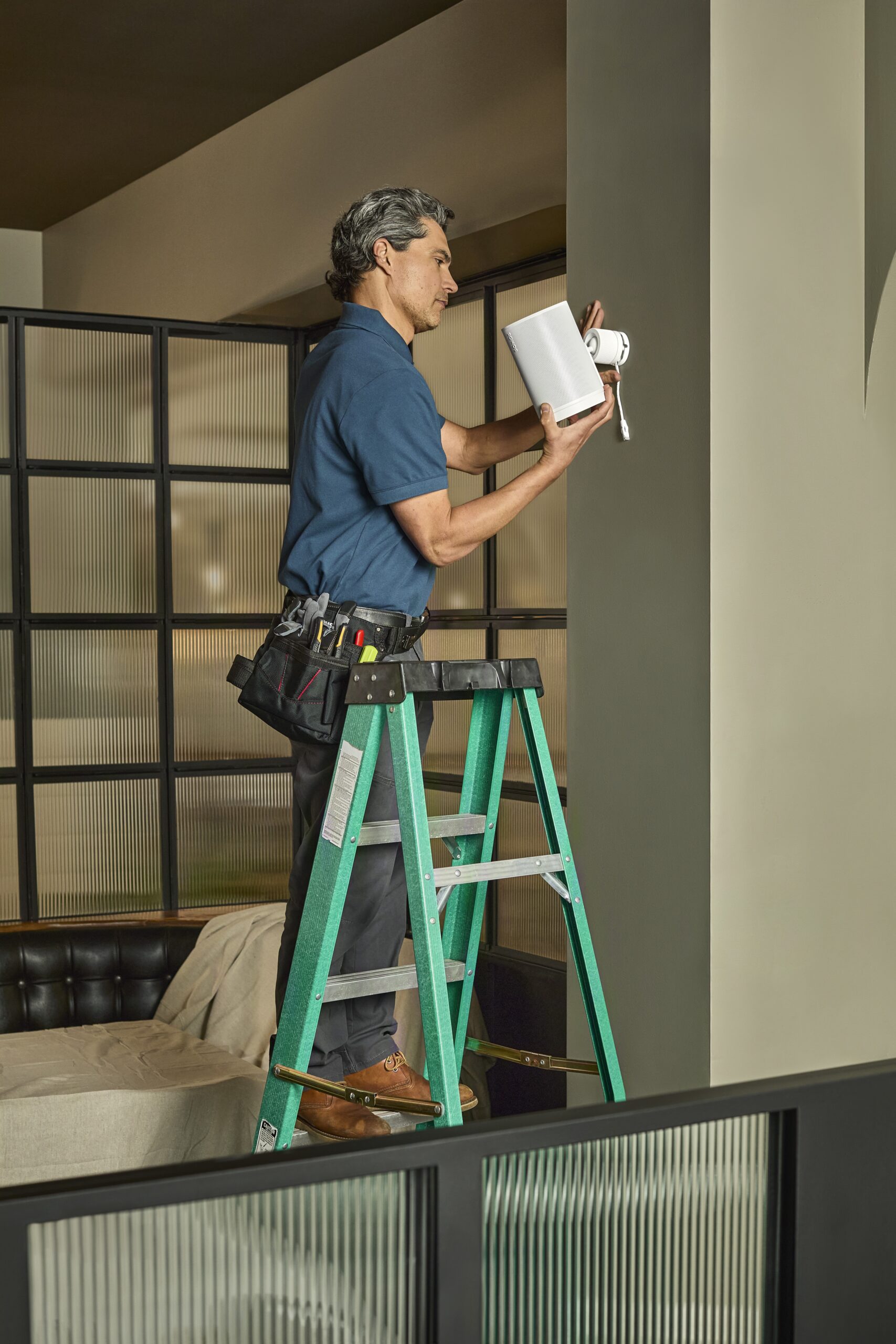
SetupTeam sets up Sonos in Aurora with the network infrastructure addressed first — DHCP scope, band selection, access point placement — before the first speaker is enrolled. New executive builds and established detached homes handled as distinct projects. As an authorized Sonos Gold Dealer, we supply all hardware to the appointment. For Wi-Fi infrastructure that needs to support a full Sonos system, Wi-Fi setup is scoped alongside Sonos. For media room and home cinema scope, see Home Cinema Installation.
Whole-Home Setup & On-Site Service
New builds and established homes handled differently. Network infrastructure addressed before Sonos enrollment on every visit.
What the Visit Covers in Aurora
Common Aurora Sonos projects and what we address on each visit. Scoped before arrival.
DHCP Scope Setup for New Builds
Builder mesh systems default to small IP pools that can’t support a full smart home plus Sonos system. We set the correct DHCP range at setup — before enrollment failures appear. Wellington Manor, Bayview Wellington, and Trail homes with 8+ zones are the most common case.
5 GHz Zone Placement Check
Coverage confirmed at each proposed Sonos zone location before hardware is ordered or enrolled. A zone that shows connected but buffers has a signal problem, not a Sonos problem. Particularly relevant for Aurora builds with large floor plates or concrete between levels.
Soundbar & Surround Configuration
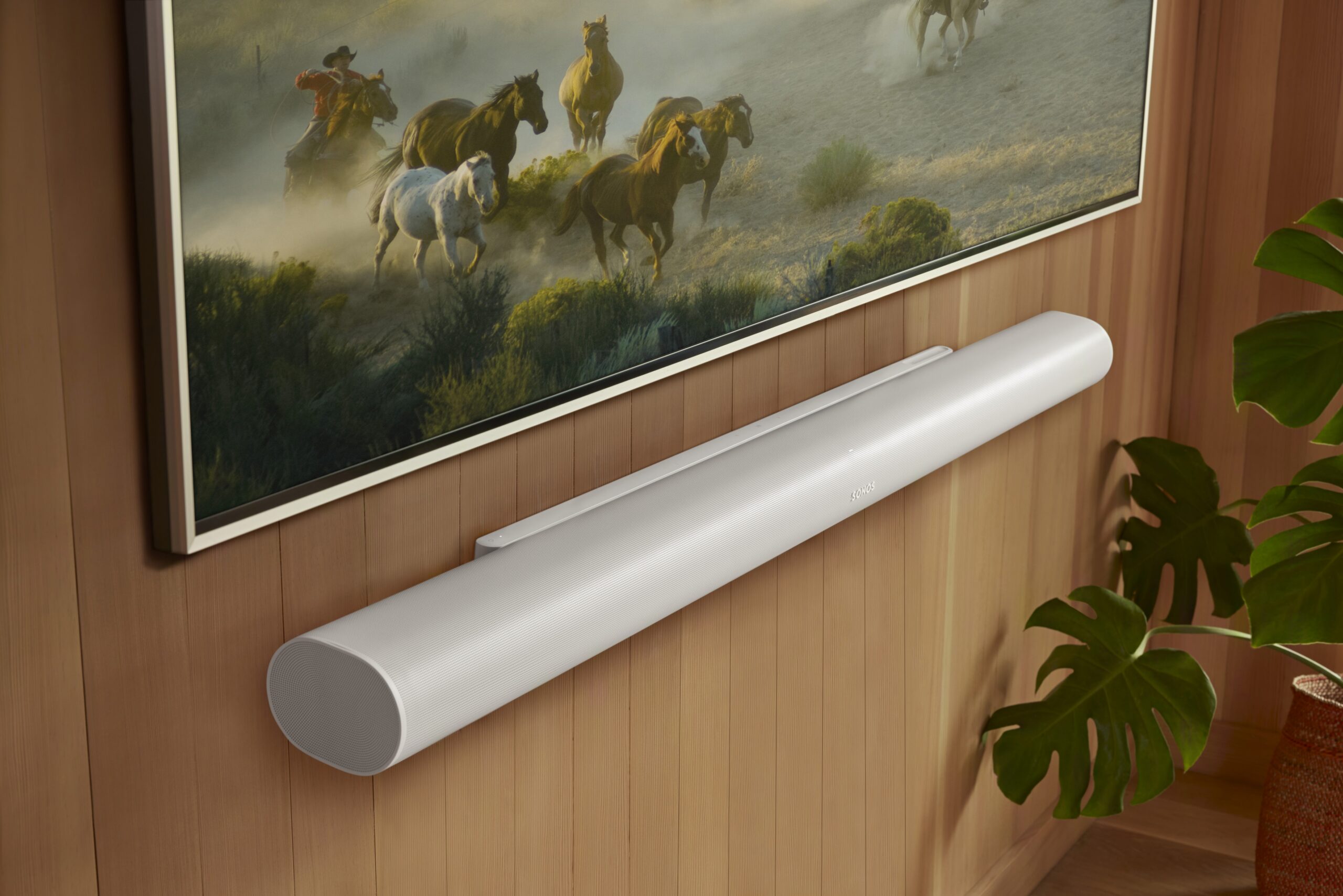
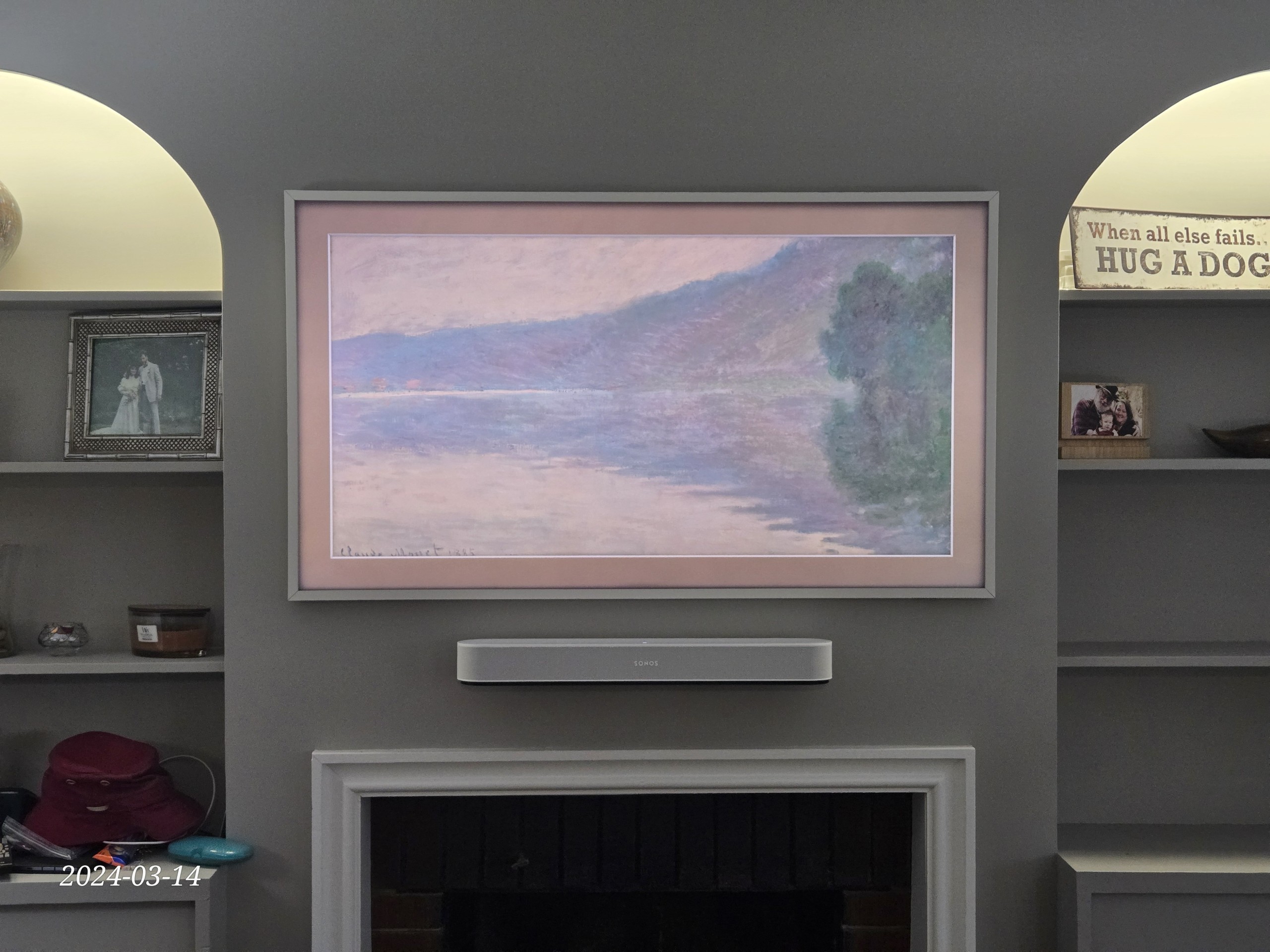
Arc Ultra, Arc, or Beam Gen 2 mounted with TV, Sub placed, Era 300 surrounds positioned and calibrated. Room dimensions reviewed before product selection. Trueplay calibration run after placement. Common first-phase install before whole-home audio is added.
Legacy System Replacement
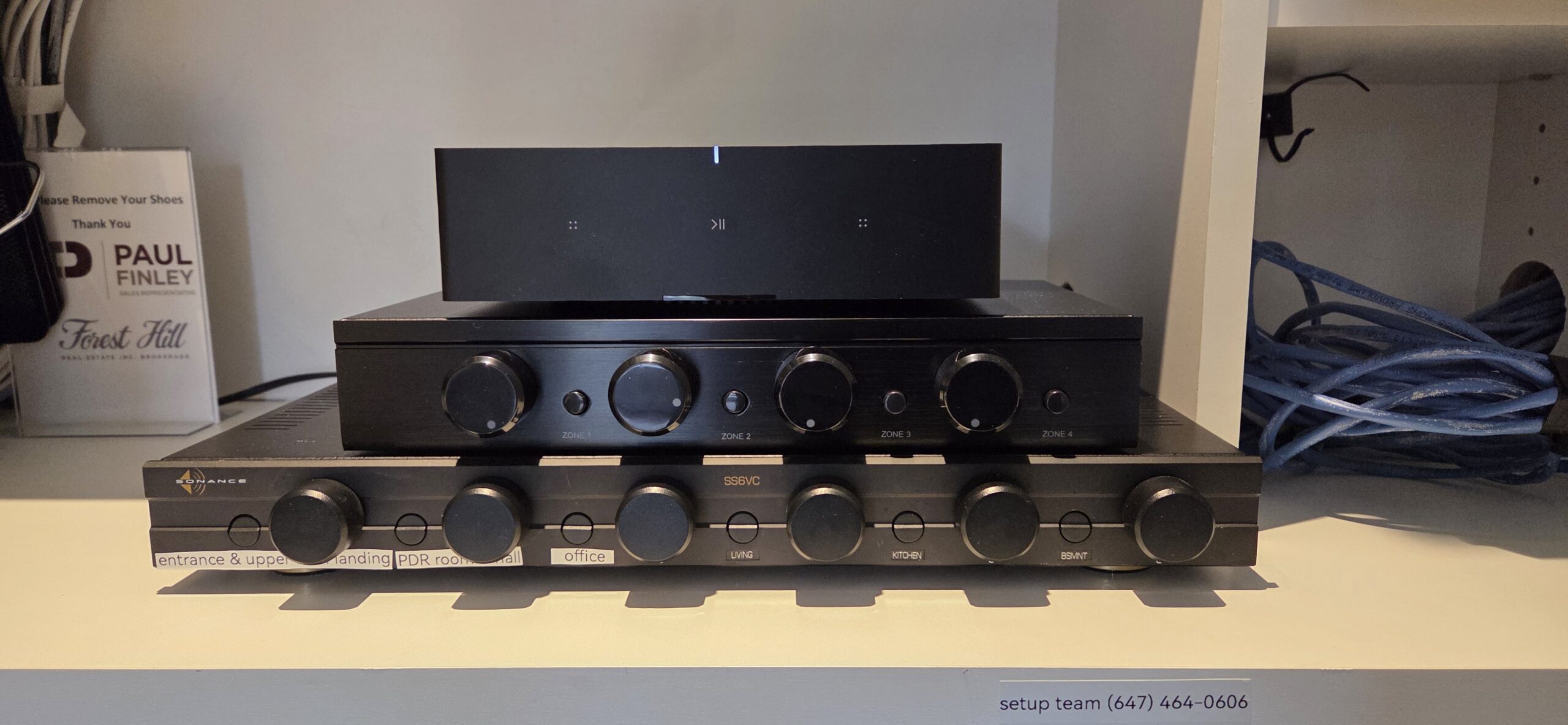
Replacing a 2000s-era multi-room audio system with Sonos in Aurora Heights or Aurora Village. Existing speaker wiring assessed for re-use with Sonos Amp. New zones added where wiring doesn’t exist. Full system enrolled and named in one visit.
Media Room & Home Cinema Crossover
Arc Ultra with Sub and Era 300 rears for dedicated media rooms in new Aurora executive builds. For rooms with a projector, 4K screen, and tiered seating, the scope expands to Home Cinema Installation — acoustic planning, signal routing, and screen integration included.
Control4 + Sonos Integration
Sonos driver configured in Control4, zone naming standardized across both platforms, TV audio switching and scene integration verified. Common in the Highlands and Wellington Manor custom builds with existing home automation. See Control4 Installation.
Aurora Sonos — Setup & Service Questions
Can you set up Sonos in a new Aurora build on Bayview or Wellington?
My new build has 10 Sonos zones planned. Will the builder’s Wi-Fi handle it?
Can you replace an old multi-room audio system with Sonos in an Aurora Heights home?
Can you set up a media room with Arc Ultra in an Aurora executive build?
Can you integrate Sonos with Control4 in Aurora?
My Sonos stopped working after a Bell or Rogers gateway was replaced.
Do you supply Sonos hardware in Aurora?
Can you mount TVs and set up Sonos in the same visit?
What does a Sonos visit in Aurora cost?
Which Aurora neighbourhoods do you cover?
Aurora & The Greater Toronto Area
Wellington Manor, Bayview Wellington, Trail, the Highlands, the Heights, Aurora Village, and the Yonge Street corridor — all within our regular service area.
New Build or Existing Home?
New executive build with rough-ins ready, or an established Aurora home that needs a system set up or serviced — tell us the situation and roughly how many zones. We scope the visit before booking.
Describe the Project Book OnlineRead our 400+ Google Reviews ↗

