



Security Camera Installation
Built for Aurora Properties
Long driveways, rear walkouts, and open perimeter lines require more than a camera on a bracket. SetupTeam designs and installs wired PoE surveillance systems sized to your property — concealed cabling, intentional placement, and a finished result that looks built in.
Rated 5.0 from 437 reviews · Read client reviews
What a Professional Security Camera Installation Covers
A SetupTeam installation begins with a coverage assessment — not a sales pitch. We map your property’s entry points, blind spots, and cabling paths before a single bracket goes up. Every system we install is designed around how your specific property is built, not a template that happens to fit.
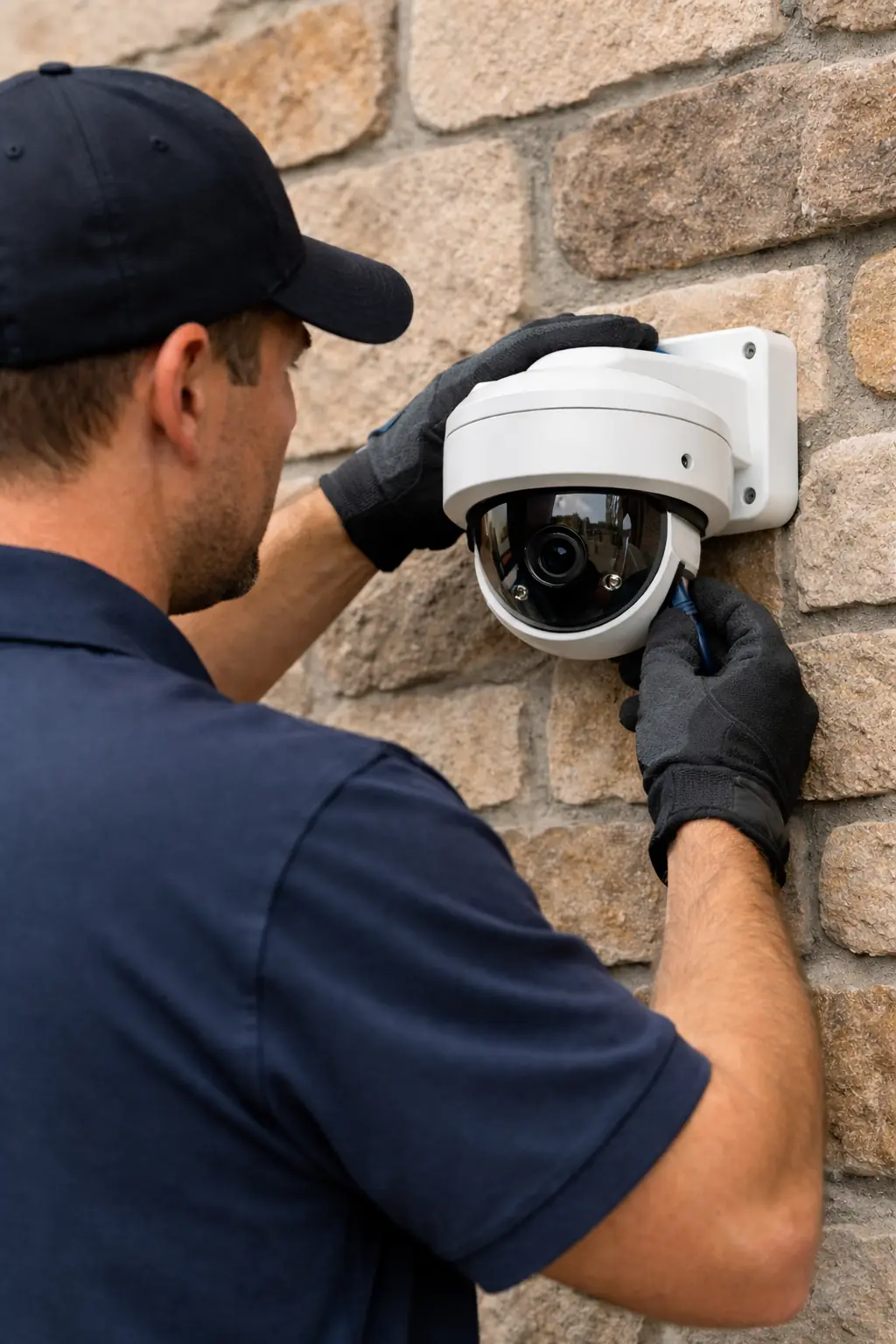
We install wired PoE IP camera systems with Cat6 structured cabling run to a central Network Video Recorder. Cameras are positioned for face-level capture at primary access zones — front doors, driveways, side gates, and rear walkouts. Storage retention, motion alert configuration, and remote mobile viewing are all included in every installation. Our work across security camera installation in Toronto and the surrounding region follows the same infrastructure standard on every site.
- Coverage planning and sightline mapping
- Cat6 low-voltage structured cabling
- PoE IP camera mount and alignment
- NVR setup and storage configuration
- Motion alert and zone configuration
- Remote mobile app access setup
- Concealed cable routing where possible
- Walk-through on completion
PoE Wired vs Wi-Fi Cameras: Which Is Right for Your Aurora Property?
For most Aurora detached homes — especially those with long driveways or rear outbuildings — a wired PoE system is the stronger choice. Wi-Fi cameras have a role, but only where your network infrastructure can actually support them. Our Wi-Fi optimization in Aurora work regularly shows how far signal degrades between a router and a rear gate. We’ll tell you honestly which system fits your site.
Wired PoE System
Power over Ethernet delivers power and data through a single Cat6 cable run to each camera. No Wi-Fi dependency. No battery replacements. Image quality and recording continuity are consistent regardless of network conditions. The NVR stores footage locally — typically 30 to 90 days depending on storage configuration.
- Stable performance at any distance from the router
- Local NVR storage — no cloud subscription required
- Ideal for driveways, outbuildings, and rear access zones
- No battery maintenance
- Supports higher-resolution IP cameras
Wi-Fi IP Cameras
Wireless cameras work well when mounted close to a strong access point and used for low-complexity coverage zones — a front doorbell, a garage interior, or a covered porch. They are not suited for long cable runs that haven’t been run, but they are a cost-effective supplement where Cat6 routing is genuinely impractical.
- No physical cabling required to the camera location
- Easier to reposition if coverage needs change
- Useful for interior or low-risk supplementary zones
- Works well paired with a solid wireless infrastructure
For Aurora detached and estate properties, we almost always recommend a PoE wired backbone with Cat6 pulled to each primary camera position. The cabling work requires planning — routing through finished walls, attic runs, and exterior penetrations — which is exactly the kind of infrastructure work we handle through our network installation and structured wiring service. If a wireless camera makes sense at a specific position, we’ll say so. We won’t upsell cabling where it isn’t needed.
Four Steps from First Call to Final Walk-Through
Every installation follows the same sequence. Nothing gets mounted until the planning stage is complete — because camera placement decisions made on-site, without prior assessment, are the source of most coverage gaps.
Plan
We assess your property’s layout, access points, and cable routing options before recommending camera positions or system size. For Aurora detached homes, this means mapping driveways, side entries, rear walkouts, and any outbuilding coverage requirements.
Wire
Cat6 cable is run from each camera position back to the NVR location — typically a utility room, basement mechanical area, or structured wiring closet. We route concealed where possible and make every penetration weatherproof.
Install
Cameras are mounted, aligned, and tested for field of view. Placement targets face-level capture at primary access zones. The NVR is racked or wall-mounted, connected to your network, and configured for local storage.
Configure
Storage retention is set based on your NVR capacity and footage volume. Motion detection zones are configured per camera. Remote mobile access is set up and tested before we leave. You get a full walk-through of the system on completion.
Licensed, Insured, and Accountable on Every Job
Every SetupTeam installation is performed by our own technicians — not subcontractors. We carry $2,000,000 in liability insurance, WSIB coverage, and full bonding on every project. Our client reviews and recent installation work reflect 10,000+ completed projects across the GTA — built on consistent installation standards, not one-off results.
Coverage Planning for Aurora’s Detached and Estate Homes
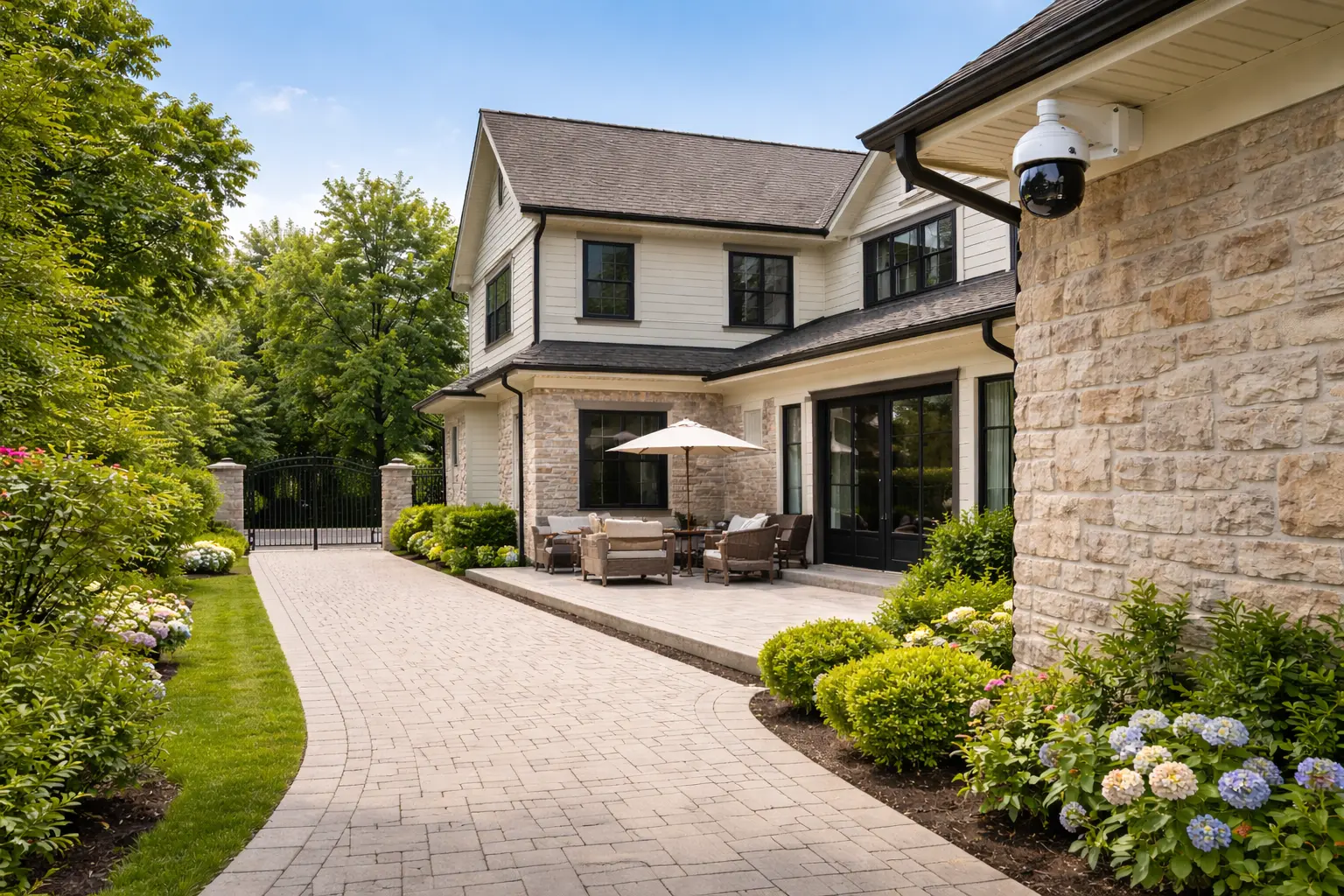
Aurora’s newer residential subdivisions — from Stonehaven-Wyndham and Aurora Highlands to the Bayview Wellington corridor — share a common characteristic: open lots with extended sightline requirements. Driveways run 40 to 60 feet from the road. Side yards are exposed. Rear access points — walkout patios, detached garages, and gate entries — sit beyond what a typical two- or three-camera kit covers.
We plan camera positions to address these access points specifically. That means one camera at the driveway apron for a full front approach view, a second positioned to cover the side-yard access and garage entry, and one or two rear cameras covering the walkout zone and rear fence line. Every position is chosen for face-level capture at the likely approach distance — not just general area coverage.
Aurora properties near the St. John’s Sideroad corridor and larger rural-residential lots may require additional camera positions or longer cable runs. We assess each site before quoting. Pairing your camera system with Control4 smart home integration is also an option for clients who want unified automation and surveillance access.
- Driveway apron and front approach
- Garage and side-yard access
- Rear walkout and patio zone
- Rear fence line and gate
- Front door and covered entry
- Outbuilding and detached garage
Camera Systems for Wellington Street and Industrial Parkway Businesses
Aurora’s commercial corridors — Wellington Street East and the Industrial Parkway area — include a mix of retail units, professional offices, and light industrial operations. Each requires a different approach to coverage planning: retail entrances, parking lot perimeters, loading dock areas, and internal access points each present specific sightline and cabling challenges.
We install PoE camera systems for commercial clients using the same infrastructure standards we apply to residential work. NVR systems are configured for the storage retention periods typically required for commercial insurance purposes — usually 30 to 60 days minimum. Remote access is set up for business owners and managers from day one.
We do not offer alarm monitoring or ongoing subscription services. Our scope is installation, configuration, and system handover. York Regional Police does not require a monitored alarm system for most commercial insurance requirements — a well-configured camera system with documented footage retention is often sufficient. We recommend confirming your specific requirements with your insurer.
Request a Commercial Quote →
Security Camera Installation in Aurora — Common Questions
-
Most Aurora detached homes require four to six cameras to achieve meaningful coverage. A standard layout covers the front driveway approach, garage and side-yard entry, rear walkout zone, and at least one rear fence-line position. Larger estate properties with secondary structures or extended rear lots typically need six to eight cameras. We assess your site before recommending a count — coverage quality matters more than camera quantity.
-
For most Aurora detached and estate properties, wired Power over Ethernet is the stronger choice. Long driveways and rear access zones sit far from most routers — and wireless signal at those distances is rarely reliable enough for consistent recording. PoE delivers power and data through a single Cat6 cable, with no Wi-Fi dependency and no battery maintenance. Wi-Fi cameras work well in specific supplementary positions close to a strong access point.
-
The Network Video Recorder is best placed in a location that is ventilated, out of direct sight, and accessible for the occasional firmware update or storage check. For Aurora homes, that typically means a basement mechanical room, a utility closet, or a structured wiring panel area. The NVR should not be in a location visible from exterior windows. We confirm NVR placement during the site assessment phase before cabling begins.
-
Yes — long driveways and rear walkout zones are among the most common coverage requirements for Aurora properties, and they require planning rather than just a wider-angle camera. For driveways, we position a camera at the road-entry point for a front-on approach view, and a second camera partway along for face-level capture at the entry. Rear walkout coverage depends on the layout and is assessed on site before camera positions are confirmed.
-
A SetupTeam quote covers the full scope of the installation: camera hardware, Cat6 cabling, NVR, mounting hardware, configuration, and the site visit itself. There are no hidden labour add-ons and no monthly monitoring fees — we don’t offer subscription services. The quote is based on your specific property layout, camera count, and cabling complexity. We provide it after a site assessment or a detailed property discussion.
-
For most residential camera installations in Aurora, no municipal permit is required. Cameras installed on your own property and pointed inward — driveways, entrances, yards — fall within standard residential low-voltage work. If cameras are positioned to capture public sidewalks or neighbouring properties, Ontario privacy law applies and we’ll flag those positions during the planning stage. Condo and townhouse installations should confirm rules with the property management office.
-
Yes, though condo and townhouse installations require more planning upfront. Common-area exterior walls, shared entry corridors, and limited-access utility spaces all affect cabling routes and NVR placement. Townhouse units with direct exterior access are generally more straightforward. We recommend confirming with your property management or condo corporation before booking — some communities require advance notice for low-voltage work in shared wall spaces.
-
Effective camera placement prioritises primary access points first: the front door, the driveway approach, and the garage or side-yard entry. Secondary positions cover rear walkouts, patio zones, and any detached structures. Every camera should be mounted at a height that captures face-level imagery at the expected approach distance — typically 8 to 10 feet, depending on the access zone. We map positions on a site plan before installation to confirm sightlines and avoid gaps.
-
PoE cameras receive both power and data through a single Cat6 cable connected to a PoE switch or NVR. They operate independently of Wi-Fi, record to a local NVR, and maintain consistent performance regardless of network congestion. Wi-Fi cameras connect wirelessly, store footage to cloud or local storage, and are easier to install but depend entirely on signal quality at the camera location. For outdoor and long-range coverage, PoE is almost always the more reliable choice.
-
Yes. We install full new PoE systems from scratch and also work with existing installations where the hardware or configuration needs improvement. Common upgrade work includes replacing older analog systems with IP cameras, adding cameras to an existing NVR, improving cabling quality on older installs, and reconfiguring motion zones and storage settings. If you’re not sure whether to upgrade or replace, we’ll assess the existing system and give you a direct recommendation.
Security Camera Installation in Aurora — Common Questions
-
Most Aurora detached homes require four to six cameras to achieve meaningful coverage. A standard layout covers the front driveway approach, garage and side-yard entry, rear walkout zone, and at least one rear fence-line position. Larger estate properties with secondary structures or extended rear lots typically need six to eight cameras. We assess your site before recommending a count — coverage quality matters more than camera quantity.
-
For most Aurora detached and estate properties, wired Power over Ethernet is the stronger choice. Long driveways and rear access zones sit far from most routers — and wireless signal at those distances is rarely reliable enough for consistent recording. PoE delivers power and data through a single Cat6 cable, with no Wi-Fi dependency and no battery maintenance. Wi-Fi cameras work well in specific supplementary positions close to a strong access point.
-
The Network Video Recorder is best placed in a location that is ventilated, out of direct sight, and accessible for the occasional firmware update or storage check. For Aurora homes, that typically means a basement mechanical room, a utility closet, or a structured wiring panel area. The NVR should not be in a location visible from exterior windows. We confirm NVR placement during the site assessment phase before cabling begins.
-
Yes — long driveways and rear walkout zones are among the most common coverage requirements for Aurora properties, and they require planning rather than just a wider-angle camera. For driveways, we position a camera at the road-entry point for a front-on approach view, and a second camera partway along for face-level capture at the entry. Rear walkout coverage depends on the layout and is assessed on site before camera positions are confirmed.
-
A SetupTeam quote covers the full scope of the installation: camera hardware, Cat6 cabling, NVR, mounting hardware, configuration, and the site visit itself. There are no hidden labour add-ons and no monthly monitoring fees — we don’t offer subscription services. The quote is based on your specific property layout, camera count, and cabling complexity. We provide it after a site assessment or a detailed property discussion.
-
For most residential camera installations in Aurora, no municipal permit is required. Cameras installed on your own property and pointed inward — driveways, entrances, yards — fall within standard residential low-voltage work. If cameras are positioned to capture public sidewalks or neighbouring properties, Ontario privacy law applies and we’ll flag those positions during the planning stage. Condo and townhouse installations should confirm rules with the property management office.
-
Yes, though condo and townhouse installations require more planning upfront. Common-area exterior walls, shared entry corridors, and limited-access utility spaces all affect cabling routes and NVR placement. Townhouse units with direct exterior access are generally more straightforward. We recommend confirming with your property management or condo corporation before booking — some communities require advance notice for low-voltage work in shared wall spaces.
-
Effective camera placement prioritises primary access points first: the front door, the driveway approach, and the garage or side-yard entry. Secondary positions cover rear walkouts, patio zones, and any detached structures. Every camera should be mounted at a height that captures face-level imagery at the expected approach distance — typically 8 to 10 feet, depending on the access zone. We map positions on a site plan before installation to confirm sightlines and avoid gaps.
-
PoE (Power over Ethernet) cameras receive both power and data through a single Cat6 cable connected to a PoE switch or NVR. They operate independently of Wi-Fi, record to a local NVR, and maintain consistent performance regardless of network congestion. Wi-Fi cameras connect wirelessly, store footage to cloud or local storage, and are easier to install but depend on signal quality at the camera location. For outdoor and long-range coverage, PoE is almost always the more reliable choice.
-
Yes. We install full new PoE systems from scratch and also work with existing installations where the hardware or configuration needs improvement. Common upgrade work includes replacing older analog systems with IP cameras, adding cameras to an existing NVR with available capacity, improving cabling quality on older installs, and reconfiguring motion zones and storage settings. If you’re not sure whether to upgrade or replace, we’ll assess the existing system and give you a direct recommendation.

