

Security Camera Installation With Real UniFi Protect Video Evidence
SetupTeam installs security camera systems and UniFi Protect across Toronto and the GTA. Anyone can screw a camera to a wall — what matters is what shows up when you open the app: how wide it sees, how clear the clip is, and how fast you find the moment you need. This article shows real project photos and video clips from our own installs, so you can see what usable footage looks like after a proper installation.
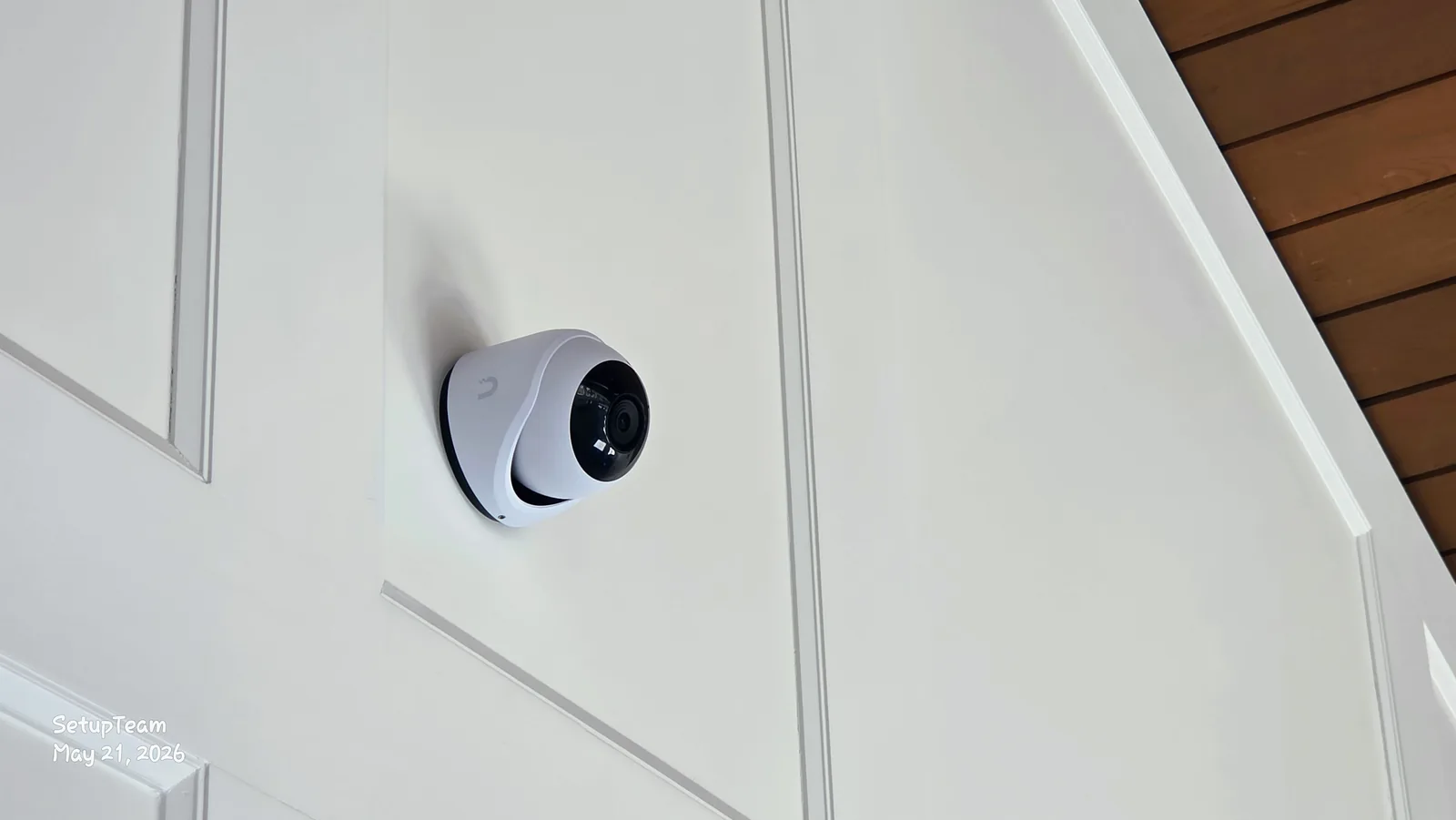
Planning cameras for a home or business in the GTA?
We start with the coverage you actually need — which areas, what detail, and where each camera has to sit to get it — before recommending any hardware.
A security camera is only worth what its video is worth. You don't watch a live feed all day — you go looking for one clip, usually after something already happened, and in that moment the only thing that counts is whether you can actually tell what's going on. That's why we judge a camera install by the footage it produces, not by the spec sheet on the box.
SetupTeam handles security camera installation and UniFi Protect installation across Toronto and the GTA — wired cameras, local recording, and one app for every site. Everything below is real project media: photos and video clips from recent installs, so you can see what wide-area coverage, a high-resolution sensor, and a properly aimed camera actually look like. The photos are clickable — tap any one to open it full-screen.
Does the video quality really matter that much?
A camera you can't identify anything on is just an expensive blinking light
The most common disappointment we get called about isn't a camera that failed — it's a camera that recorded everything and showed nothing useful. A blurry shape crossing a dark driveway at 2 a.m. tells you something moved. It doesn't tell you who, what, or which direction.
Resolution and a clean image are what turn motion into something you can actually use. A higher-resolution sensor holds detail when you zoom into a recorded clip after the fact, which is almost always how footage gets reviewed. Good low-light performance keeps a scene readable after dark instead of collapsing into noise. None of that guarantees you'll identify a face every time — weather, distance, and angle still rule — but it's the difference between footage that answers a question and footage that just raises one.
When does a 180-degree camera make sense for a driveway or garage?
One UniFi G6 180 can hold a whole driveway, the frontage, and the street in a single frame
A wide-view camera takes in a large area from one mounting point, and the UniFi G6 180 is built for exactly that. On a front driveway or a garage elevation, a single G6 180 can cover the apron, the walk to the door, the frontage, and the street edge at once — the kind of wide driveway camera coverage that would otherwise take two or three narrower cameras fighting over angles, with the seams between them left as blind spots.

That single wide frame is the whole point of a 180-degree security camera for a driveway or garage: fewer cameras, fewer gaps between them, and a clear record of who came up the driveway and which way they went. The trade-off is honest — the wider a lens sees, the smaller distant objects appear — so a G6 180 is a coverage camera, paired with a tighter camera where you need to read fine detail at a gate or a door.

Where a wide camera earns its place is placement. Mounting height decides whether you read faces or the tops of heads; the aim decides how much sky or wall you waste; sun angle and glare can wash a frame out at the worst time of day; and the mounting surface has to hold the camera steady for years. Get those right and the 180-degree frame stays useful; get them wrong and you have a panoramic view of nothing in particular. That placement judgement is the real work in security camera installation — it's decided before anything is mounted.
On the review side, a wide G6 180 frame pairs well with the UniFi Protect AI features. The platform can tag events as people or vehicles and let you search by what triggered them, and on supported cameras and consoles it adds face-related recognition and licence-plate features when they are enabled and configured. None of it guarantees a positive identification — lighting, distance, and angle still decide what is actually readable — but it turns a busy driveway camera into footage you can search instead of scrub.
What does a real driveway clip look like — and can it pick up an animal?
Here's an unedited G6 Turret clip from a front driveway
This is a short recording from a UniFi G6 Turret watching a front driveway. Two cars parked, an ordinary morning — and a small animal moving along the planting bed at the front of the SUV. It's a good example of how much an everyday clip captures, and of why animal traffic is worth filtering out of your alerts.
UniFi Protect can tag detections as a person, a vehicle, or an animal separately. In practice that means the raccoon on the morning round gets logged as an animal instead of pinging your phone as if someone walked up to the door. It won't catch every critter in every light, but it's the feature that keeps the alerts you do get worth looking at. If you're weighing this kind of system against a consumer kit, our Ring vs. professional security cameras piece walks through the difference.
Can a camera follow a person moving across a backyard?
A G6 PTZ tracks across the space instead of staring at one spot
Fixed cameras watch one framed scene. A PTZ camera — pan, tilt, zoom — can sweep a large open area and follow movement across it. On a big backyard, a raised deck, or a commercial yard, that reach covers ground that would otherwise need several fixed cameras.
A PTZ isn't a replacement for fixed cameras — while it's zoomed in on one corner, it isn't watching the others — so we treat it as the camera that adds reach over a wide space, backed by fixed cameras locked onto the entry points that always matter. Matched to the property, that combination is hard to beat for open-area coverage.
How do you actually review all this footage day to day?
The UniFi Protect app is where the system earns its keep — or doesn't

All the resolution in the world doesn't help if the footage is a chore to get at. With UniFi Protect, every camera on a site lives in one app — live view, the recorded timeline, and event clips, on your phone wherever you are.
Day to day, that's where the system either feels worth it or feels like a hassle. You can jump straight to events filtered by what triggered them — person, vehicle, or animal — instead of scrubbing hours of empty timeline. On a PTZ you can pan and zoom live, right from the screen above. And newer UniFi Protect versions add plain-language search, so you can look for a clip by describing it rather than hunting frame by frame.
We set this part up deliberately: cameras named by location, detection zones drawn so the planting bed or the sidewalk doesn't trigger constant alerts, and notifications tuned so the ones that arrive are the ones you'd want. A system you actually check is worth far more than one you mute in the first week. Our UniFi app guide shows how to play back footage, export a clip and adjust alerts.
Full UniFi Protect System Walkthrough
See the full system in everyday use
Watch a real UniFi Protect residential camera system in use, including Apple TV viewing, PTZ camera movement, event review, driveway footage, wildlife activity, and practical video evidence examples.
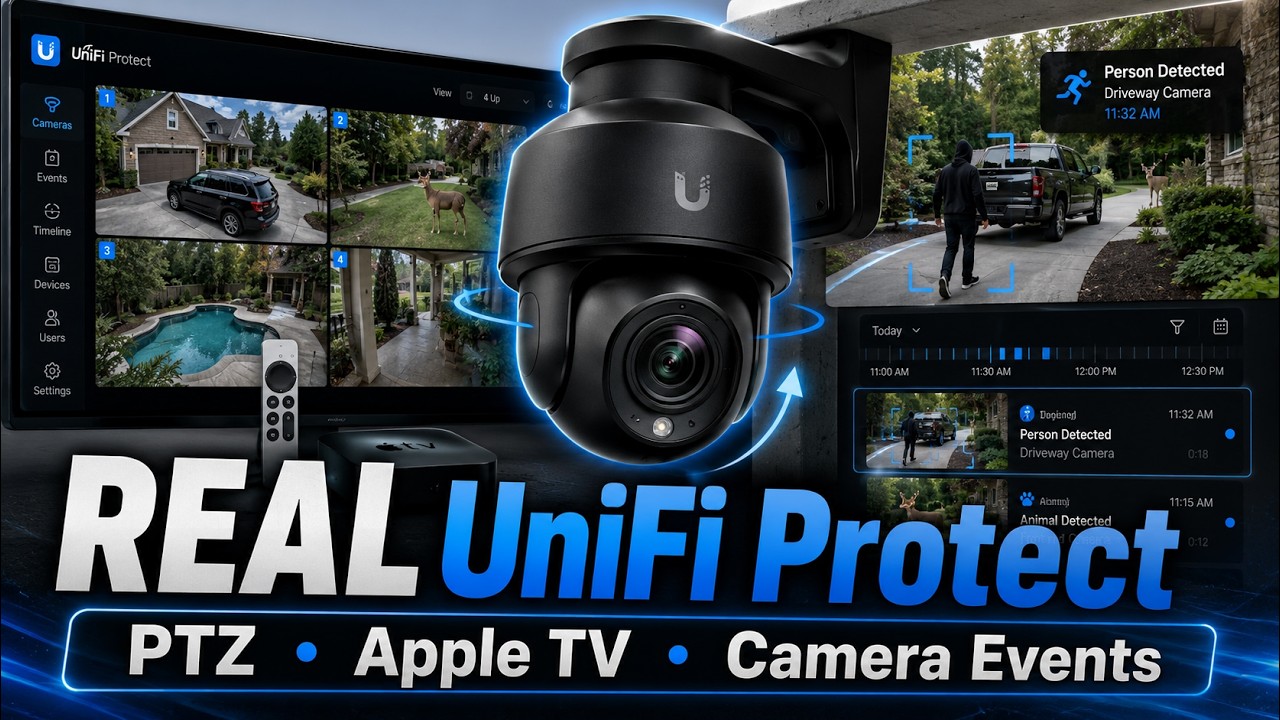
This walkthrough complements the footage examples above by showing how the system is used day to day: checking live views, navigating cameras from Apple TV, reviewing events, and seeing how PTZ and outdoor cameras help capture useful details around a property.
Does the way it's installed change how good the footage is?
Mounting height, angle, and clean cabling decide what the lens can do
The same camera can produce excellent or useless video depending entirely on the install. Too high and you get the tops of heads. Aimed into the afternoon sun and the scene washes out. Set behind a branch or a downpipe and half the frame is blocked. The hardware sets the ceiling; the install decides how close you get to it.

Behind the camera, the cabling matters just as much for reliability. These are wired cameras: a single run carries both data and power over PoE, so there are no batteries to swap and no Wi-Fi to drop. We plan those runs through soffits, walls, or the equipment room, keep the outside wiring protected and out of sight, and label everything for whoever services it later. That structured side overlaps with our network installation and structured cabling work, because a camera system is only as steady as the network underneath it.

Will the same approach work for both homes and businesses?
Residential and light-commercial exteriors, planned the same way
The UniFi platform spans both. For a house, that usually means front entrances, the driveway, side walkways, the backyard, and detached structures. For a business it's entrances, parking and loading areas, and exterior walls along the property line. The cameras and the UniFi Protect app are the same — what changes is the camera chosen for each spot, how many there are, and the recording capacity for how long you want footage kept. For business sites, that same planning is the core of our commercial security camera installation.

Different spots call for different cameras — a tight camera at a gate, a PTZ over an open yard, a turret on a driveway, and a wide G6 180 taking in a whole commercial frontage. We match the camera to the area rather than buying one model and forcing it everywhere. If you're still deciding whether UniFi Protect is the right platform at all, our companion guide on when UniFi Protect is the right choice covers that decision, and it pairs naturally with a full UniFi network installation.
Want footage you can actually use?
SetupTeam plans and installs UniFi Protect camera systems for homes and businesses across the GTA — coverage mapped to your property, clean wiring, and the app set up so it's worth opening.
Quick Answers
What makes security camera footage actually useful?
A sharp enough sensor to read the scene, a lens that covers the area you care about, and a mounting position aimed at it. Most "useless camera" complaints are really a resolution or placement problem, not a broken camera.
How wide can one camera cover?
A wide-view camera can hold a full driveway and the path to the door from one mount, often replacing two or three narrow cameras. Distant detail shrinks, though, so wide cameras are for coverage and tighter cameras for reading detail.
Can it tell a person from an animal?
UniFi Protect tags detections as person, vehicle, or animal, so wildlife gets filtered out of your real alerts. It's a way to find clips faster, not a guarantee — light, distance, and angle all affect it.
What's a PTZ camera for?
Pan, tilt, and zoom to follow movement across a large open area like a backyard or yard. It adds reach over a wide space, but you still want fixed cameras locked on the key entry points.
How do I watch it all?
One UniFi Protect app on your phone — live view, recorded timeline, and event clips filtered by person, vehicle, or animal, with plain-language search on newer versions. Cameras named by location keep it easy to navigate.
Frequently Asked Questions
12 answersYes. Clear video is what turns motion into something you can actually use.
Wide coverage. One G6 180 can watch a driveway and street from one mount.
For wide driveway, garage, or frontage coverage with fewer blind spots.
UniFi Protect tags events as person, vehicle, or animal to filter alerts.
On supported cameras and consoles, when those features are enabled and set up.
It pans, tilts, and zooms to follow movement across a large open area.
For a fixed, sharp view of one spot like a driveway or an entry.
Yes. UniFi Protect shows live and recorded video in one app.
Filter events by person or vehicle, or use plain-language search.
Wired. One PoE cable carries both data and power to each camera.
Yes. Height, angle, glare, and obstructions decide what the lens records.
Yes. The same cameras and app cover homes and light-commercial sites.
Thinking about cameras for your property?
SetupTeam designs and installs UniFi Protect security camera systems for homes and businesses across the GTA — coverage mapped to the property, clean wiring, and an app set up so the footage is there when you need it.

