

UniFi Just Launched the UX7-3 — the Cleanest Mesh System We’ve Seen
WiFi dead zones, buffering on video calls, devices dropping off mid-meeting — the UX7-3 is Ubiquiti’s answer to whole-home WiFi 7 mesh, without a subscription and without compromise. We supply and install it across the GTA.
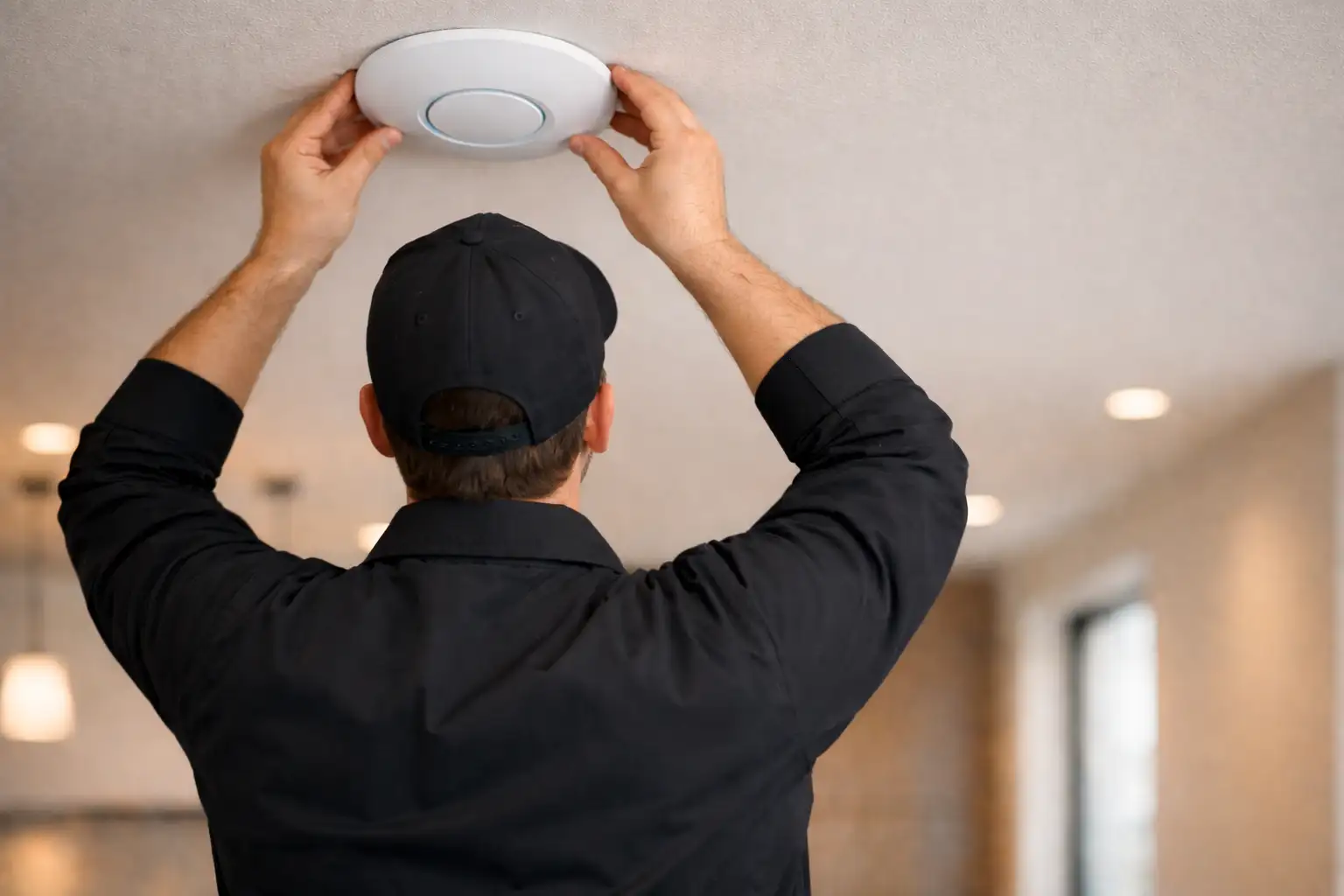
Ubiquiti has been building toward this for years. The UX7-3 takes the compact UniFi Express 7 — already one of the most capable entry-level WiFi 7 gateways on the market — and bundles three units into a whole-home mesh system that covers roughly 5,250 square feet with no gaps, no subscriptions, and no consumer-grade compromises. For GTA homeowners and small business owners who have been waiting for a legitimate enterprise-grade mesh option, the wait is over.
What Is the UniFi UX7-3?
The UX7-3 is a three-pack of Ubiquiti’s UniFi Express 7 nodes. Each unit is small enough to sit on a shelf or mount out of sight, powered by USB-C, and delivers tri-band WiFi 7 across the 2.4, 5, and 6 GHz frequencies. That aggregate throughput adds up to 10.6 Gbps per node — 5.7 Gbps on 6 GHz, 4.3 Gbps on 5 GHz, and 688 Mbps on 2.4 GHz.
What makes the UX7-3 different from a 3-pack of consumer mesh routers is the connectivity behind each node. Every UX7 has a 10 GbE WAN port and a 2.5 GbE LAN port, which means when you wire the nodes into your home network infrastructure — which is what we always recommend for backhaul — you are not creating a bottleneck at the wall. Data moves between nodes at 10 gigabit speeds. Each unit supports 300 or more simultaneous clients, and the built-in IDS/IPS engine delivers 2.3 Gbps of threat inspection without slowing your internet connection.
Put three of them together and you have a mesh system with up to 5,250 square feet of seamless coverage, managed from a single UniFi Network controller with no monthly fee.
Take a Look at What Ubiquiti Just Announced
Ubiquiti’s latest deep-dive on the UX7-3 covers the hardware, the mesh performance, and the real-world use cases this system is built for:
Why the UX7-3 Matters for Toronto Homes and Businesses
GTA housing stock presents a genuine WiFi challenge. Older homes in Leaside, Etobicoke, or North York were built with thick plaster-and-lath walls that attenuate signals the way poured concrete does. Newer builds in Oakville, Richmond Hill, and Vaughan tend to be large — three floors, finished basements, detached garages — which means coverage that looked fine in a unit spec never shows up that way in reality. And condos throughout the city add their own problem: a dense RF environment where every neighbour’s router is competing for the same channels.
The UX7-3 addresses all three scenarios. Three nodes placed correctly, with wired backhaul to each wherever possible, create a mesh that handles thick walls by not needing to punch through them — the nearest node handles your device. The 6 GHz band on WiFi 7 is less congested than 2.4 and 5 GHz, which helps in high-density buildings. And the coverage per node — 1,750 square feet — is enough to build real three-floor coverage without relying on wireless backhaul as a crutch.
For small offices, law firms, medical practices, and studios in the GTA, the UX7-3 also slots neatly into an existing UniFi stack. If you already have a UniFi switch or a Dream Machine gateway, the Express 7 nodes join the same controller you’re already managing. No parallel app. No separate subscription tier. It all just works together.
The Express 7 that serves as your gateway is also one of four models that support WiFi Uplink in UniFi Network 11, which lets it join a phone hotspot when the main internet drops. Our notes on UniFi Network 11 phone hotspot backup cover the limits of a hotspot and what to check before you update.
UniFi Mesh vs Consumer Systems: Why Professionals Choose UniFi
Eero, Orbi, and Google WiFi all do one thing well: they are easy to set up from a phone app. But easy setup is not the same as a well-configured network, and after a few years of working around their limitations, most serious users run into the same ceiling.
The UniFi mesh system operates differently at a fundamental level. Where consumer systems give you a simplified interface and hide the configuration underneath, UniFi exposes the full network. You can create isolated VLANs for IoT devices so a smart thermostat or a cheap IP camera cannot talk to your computers. You can set firewall rules that control traffic between segments. You can see exactly which devices are connected, at what speeds, with what signal quality, in real time. You can run IDS/IPS threat detection on all traffic without paying extra for it.
The other difference is scale. Consumer mesh systems are closed ecosystems. If you buy an Eero, you buy more Eeros. The UniFi mesh system is part of a platform that includes managed switches, PoE access points, security cameras, door access hardware, and VoIP. Every piece is managed from the same UniFi Network controller, and adding a new device does not require a separate app or a separate subscription. The UX7-3’s controller can manage up to 30 UniFi devices per node — meaning you can grow the network around it over time without replacing anything you have already installed.
And unlike Eero Pro (which charges for advanced security features) or Orbi (which has no meaningful firewall options at all), the UniFi mesh system has always been license-free. The hardware is a one-time purchase. Every firmware update, every software feature, every new controller capability — Ubiquiti ships it to existing hardware at no cost.
Our UX7-3 Offer: Two Ways to Get It
We are an authorized UniFi installer and we stock the UX7-3. Whether you want to source the hardware yourself or hand the whole thing off to us, here is how it works.
| Option | What’s included | Best for |
|---|---|---|
| Supply Only | We source and supply the UX7-3 at current dealer pricing. Contact us for a quote. | Customers who prefer to self-install or have their own IT support |
| Professional Installation — starting from $599.99 labour | Professional installation by a UniFi Professional installer, full network configuration and optimization, and one year of our Free Tier support plan with professional monitoring. Equipment priced separately — we can supply the UX7-3 (contact us for current pricing) or install hardware you’ve sourced yourself. | Homeowners and businesses who want it done right, supported, and backed |
The professional installation is the route most of our clients take. The starting from $599.99 covers labour — and equipment is priced separately, either sourced by us at dealer pricing (contact us for a current quote) or supplied by you. Either way, what you are paying for is a properly placed, correctly configured enterprise WiFi system with a year of backup behind it. The nodes go where the signal analysis says they should go — not where a box-art diagram suggests. The controller is configured with your network segments, your firewall rules, and your naming conventions. And if something needs attention in the next twelve months, you have a support plan with people who know your specific setup. Prefer one installed price that includes the hardware? Our mesh Wi-Fi installation page lists UniFi Whole Home WiFi 7 and eero Pro 6E CI bundles.
A consumer mesh system ships with a box, an app, and a support line that starts with “have you tried turning it off and on again.” The UniFi route, done professionally, gives you none of that uncertainty.
Ready to get the UX7-3 installed in your home or office?
SetupTeam’s professional installation starts from $599.99 labour — full configuration, node placement, and a year of support included. Equipment is priced separately; we can supply the UX7-3 at dealer pricing or install hardware you already have. We serve Toronto, Mississauga, Oakville, Vaughan, Richmond Hill, and the broader GTA.
| Specification | UX7 (per node) | UX7-3 (3-node system) |
|---|---|---|
| WiFi generation | WiFi 7 (802.11be) tri-band | WiFi 7 tri-band mesh |
| Max aggregate throughput | 10.6 Gbps | 10.6 Gbps per node |
| 6 GHz throughput | 5.7 Gbps | — |
| 5 GHz throughput | 4.3 Gbps | — |
| 2.4 GHz throughput | 688 Mbps | — |
| Coverage area | ~1,750 sq ft (160 m²) | ~5,250 sq ft combined |
| WAN port | 10 GbE RJ45 | 10 GbE per node |
| LAN port | 2.5 GbE RJ45 | 2.5 GbE per node |
| Power | USB-C | USB-C |
| Max clients | 300+ | 300+ per node |
| IDS/IPS throughput | 2.3 Gbps | — |
| Dimensions | 117 × 117 × 42.5 mm | — |
| Controller | UniFi Network (cloud or local) | No subscription required |
| Retail price (USD) | $199.99 / unit | $559 (3-pack) |
What Happens After Installation: The Free Tier Support Plan
Every Professional Installation Package includes one year of SetupTeam’s Free Tier technology support plan. That means your network is monitored, and if something needs attention — a firmware update, a configuration adjustment, a device that has stopped communicating with the controller — we know about it before you do.
Most clients find this to be the part of the package they appreciate most. The UX7-3 is a low-maintenance system once it is properly configured, but no network is completely hands-off. Having a team who already knows your setup means problems get resolved in minutes rather than hours, and you are not starting from scratch every time you call for support.
After the first year, you can continue with a paid support plan or manage the network yourself using the UniFi app. Either way, the configuration we hand you is documented and yours — there is no lock-in to a proprietary cloud service that could change its terms or pricing.
Get the UX7-3 Installed by Certified UniFi Professionals
SetupTeam handles UniFi installation and support across the GTA — supply, placement, configuration, and a year of monitoring. Contact us for supply-only pricing or to book the Professional Installation Package.
Frequently Asked Questions
5 answersThe UX7-3 is a three-pack of Ubiquiti’s UniFi Express 7 mesh nodes. Each unit delivers WiFi 7 tri-band coverage across 1,750 sq ft with a 10 GbE WAN port, built-in IDS/IPS, and full UniFi Network controller support — no subscription required. The three-pack covers approximately 5,250 sq ft as a seamless mesh system.
UniFi mesh systems support full VLAN segmentation, custom firewall rules, traffic shaping, and IDS/IPS threat detection — features consumer systems like Eero and Google WiFi either charge monthly fees for or don’t offer at all. UniFi also scales alongside other UniFi hardware under one controller with no recurring software costs.
A single UX7 is self-installable, but a three-node mesh system benefits significantly from professional placement, wired backhaul setup, VLAN configuration, and firewall tuning. Done correctly, you get the full performance the hardware is capable of. Done casually, you get a consumer-grade experience from enterprise-grade hardware.
Professional installation is starting from $599.99 for labour, with equipment priced separately. That includes installation by a UniFi Professional installer, full network configuration and optimization, and one year of SetupTeam’s Free Tier technology support plan with professional monitoring. We can supply the UX7-3 at dealer pricing or install hardware you source yourself — contact us for current equipment pricing.
Yes. SetupTeam installs UniFi systems across Toronto, Mississauga, Oakville, Vaughan, Richmond Hill, Markham, Newmarket, and the broader GTA. We handle everything from a single node to full multi-building deployments. Visit our UniFi installation page for more on what we offer.

