

UniFi troubleshooting in Toronto for homes and businesses
Dropouts, devices that won’t adopt, guest Wi-Fi that reaches the office network, a controller nobody documented. We fix existing UniFi networks in homes, offices, clinics and stores remotely at $150/hour + HST (one-hour minimum) or on site from $400 + HST for the first hour, and we recommend new hardware only when the old gear is the actual problem.
What does UniFi troubleshooting cost, and which option fits?
Most problems start with remote UniFi support at $150/hour, with a one-hour minimum, billed in full hours. If the problem needs hands on the hardware, an on-site diagnostic starts from $400 for the first hour, then $100 for each additional 30 minutes. A full takeover and cleanup is quoted after the diagnostic. Homes and businesses pay the same rates, and prices are before HST. Nothing broken, but want the network safe? Start with the remote UniFi security check-up: the look is free, fixes are $299 + HST one time, and they are included when you prepay a year of Essential Care.

$150/hour + HST
One-hour minimum, billed in full hours. We log in to your UniFi console with the access you give us, find the fault and fix what can be fixed from the controller: settings, firmware, adoption, VLANs, firewall rules and wireless tuning.

From $400 + HST
First hour on site, then $100 + HST for each additional 30 minutes. For faults the console can’t reach: cabling, PoE, a failed device, placement, or a network that is down altogether.
Quoted after diagnosis
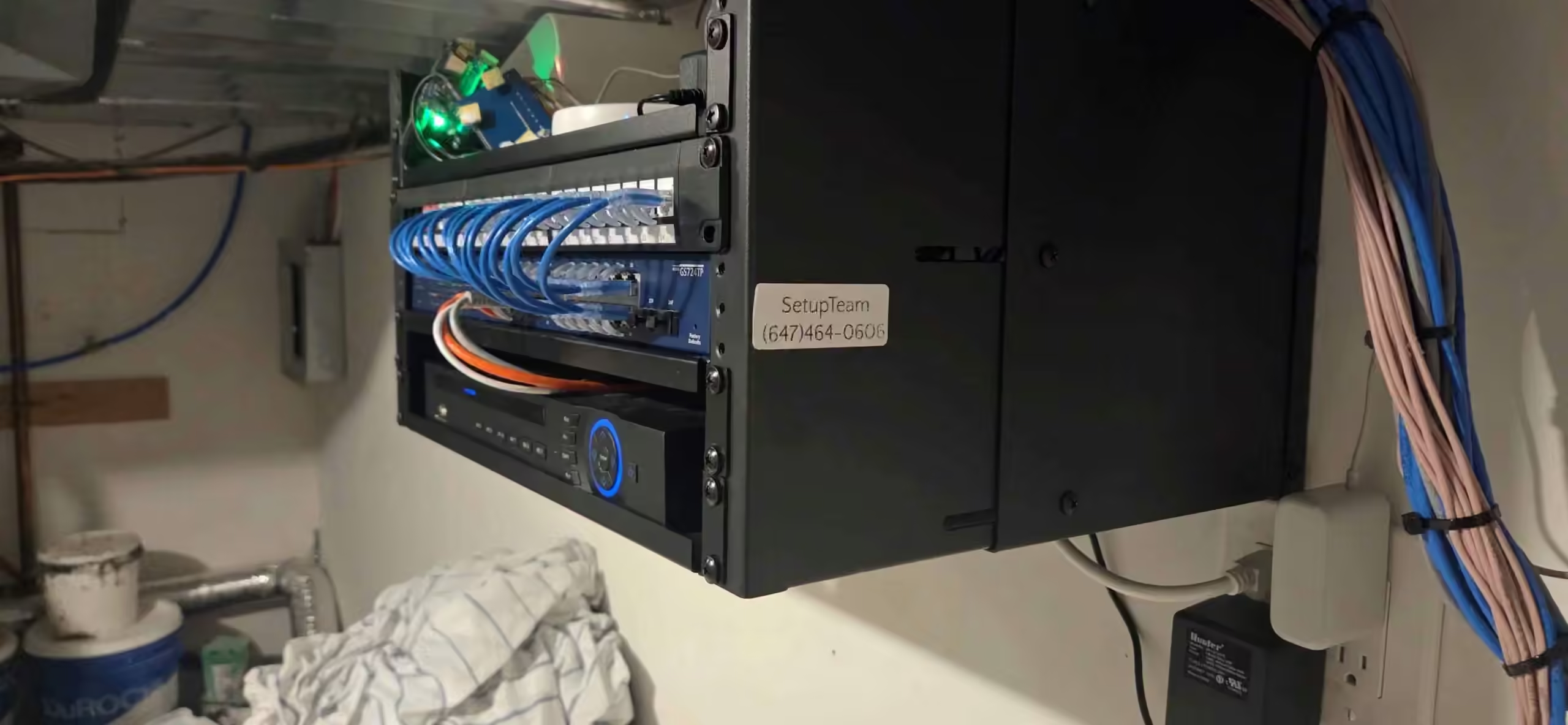
For a system another installer left behind. We document it, label it, fix the configuration and hand you a controller you can manage, with admin access in your name.
Remote support needs admin access to your UniFi console, either as an invited administrator or during a screen-share session. If the internet connection or the console itself is down, there is nothing to log in to, so the fault needs an on-site visit.
Network down after hours? Emergency after-hours visits are available at double the standard rates, and they are included for homes and businesses on our Priority Care and Premium Care support plans.
On a diagnostic we read the controller logs, test the cable runs and check how every device is configured before anyone talks about new hardware.
Can you take over a UniFi system another installer set up?
Yes. Takeovers are a common request: the original installer is gone, nobody has the admin login, or the network works but nobody dares touch it. We adopt the gateway, switches, access points and cameras into a controller we document properly, and the admin account ends up in your name.
At a business, a takeover often starts when the IT contractor who set the network up has moved on. We document the staff, guest and payment networks, and per-unit segmentation in multi-tenant buildings, so the system survives the next change of people.
Then we fix what was rushed. That usually means unlabelled cabling, a flat network with every device on one subnet, default firewall rules, orphaned devices still listed in the controller, and access points placed without a coverage plan.
You get a clean, labelled system with a written record of the port map, VLANs, wireless networks and admin accounts. If the takeover shows that part of the network needs rebuilding, we price that as a UniFi installation and explain which parts are worth keeping.
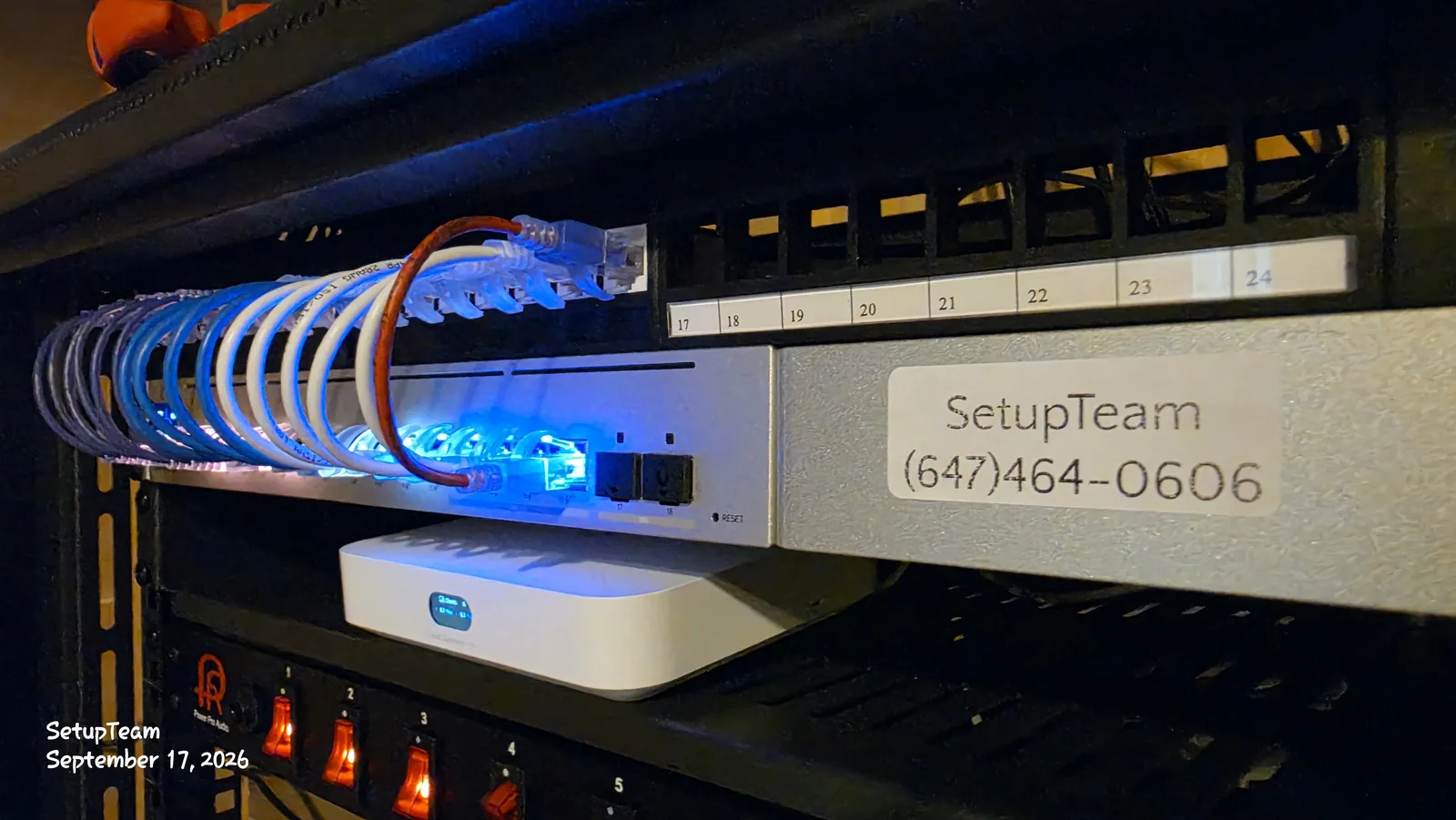
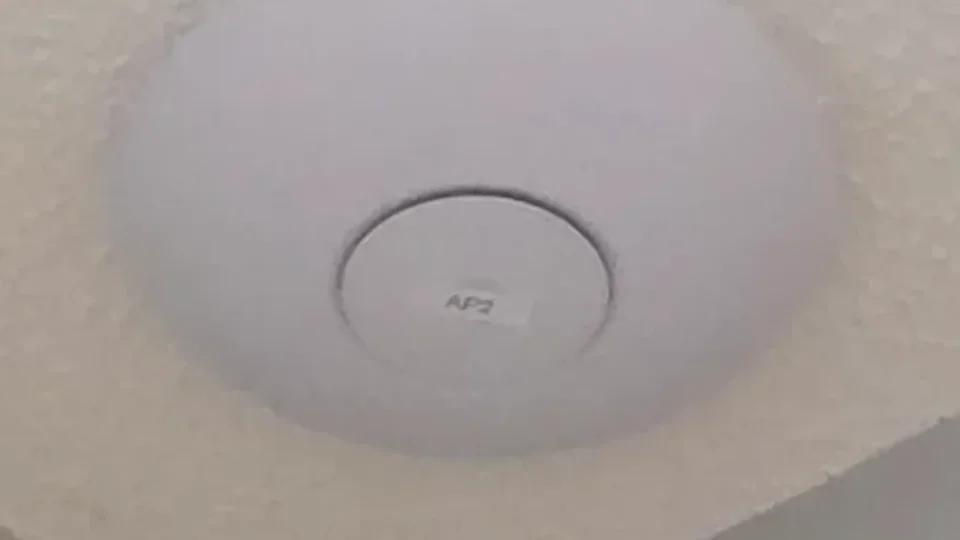
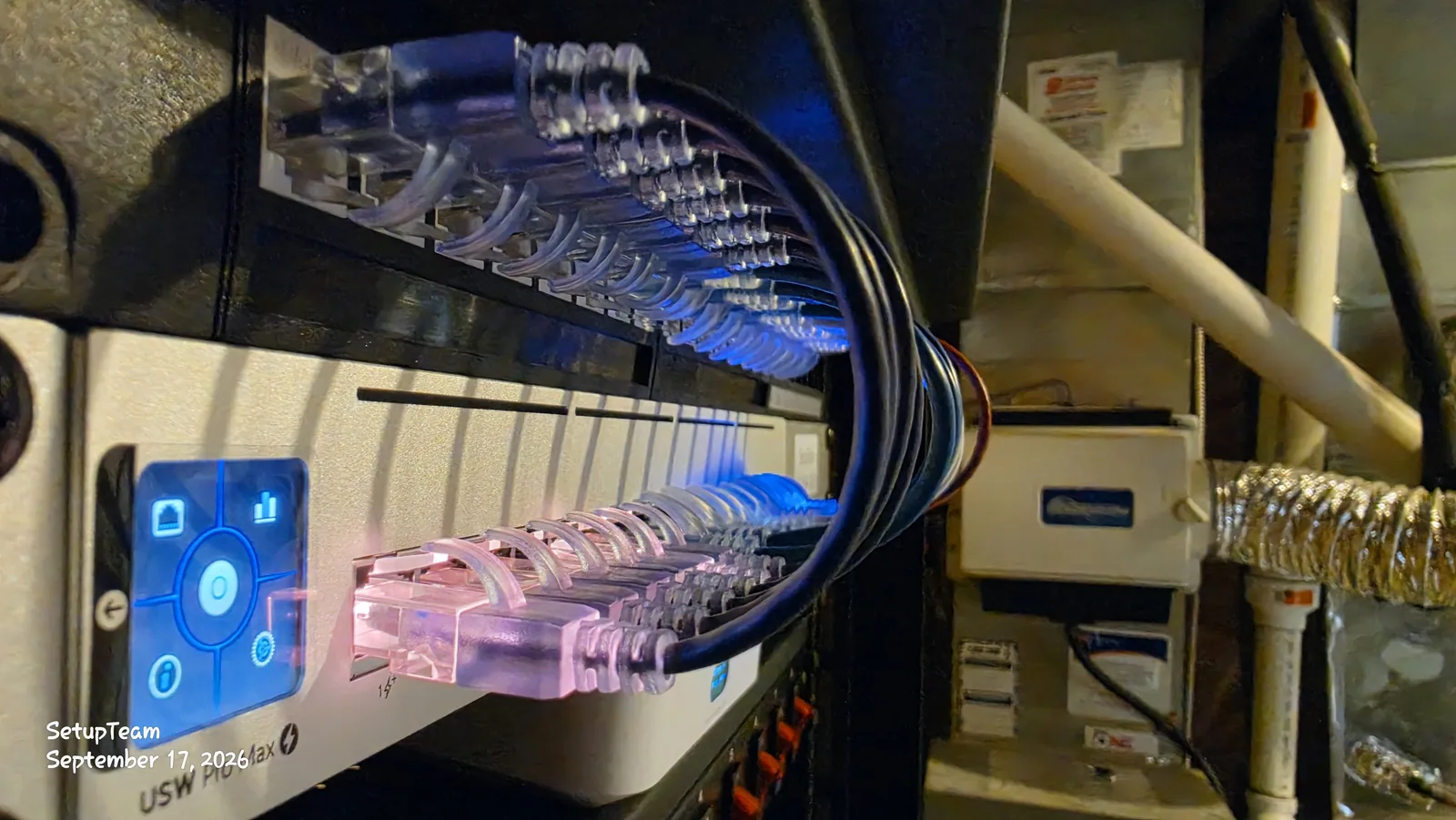
We also label as we go. Every access point, switch port and cable run gets the same name it has in the UniFi app, so the unit on the ceiling marked AP2 is AP2 on your phone. The device list and the AP2 photo on this page come from our own network. When something drops next year, whoever looks at it finds the right device in minutes instead of climbing a ladder to guess. At home, our UniFi app guide explains the status lights, alerts and guest Wi-Fi you will see in the app.

Which UniFi hardware do we troubleshoot?
All current UniFi gateways, consoles, switches, access points, Protect cameras and Access door readers, plus older gear still in service such as the CloudKey+. We work on the hardware you already own and suggest a replacement only when a device is the actual cause of the fault.

Dream Machine Pro
Rack-mount gateway running the UniFi Network application. When the whole network misbehaves, we start with its WAN settings, firmware, backups and firewall rules.

Cloud Gateway Max
Compact gateway common in homes and small offices. Typical calls: devices lost after a subnet change, VPN and port forwarding, and restoring a backup from an older console.

CloudKey+
Older controller hardware that still runs many networks. We back it up and move the UniFi Network application to a Cloud Gateway when it is time to retire it.

Pro Max 24 PoE
Powers access points, cameras and door readers. When devices drop or won’t power up, we check the PoE budget, port profiles and VLAN tagging.

U7 Pro
Ceiling access point. Most slow Wi-Fi calls come down to channel overlap, transmit power, or a wireless uplink where a cable was intended.

U7 In-Wall
Mounts on a standard single-gang box. Often the way to move coverage to a better spot without opening a ceiling.

G6 Turret
Cameras that stop recording after a network change. We check the VLAN rules, PoE and firmware against the console before touching the camera.

G3 Reader Pro
Door readers that stop responding. Usually a VLAN rule, a PoE budget the switch can’t supply, or firmware out of step with the console.
Product images: Ubiquiti Inc. UniFi is a trademark of Ubiquiti Inc.
Which UniFi problems do we fix in homes?
In homes: devices that won’t adopt, Cloud Key migrations, broken VLAN and firewall rules, and access points that drop or crawl. Each one is usually a configuration, placement or cabling problem rather than a failed product.
Devices won’t adopt
An access point or switch sits in “adopting” or “disconnected”. Common causes: the device can’t reach the controller after a subnet change, it is still tied to a previous controller, firmware is out of step, or the switch can’t supply enough PoE.
Cloud Key migration
Moving from an older Cloud Key to a UniFi Cloud Gateway or UDM. We back up the existing UniFi Network application, restore it on the new console and re-adopt anything that doesn’t reconnect, so VLANs and wireless settings normally carry across.
VLAN and firewall rules
Cameras that can reach the internet, a guest network that can see the NAS, or a smart TV that stopped casting after someone split the network. We rebuild the rules so each network reaches only what it needs.
Access points dropping or slow
Devices that disconnect or crawl near an access point. Usually channel overlap, transmit power set too high, an access point meshing wirelessly where a cable was intended, or a damaged run. We test the cable before blaming the radio.

Which UniFi problems do we fix for businesses?
In offices, clinics, stores and property-managed buildings, most calls come down to networks that were never separated properly: staff, guests, payment terminals, cameras and doors sharing one network, or too few access points for the people using them. If the space needs new cabling or a rebuild, that is our commercial network installation work.

Guest Wi-Fi reaching the office
Guests or patients on the same network as staff computers and shared drives. We separate staff and guest networks with VLANs and firewall rules, so guests get internet access and nothing else.
Payment terminals dropping
Point-of-sale devices that lose their connection on a crowded shared network, or after a rule change blocks them. We give them their own VLAN with rules that let them reach only what they need.
Busy rooms slowing down
Meeting rooms and open-plan floors that crawl once they fill up. Usually too many devices on one access point, or neighbouring access points on the same channel. We check capacity and placement before adding hardware.
Cameras and doors offline
Protect cameras that stop recording or Access door readers that stop responding after a network change. Usually a VLAN rule, a PoE budget the switch can’t supply, or firmware out of step with the console.


Start remote at $150/hour + HST. On-site diagnostics start from $400 + HST.
Book Remote SupportWhen should an access point move instead of adding another?
Move it first when the coverage problem comes from placement: an access point in a closet, behind a TV, in the basement ceiling under the one room that matters, or two access points so close together that they fight over the same channel. Adding a unit to a badly placed layout often makes roaming worse.
Moving an access point usually means a new cable run to the better spot. In a finished house that is our network cabling in finished walls work. On the main floor or in the basement, a U7 In-Wall on a standard single-gang box, fed by outdoor-rated Cat6 run along the exterior, often reaches the better spot without opening a ceiling. Where a run isn’t practical, a UniFi Whole Home WiFi 7 mesh node can fill a gap without opening walls.
We add an access point only when the space needs more capacity, for example a large open floor with many devices, or a detached garage or office. If the fix is a setting, we change the setting.
The same rule applies at work: in a meeting room that slows down when it fills up, we check where the access points sit and how many devices each one carries before adding hardware.
If you can’t tell whether a dropout is a weak UniFi node or a provider outage, our guide to telling home Wi-Fi faults from ISP outages walks through both.

What do you get once the network is fixed?
You get a working network and a record of what we changed: the fault we found, the settings we adjusted, and any device we recommend replacing, with the reason. After a takeover, that record includes the port map, VLANs, wireless networks and admin accounts.
If you expect to need help more than once a year, our technology support plans are often better value than paying per session, for homes and businesses alike. Essential Care is $250 + HST a year and includes remote troubleshooting guidance for supported systems. Priority Care and Premium Care also include after-hours emergency service.
If your Wi-Fi runs on an ISP router or another brand of mesh, that belongs under Wi-Fi optimization instead. For background on recent controller changes, see our notes on the UniFi Network 10.5 changes.

Common questions about UniFi troubleshooting.
UniFi Troubleshooting Near You in the GTA
SetupTeam serves communities across the Greater Toronto Area.
Get your UniFi network working.
Tell us what the network is doing and how it was installed. If we can reach your console, we start with remote support at $150/hour + HST; if the fault needs hands on the hardware, we book the on-site diagnostic from $400 + HST.
Bonded & insured · WSIB · $2M liability · 10,000+ completed projects

